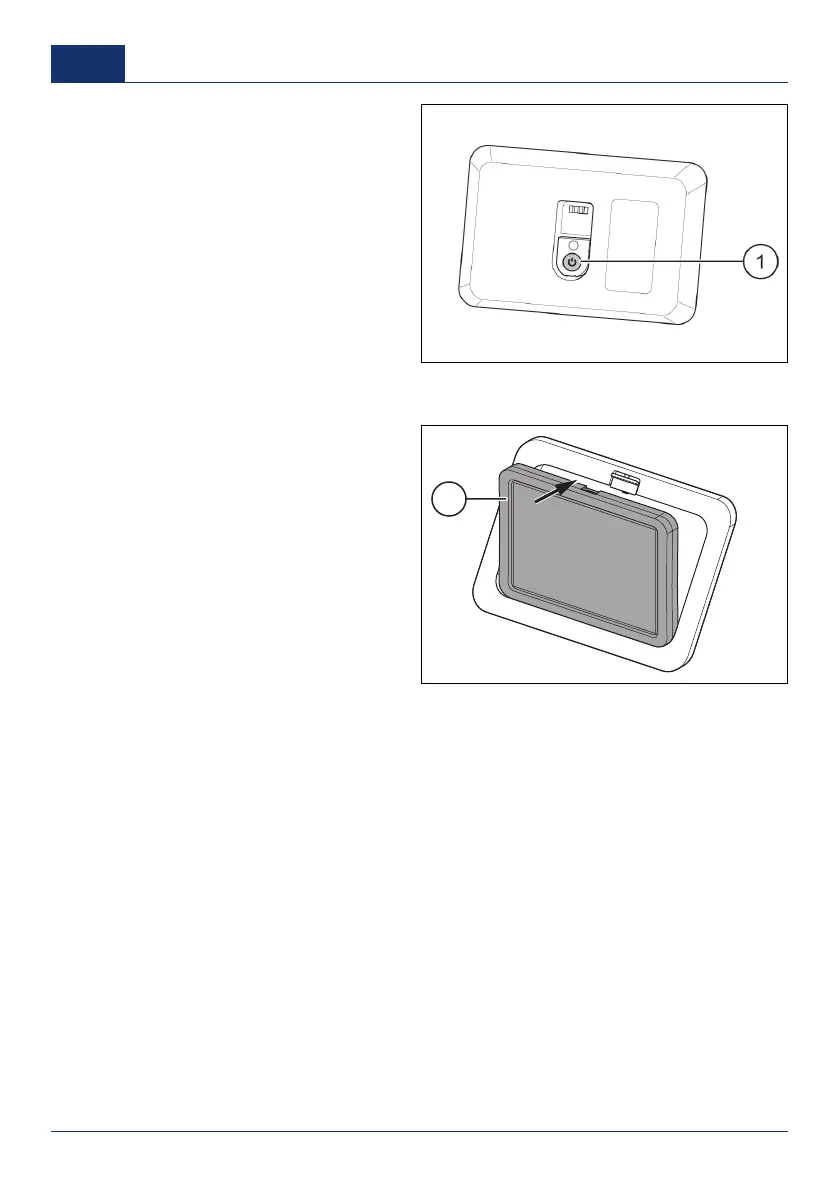
3. Push the ON/OFF button (1) on the
back of the touchscreen.
Put the device back into the wall frame
1. Put the touchscreen over the vertical rib at the bottom of the wall frame.
2. Push the touchscreen (1) into the
mounting frame.
The touchscreen is locked in the wall
frame when you hear a click from the
release slider.
Start the touchscreen
The touchscreen can be started in two ways:
■ To start the touchscreen in the fixed location, touch the screen.
■ To start the touchscreen when it is used remotely, push the ON/OFF button at the back of the
touchscreen.
Stop the touchscreen
When not used, the touchscreen automatically switches OFF after 30 seconds.
Level the vehicle
Read the safety instructions before you start the leveling procedure. Refer to
Safety instructions
.
It is also possible to level the vehicle with the E&P Hydraulics smartphone application. Refer to
Use the
smartphone application
.
38 0001
US



 To Next Page