86-87050-00 A02 - Page 30
5.3 Troubleshooting Requiring EATON After-Sales Support
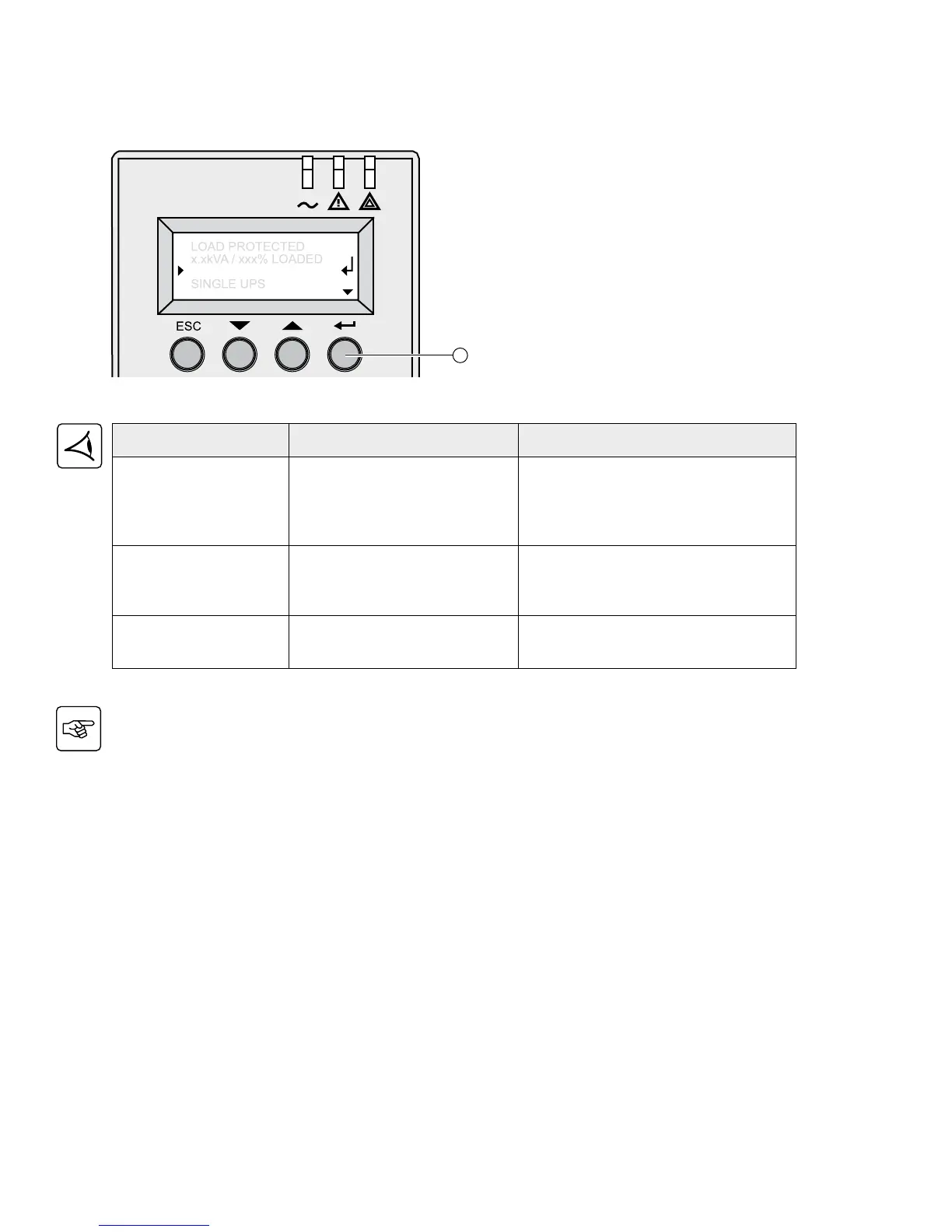
Note: In case of multiple fault, press the “Enter” button (27) and the scroll button (25) to get access to further
details.
5. Troubleshooting
Displayed Signification Correction
POWER MODULE FAULT
The battery is incorrectly
connected. Internal power
sub-module fault detected. Use
“Enter” button (27) to display
details.
See after-sales support at www.eaton.com.
Follow the power sub-module replacement
procedure (see sections 7.1 and 7.2)
BATT MODULE FAULT
Battery fault detected during the
battery test. Use “Enter” button
(27) to display details.
See after-sales support at www.eaton.
com. Follow the battery sub-module and
battery module replacement procedure
(see section 7.2)
FRAME FAULT
Internal chassis fault detected.
Use”Enter” button (27) to display
details.
See after-sales support at www.eaton.com.
Follow the frame replacement procedure
(see sections 7.1 and 7.2)



 To Next Page