Eaton SPD Series for Mounting External to Electrical Distribution Equipment Installation Manual IM01005031E—Rev 09 31
FFiigguurree 3366.. IImmppoorrtt SSuucccceessssffuull
Log out of the device, close the browser, reopen the browser and then re-enter the device's IP address using
secure login beginning with https:// followed by the device’s IP address. Once logged in, the address on the
toolbar should show the locked padlock symbol similar to the one shown below.
FFiigguurree 3377.. SSuucccceessssffuull SSeeccuurree LLooggiinn
55..33..22 UUppggrraaddiinngg FFiirrmmwwaarree
To update the firmware in the Power Xpert SPD, go to the Eaton website at www.eaton.com/PXSPD and
download the latest version firmware to a laptop or PC.
Connect the laptop to the Power Xpert SPD via an Ethernet cable and log in to the SPD. Once logged in, scroll
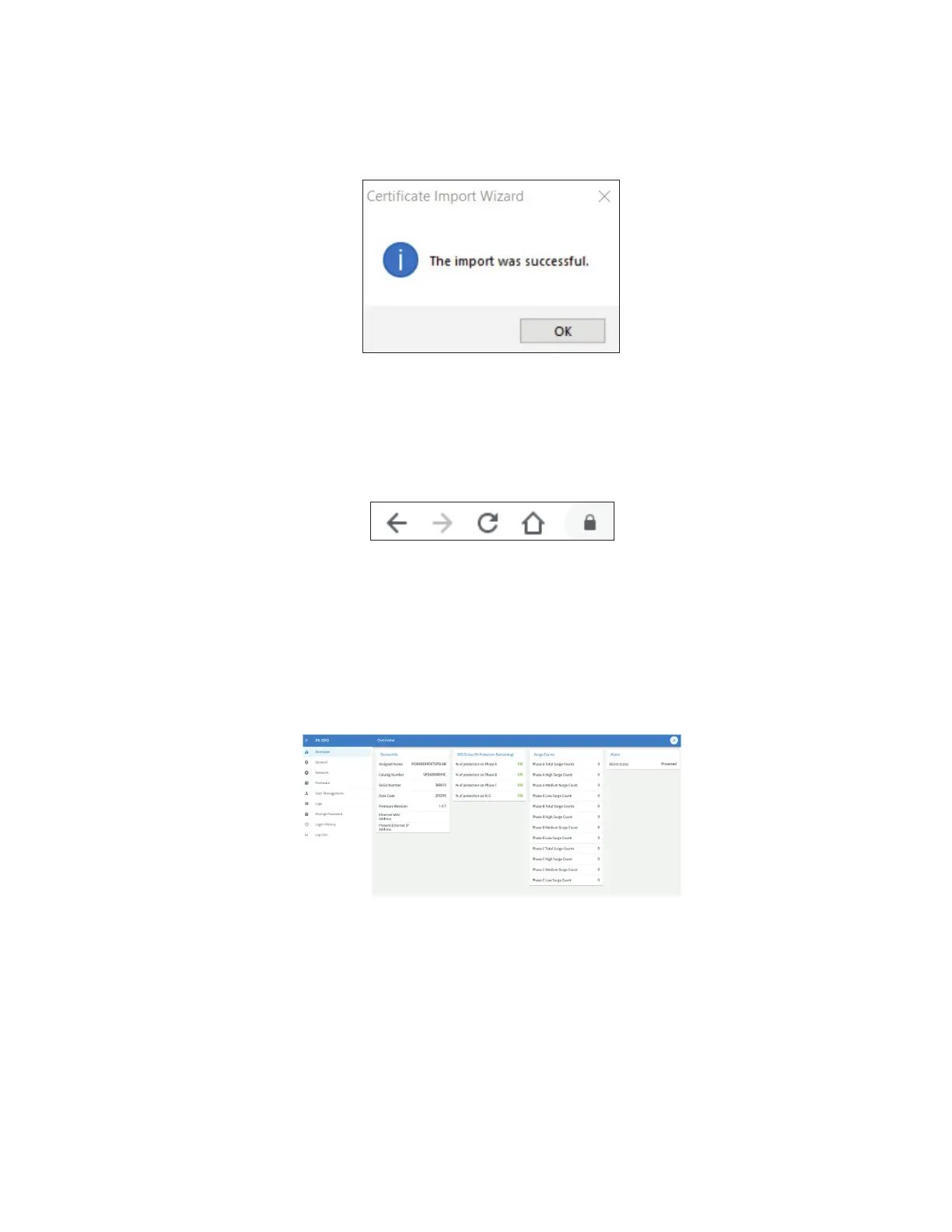
to the toolbar on the left and select Firmware from the menu.
FFiigguurree 3388.. SSeelleecctt tthhee FFiirrmmwwaarree TTaabb
The window below opens and then select "OPEN CODEPACK".
Power Xpert SPD User Setup


 To Next Page
 Loading...