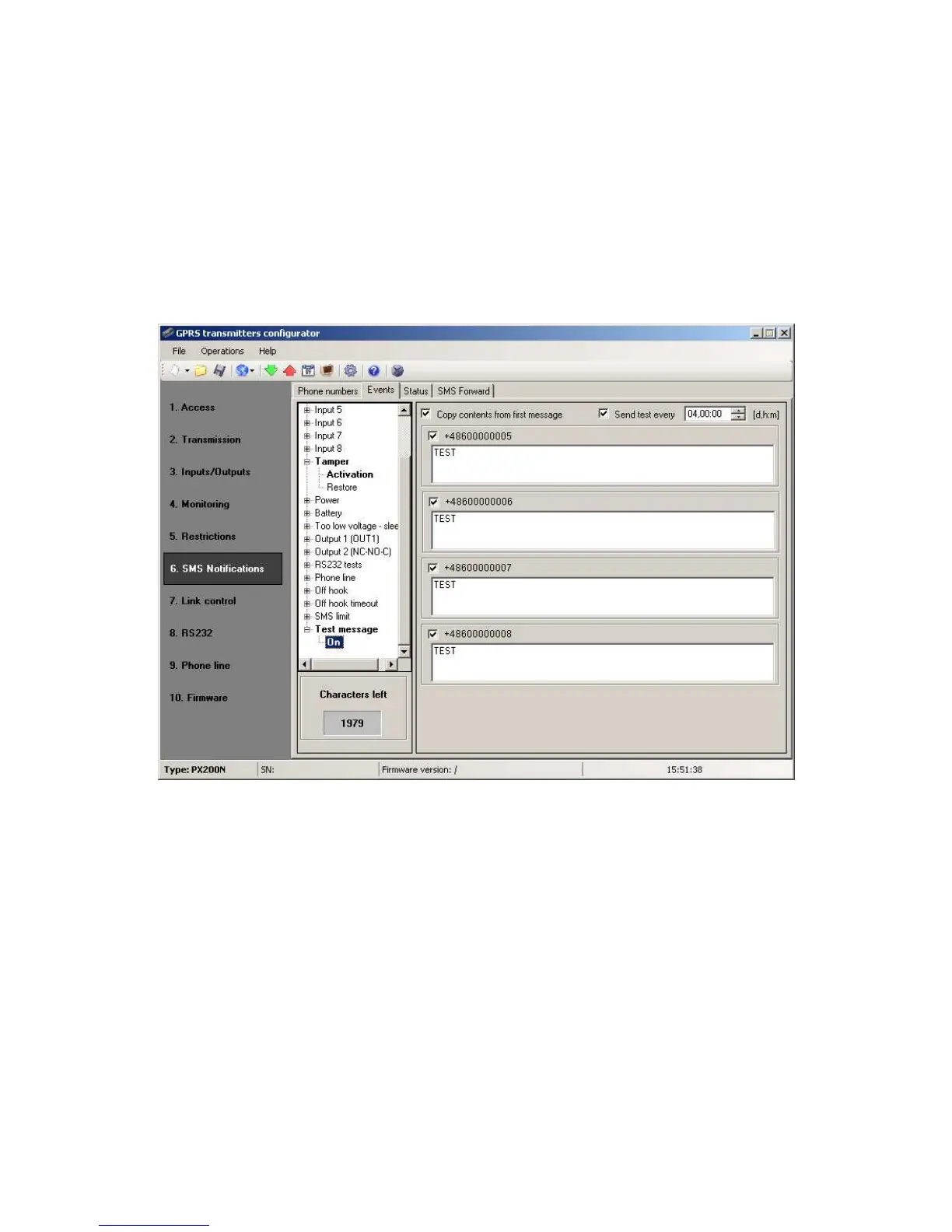
SMS user tests
SMS user tests sent to specified phone numbers are carried out independently of
the operating mode of the device (GPRS / SMS / GRPS & SMS / Serverless). To
enable the cyclic tests provide up to 5 phone numbers in “SMS Notifications” tab.
Then, for the event “Test message”, type your message and provide a period of the
test message. To do this, mark “Send test every” and indicate the period of the test
set out in the next field. The format of the test period field is “the total number of
days, number of hours:the number of minutes”. No selection in the “Send test
every” will disable SMS user tests.
7.6.3. Status
The device provides for remote enquiry about the status. Edit in this field message
text that is to be sent to the user as a reply to command regarding status checking.
Telephone numbers authorized to send enquiry about status are defined in option
Restrictions >Authorized SMS phones.
Reply from device shall be sent at number, from which enquiry was sent.
In reply about status a device shall send one SMS message containing proper text
defining actual output , input state and power supply.
Note : Counter “Allowed characters” informs about the total number of
characters that may be inserted into the table.



 To Next Page