Page 18
9. Data Logging onto Memory Card (2GB max)
Initial Set-up
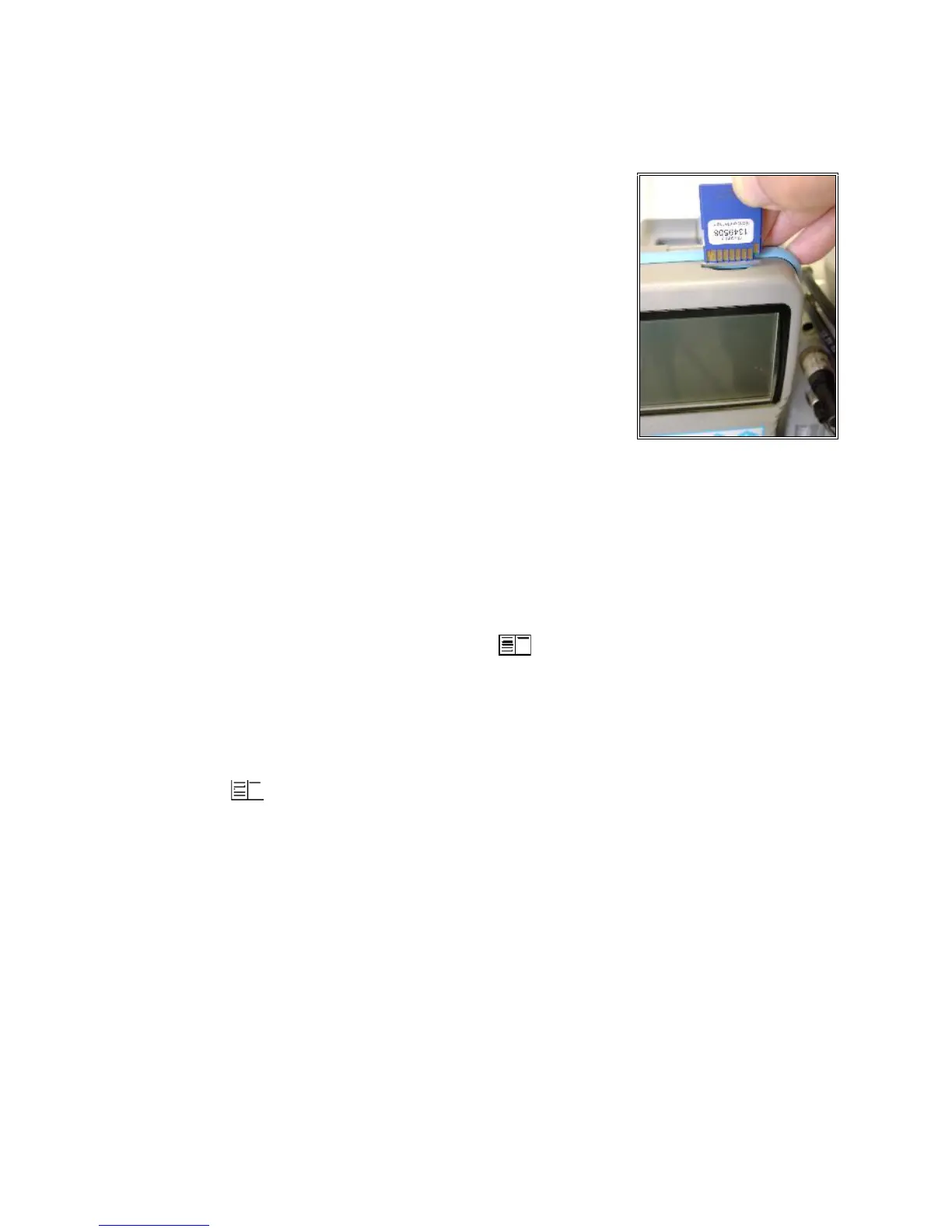
1. Insert memory card (32MB to 2GB) into
the top-right of the handheld display
2. Go to Automatic Meas. -> Save to MM
Card. This is the time interval that each
data snapshot is recorded to the memory
card (min. 1sec, max 255sec). Input
desired amount in seconds and press OK.
Data Logging
1. Within Automatic Meas., select Datalogger -> “Start dl?
Are you sure?” -> Press F1
2. Analyzer is now in Datalogging mode. The
blinking disk in the top right corner indicates that the analyzer
is currently logging data. Press to return to the main menu
and select Gas Analysis to view real-time measurements.
3. To start & stop data logging, press 5 (disk symbol) while
in Gas Analysis.
4. To complete data logging and save the file to the SD card,
press to return to the main menu, go to Automatic
Meas., select Datalogger -> “Finish dl? Are you sure?” ->
Press F1.
5. Press down on the memory card to release, and insert the card
into a card reader on a computer to view the files (.csv format).
Each data logging term will be saved separately as J2KDL-00,
J2KDL-01, J2KDL-02, etc. Open in Microsoft Excel.



 To Next Page