Only use sensors, filters, and filter media
provided by ECOM. Do not use desiccant!
14.1 Filters
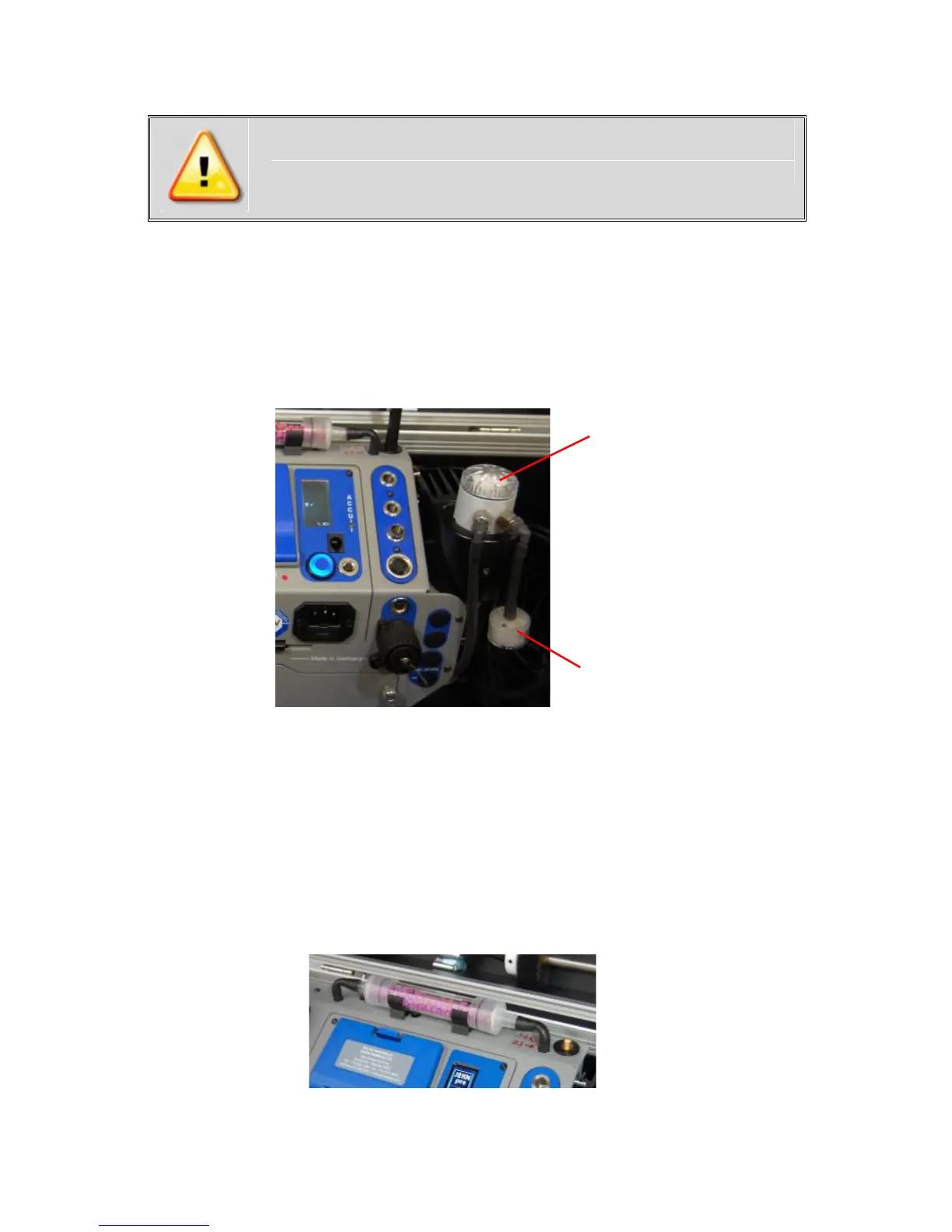
Particulate filter (water trap filter)
Unscrew the cover of the water trap and check the particu-
late filter for greyness. Change it once the filter has a dark-
ness of 4-5 on the soot chart scale.
In-line smoke filter
The round in-line smoke filter should be checked periodically
for greyness. Change it once the filter has a darkness of 4-5
on the soot chart scale.
NOx/SOx filter
The CO sensor has an independent gas path (see 4. Gas
Path Diagram) which includes a potassium permanganate
chemical filter for filtering SO2 and NOx from the gas sample.
Color change: purple -> brown -> grey-> white
Filter media should be changed once it has turned grey!



 To Next Page