Page 34
15.4 How to Change NO, NO2, SO2, and High CO
Sensors (continued)
Step 9: Place board onto new sensor
Step 10: Insert new sensor, turn 45 degrees clockwise to lock
into place, and replace ribbon cable
Step 11: Repeat steps 7-10 for each sensor you would like to
change
Step 12: When done, replace cradle and reinstall O2 sensor by
screwing clockwise until locked & reconnect wires
Step 13: Replace O2/CO cover plate and tighten screws with T-
10 torx wrench
Step 14: Reconnect battery leads and close battery drawer
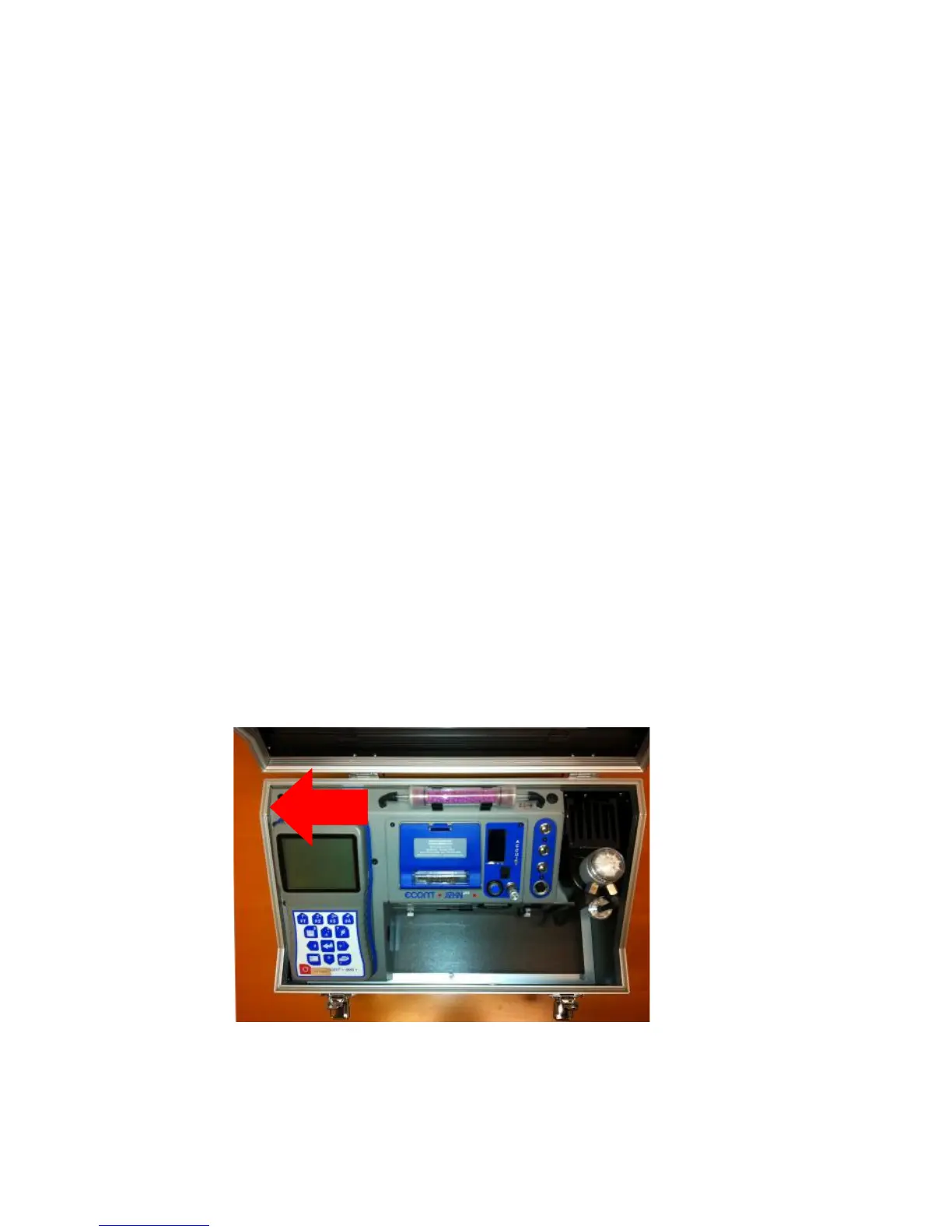
Step 15: Place base unit into carrying case and reconnect drain
hose
Step 16: Align the analyzer all the way to the left, gently set
analyzer on its back, & replace the 3 bottom screws
Step 17: Calibrate your new sensor(s) using certified gas
***If you have any questions, please call (770) 532-3280
and ask for the service department***



 To Next Page