Page 37
17. Flow Velocity Measurement (Option)
Stack flow or exhaust gas flow can be measured by the
J2KN-Pro using a special flow probe.
First, the Pitot factor must be entered in the Adjustments
menu to get the correct flow rate calculation. Input 0.93 for the
Pitot factor if you are using a standard ECOM probe. To do this,
go to:
Adjustments -> Internal -> Pitot factor
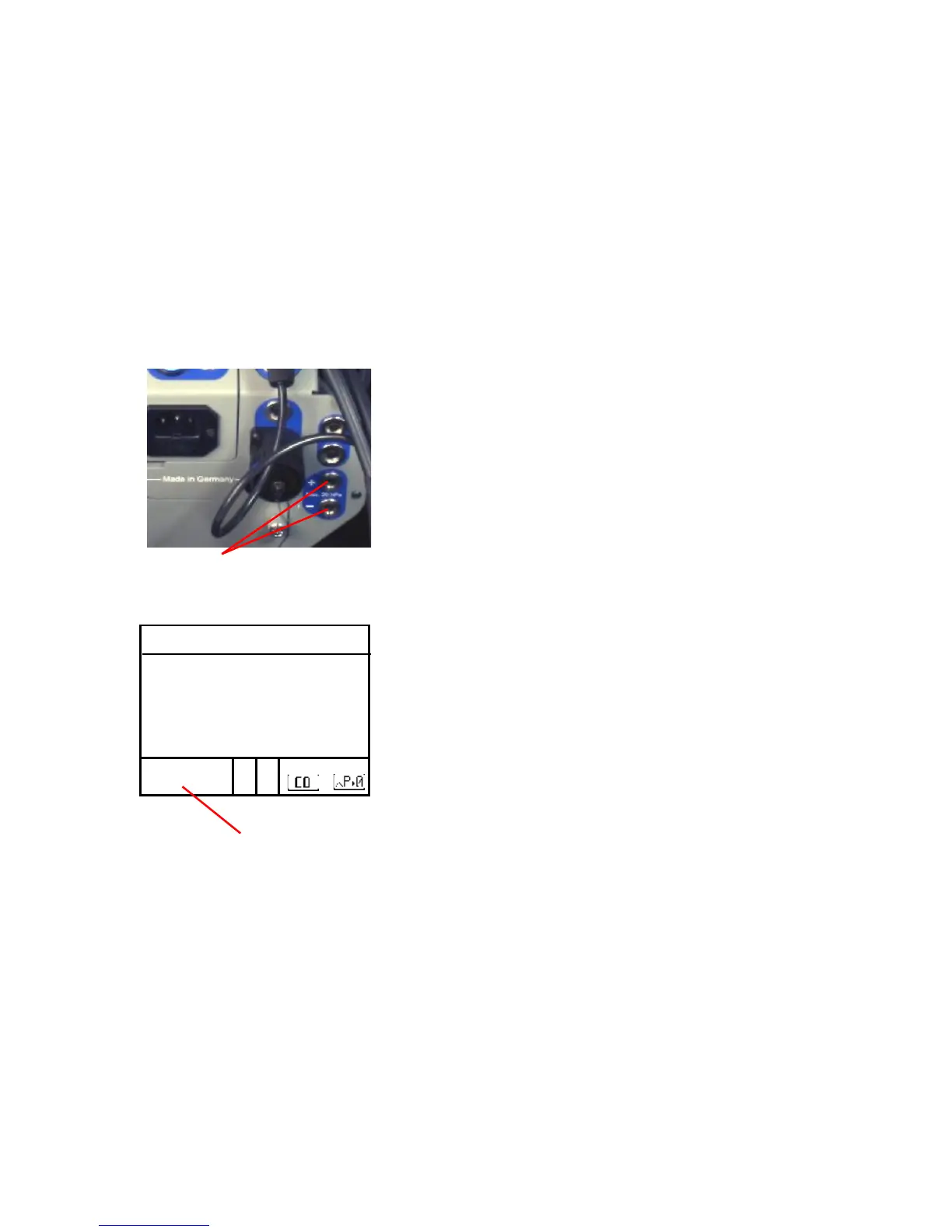
After connecting the Pitot tube to the
analyzer, go to Flow Measurement
Press <F4> to set the zero point of the
flow sensor.
Press <F1> to input the cross section
of the stack or exhaust stream, which
is required for the flow rate calculation.
Position the Pitot tube in the stack or
exhaust stream.
The display will show the speed (m/s),
flow rate (Nm3/h) and differential pres-
sure (Pa). After the values have stabi-
lized, press <F2> to print the results.
*Call ECOM at 877-326-6411 if you would like the flow measurement
option added to your J2KN-Pro. You will have to get a return authori-
zation number and send the analyzer to our service department in
Gainesville, Georgia, USA.



 To Next Page