11. Draft/Pressure
A trend indication for the draft conditions in the exhaust
channel is displayed in the Gas Analysis screen. Note that the
pressure sensor tends to drift because of its sensitivity, and it
is necessary to calibrate the sensor immediately before sam-
pling to get an accurate measurement.
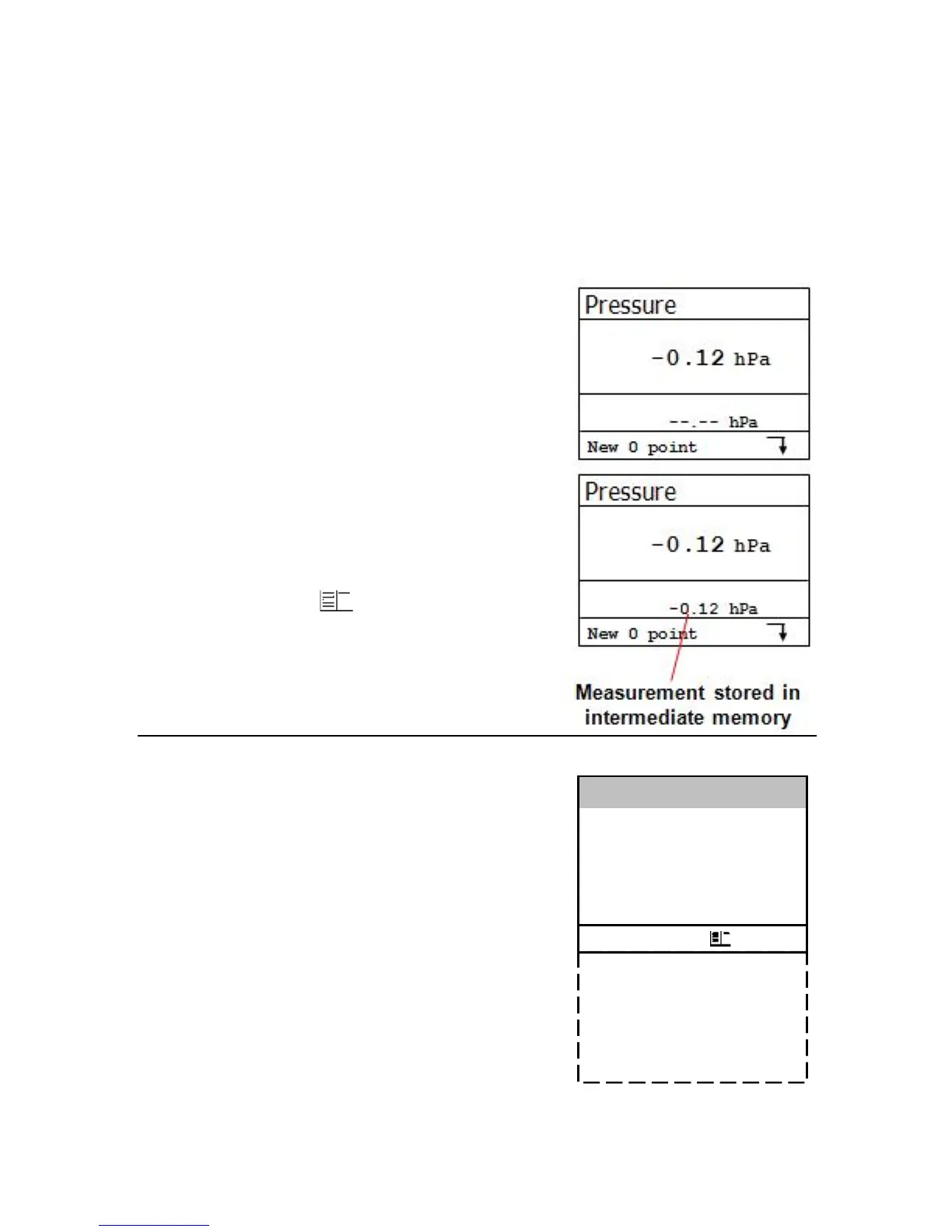
To calibrate, go to Draft/Pressure.
The current value is displayed. Discon-
nect the draft hose from the J2KN for a
short moment and press <F4>.
The pressure sensor is now calibrated.
Reconnect the draft hose. The dis-
play shows the current draft meas-
urement value. This can be stored into
intermediate memory by pressing
5/Save. The stored value is shown on
the display. Press to quit the dif-
ferential pressure menu.
12. Adjustments
Most of the settings of the J2KN-Pro
that are user-selectable can be changed
in Adjustments in the Main Menu.
Auto-Zero (J2KN-Pro IN only)
Press <OK> to set new zero points
for sensors. Before using this function,
the sensors must be flushed with fresh
air, and the J2KN-Pro IN must be in a
fresh air environment during the auto-
zero phase.
Unit
The default setting for gas concentration units is ppm
(parts per million). The options for units include:



 To Next Page