The data, information and descriptions, and the technology described herein are the exclusive intellectual property of Snap-on Climate Solutions S.r.l. and
constitute industrial secrets. Said information is communicated in strict confidentiality; said information may be used only for the purpose for which it is
communicated; said information may not be divulged, communicated, or revealed to third parties and/or reproduced by any means for any reason whatsoever; said
information is protected under applicable Italian competition and industrial property law.
Service manual Cinquecento12 (VA21) [MANUY2V.SB0] ed.1 ver.0.1.doc pag.88 - 09/11/2021
The touchscreen display does
not respond to commands
-clean the dirt between the
screen and the plastic frame
- check the flat cables
between the display and the
board
-if you have a printer, try
disconnecting it from the
card
-updates the SW to the latest
version
The display is off but the
machine is on (you hear the
fan spinning )
Try turning the machine
off and on again.
Check if the USB port is
free from device
Open the operator panel
and check the connection
of the display power cable
Red led in board center does
not flash
Turn off the unit.
Disconnect the power
cable on the board (red
and black wired)with
white connector). Turn on
the unit, reconnect the
cable and see if it come
back to flash.
-Update sw.
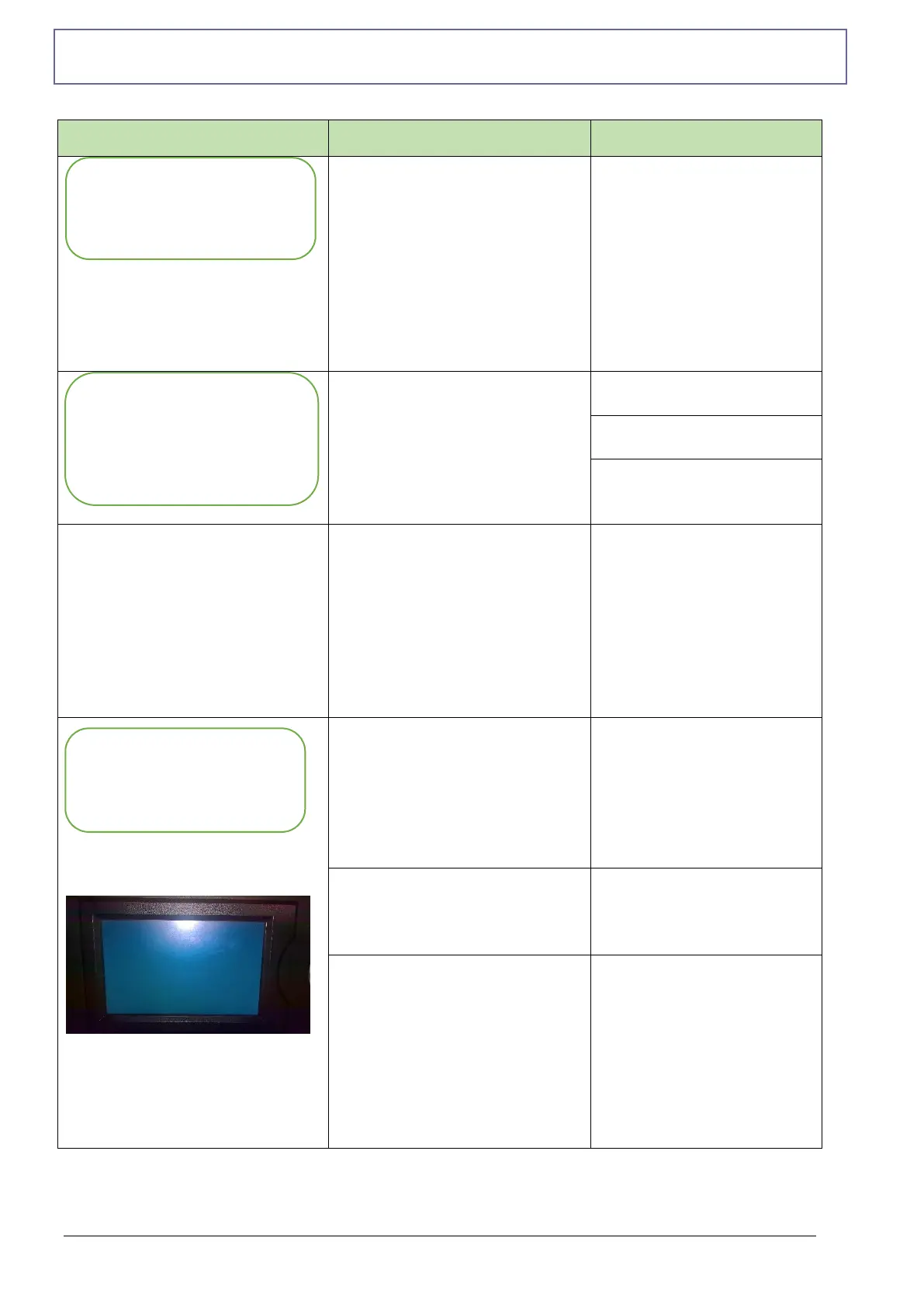
The display is on, but the
start-up screen is not visible
Turn off the machine,
check for any impurities
between the frame and the
touch screen, and turn the
machine on again. If it
continues, contact
Technical Support.
Device inserted in the USB
port
Remove any devices
inserted in the USB port
and try to turn the
machine off and on
Flat cables between display
board and printer incorrectly
inserted.
Turn off the machine.
Open the top panel and
check on the display board
that the flat connectors are
well inserted including the
printer cable if it is
present. Turn On the
machine and check if work
well
MACHINE LIGHT ON
WITH BLUE DISPLAY
THE TOUCH SCREEN
DON’ T RESPOND
THE MACHINE IS
LIGHT ON,
BUT DISPLAY OFF
(BLACK)



 To Next Page