Press or to select a digit in a number, press or key
to change the number. Press or to change the activated option
field, toggle OK or Cancel then press or key to confirm.
4.8.3 Graph Mode
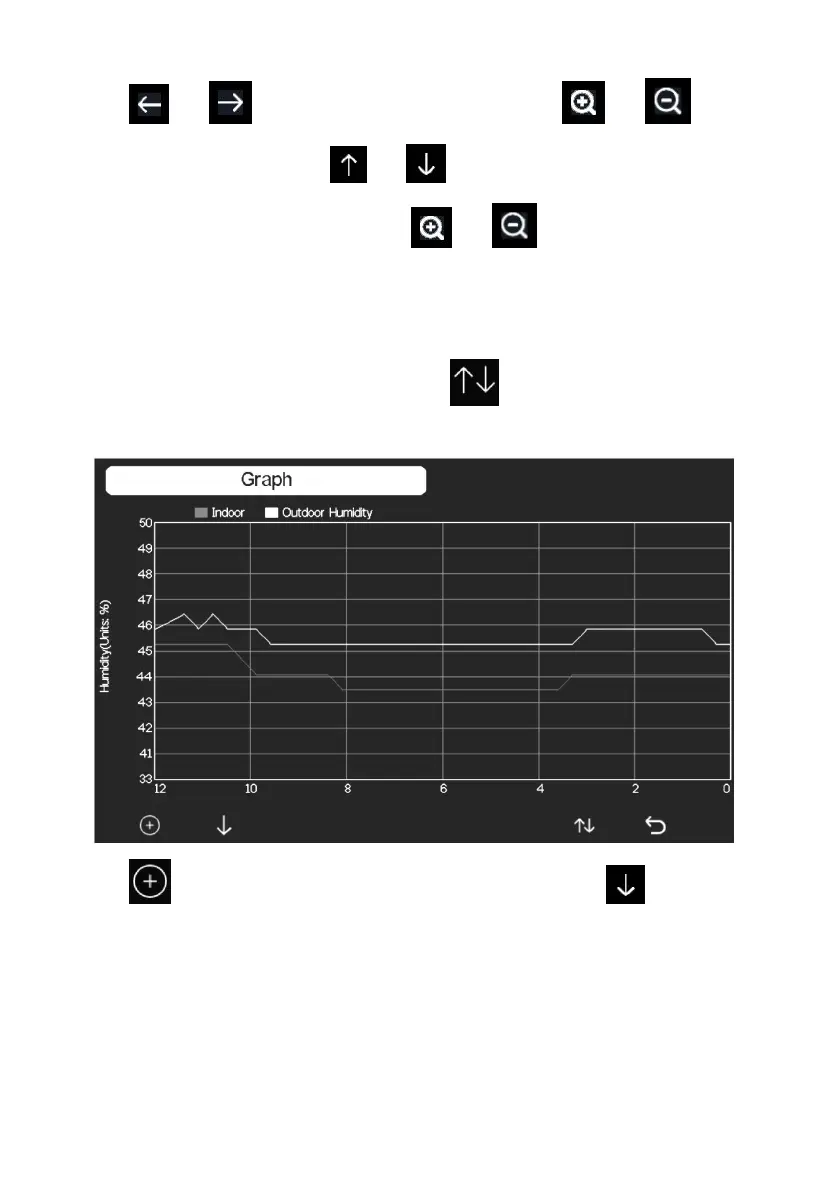
While in History Record Mode, press the key once to enter Graph
Mode.
Press to shift the data display of 12/24/48/72H. Press to view
the graph of the following data:
Indoor outdoor humidity
Dew Point and Feels like
Indoor outdoor temperature
Wind speed and Gust



 To Next Page