alarm will sound for 120 second and the corresponding icon will flash
until the weather condition doesn’t meet the user set level. Press any
key to mute the alarm.
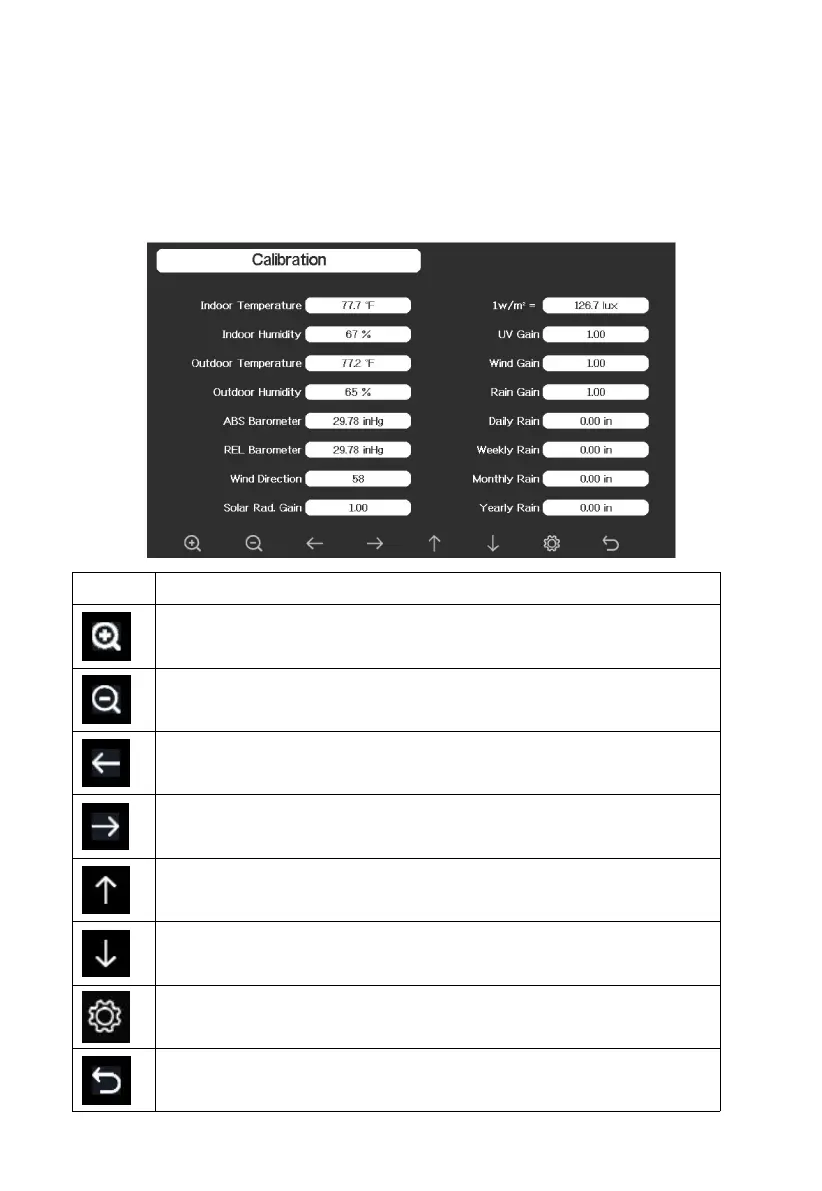
4.9.19 Calibration Mode
Select key
Press this key to select the unit or scrolls the value
Select key
Press this key to select the unit or scrolls the value.
Left key
Press this key to select the set value.
Right key
Press this key to select the set value.
Up arrow key
Press this key to change the activated option field
Down arrow key
Press this key to change the activated option field
Set key
Press this key to select the Setting sub-Mode
Return key
Press this key to return to previous mode



 To Next Page