5.2 Weather Forecasting
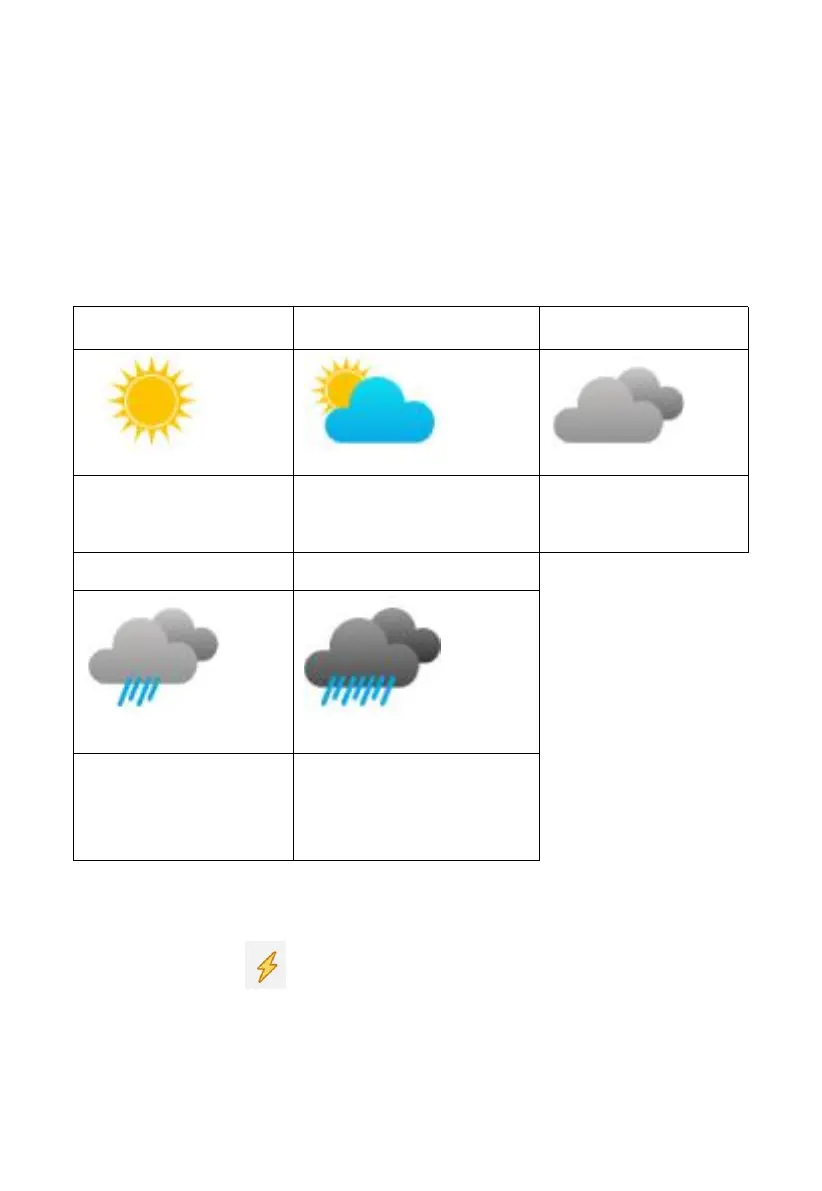
The five weather icons are Sunny, Partly Cloudy, Cloudy, Rainy and
Stormy.
The forecast icon is based on the rate of change of barometric pressure.
Please allow at least one month for the weather station to learn the
barometric pressure over time.
Pressure increases for a
sustained period of time
Pressure increases slightly
or initial power up
Pressure decreases
slightly
Pressure decreases for
a sustained period of
time
Pressure rapidly
decreases
5.3 Lightning Alert
The lightning icon will appear if the Dew Point exceeds 70 F. This
means there is a chance of lightning storms forming.



 To Next Page