You can use a microSD card for the firmware update.( microSD card not
included). Update firmware process: visit www.ecowitt.com for available
update, copy “user.bin” file onto microSD card main root. Insert SD card
while display in operation, it will immediately show an update process,
follow the instruction to complete update.
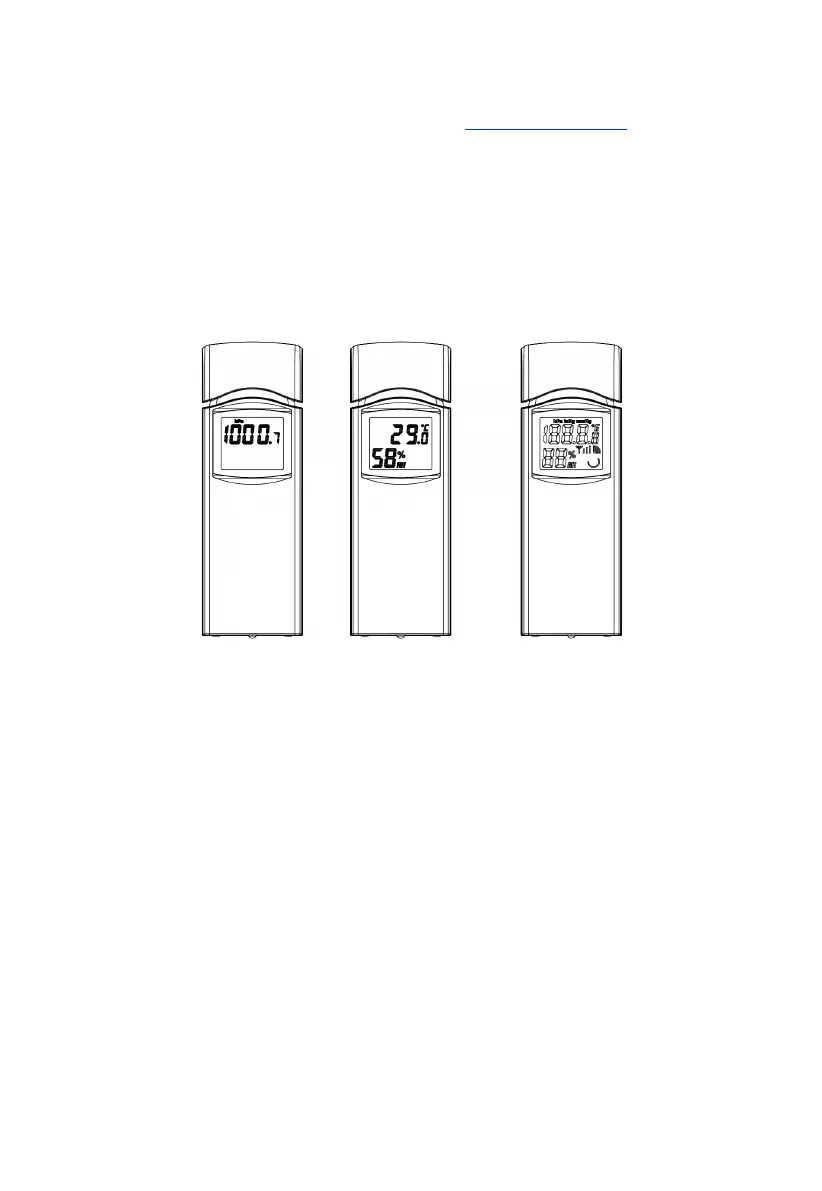
3.2 Indoor sensor
Figure 3: Indoor sensor 2 display variations
The indoor sensor will display indoor temperature, humidity and barometric
pressure alternately.



 To Next Page