Wind Direction
UVI
Solar radiation
Rainfall hourly and daily
Barometer(REL & ABS)
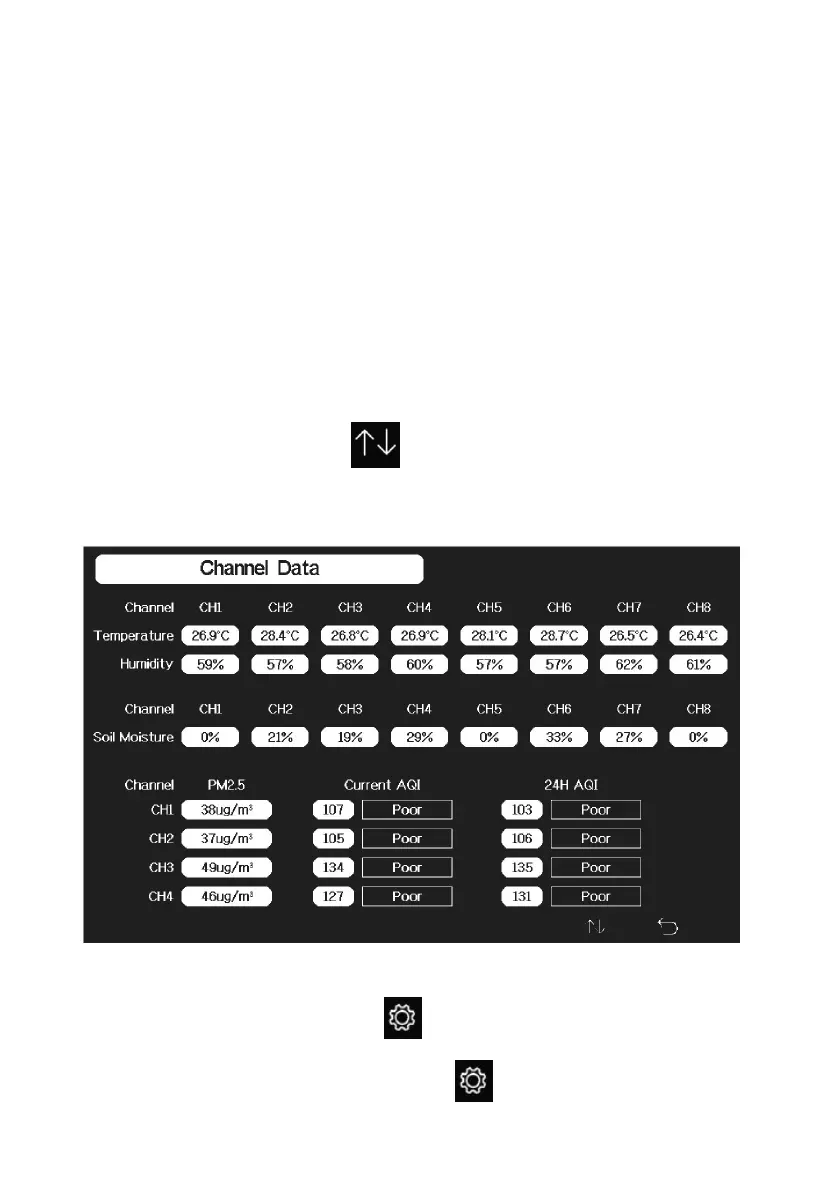
4.8.4 Optional Sensor Display Mode
For optional WH51 soil moisture sensor and WH41 PM2.5 sensor, only the
first channel data will display on the main screen of the console. To view the
full display of multi-channel sensors you can do this:
While in Graph Mode, press the key once to enter Optional Sensor
Display Mode.
4.9 Setting Mode
While in normal display, press the key to enter Setting Mode. You can
select the below sub-mode by pressing the key



 To Next Page