4.9.10 Backlight setting
While in Menu Setting Mode, press key to select Backlight Setup field,
press or key to enter backlight Setup mode:
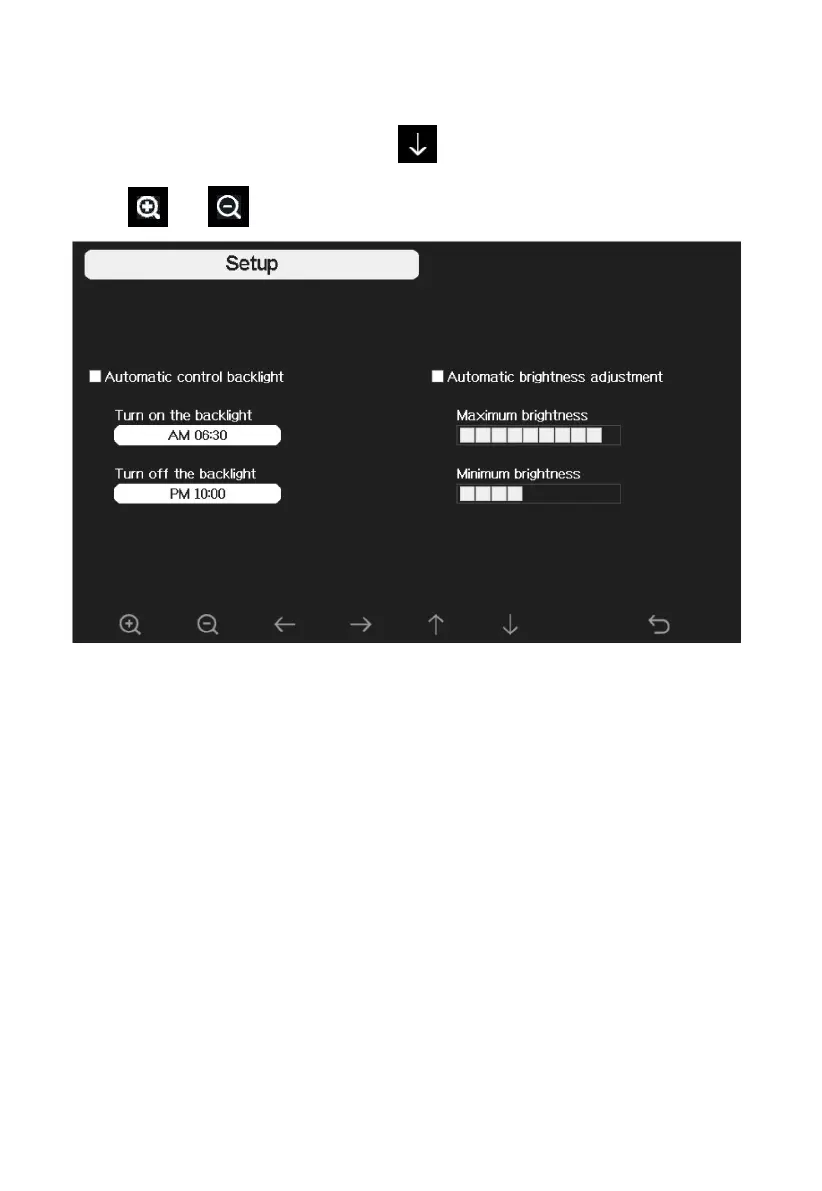
Figure : Backlight Setting Screen
Automatic control backlight: select this option, the backlight will auto turn
on and off according the set time
Turn on the backlight: set the time of turning on backlight
Turn off the backlight: set the time of turning off backlight
Automatic brightness adjustment: select this option, the brightness will
change according to the light intensity measured from outdoor sensor
Maximum brightness: set the maximum brightness while it is the highest
light intensity
Minimum brightness: set the minimum brightness while it is the weakest
light intensity



 To Next Page