2 - 2 AG45134 Rev. 3
Platesetter
The platesetter outputs the imaged plates.
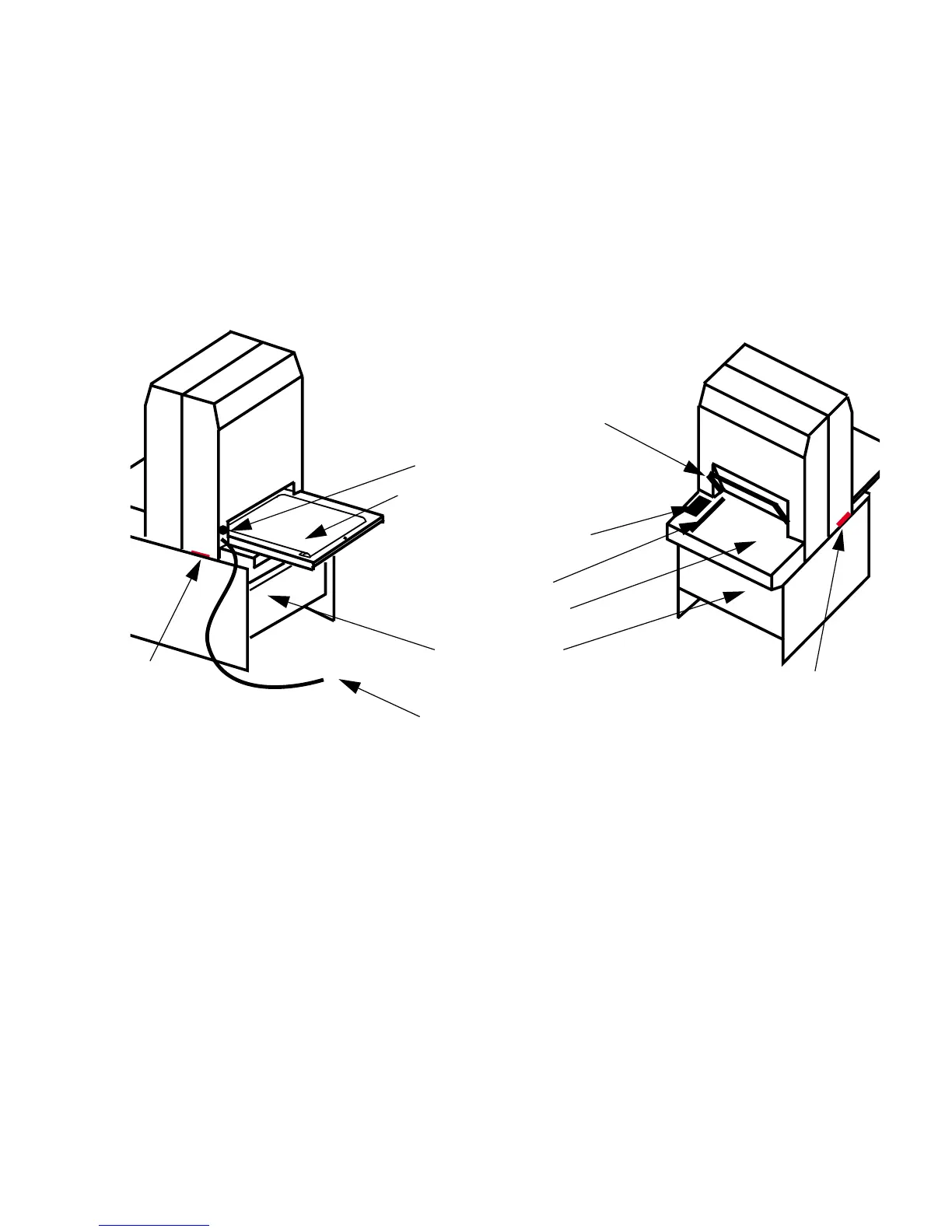
Main Parts of the Platesetter
Figure 2-1 Main Parts of the Platesetter
The Power Switch
The power switch controls ac power to the system. To start up
the system, turn on the power switch located on the rear right
side of the machine. Depress zero (0) to turn
OFF
,
depress one
(1) to turn
ON
. See Figure 1-1.
Note: It is recommended that the system be powered on for a 1-
hour warm-up period prior to imaging.
FRONT VIEW
POWER SWITCH
CONTROL PANEL
PINCH ROLLER BAR
MEDIA TRANSPORT
REAR VIEW
INPUT TRAY
PEDESTAL
PIN BAR
FAN
ILTER
FAN
FILTER
POWER CORD



 To Next Page