AG45134 Rev. 3 2 - 19
Running a Step Wedge Test Pattern
The step wedge test pattern is used to set the proper exposure for a
polymer plate. Here s how to run step wedge test plate.
Preparing to Run the Step Wedge Test Pattern
Step 1. Under safelight conditions, place a test plate on the input shelf.
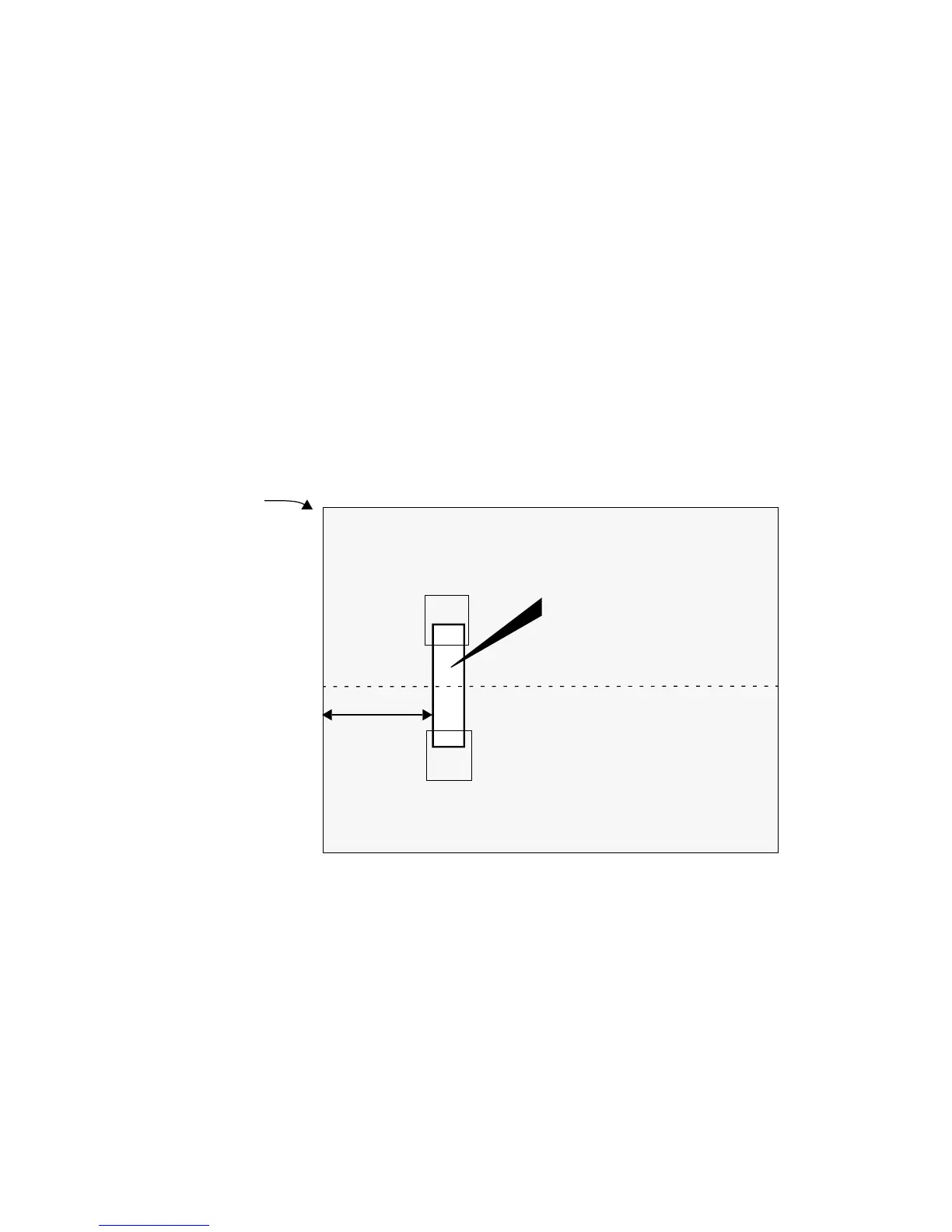
Step 2. Using the plate manufacturer s recommended step wedge, cen-
ter the step wedge on the plate 6 inches (15.2 cm) back from the
leading edge, as shown below.
Be sure to use two pieces of tape. Make sure the emulsion side
of the step wedge faces the emulsion side of the plate, and that
there are no air gaps between the wedge and the plate.
Figure 2-9 Placement of Step Wedge on Test Plate
Running the Step Wedge Test
Step 1. At the control panel, press MENU and then repeatedly press
SELECT until the Test Patterns Menu displays.
Step 2. Press NEXT, and then press SELECT to Enable.
STEP WEDGE
Centerline of Plate
6 inches
TAPE
TAPE
Leading Edge
of Plate
15.2 cm



 To Next Page