AG45134 Rev. 3 2 - 23
Step 3. Press the control panel OK button.
Step 4. Resume normal operation.
System Configuration Display
Should you ever call for service, your service provider may ask you
to relate the information that appears on the System Configuration
display. To view the display:
Step 1. Place the system in ONLINE mode.
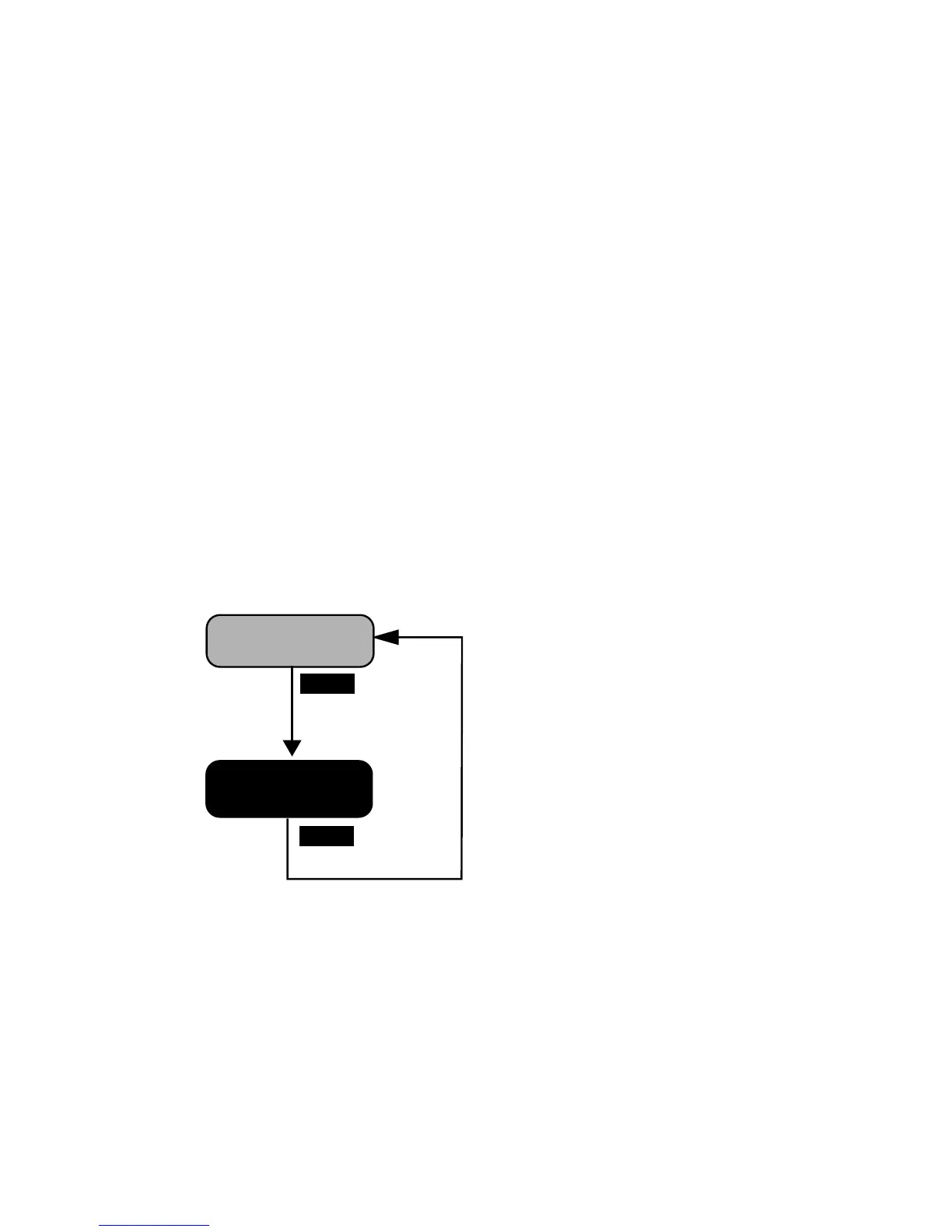
Step 2. Press the Select key. The System Configuration Screen displays.
Step 3. Convey the information on the screen to your service provider.
Step 4. Press the select key to clear the display and return to ONLINE
mode.
Figure 2-10 System Configuration Display
SELECT
SYSTEM
CONFIGURATION
SELECT
THIS SCREEN DISPLAYS THE
FOLLOWING INFORMATION
ABOUT YOUR SYSTEM:
---------------------------------
MACHINE TYPE
---------------------------------
FIRMWARE / MACHINE ID
--------------------------------
LASER POWER/SENSITIVITY/
OPTICAL EFFICIENCY
---------------------------------
OUTPUT TYPE / SPINNER
MOTOR
---------------------------------
SERVICE PERSONNEL OFTEN
REQUEST THIS INFORMATION
PRIOR TO MAKING A SERVICE
CALL.
ONLINE



 To Next Page