2 - 6 AG45134 Rev. 3
Using the Control Panel
When you first install the system, you must review and set all
the menu parameters. Advance through the menu items and
verify or change them as needed. When the menu parameters
are completed, the system is ready for use.
Accessing Menus
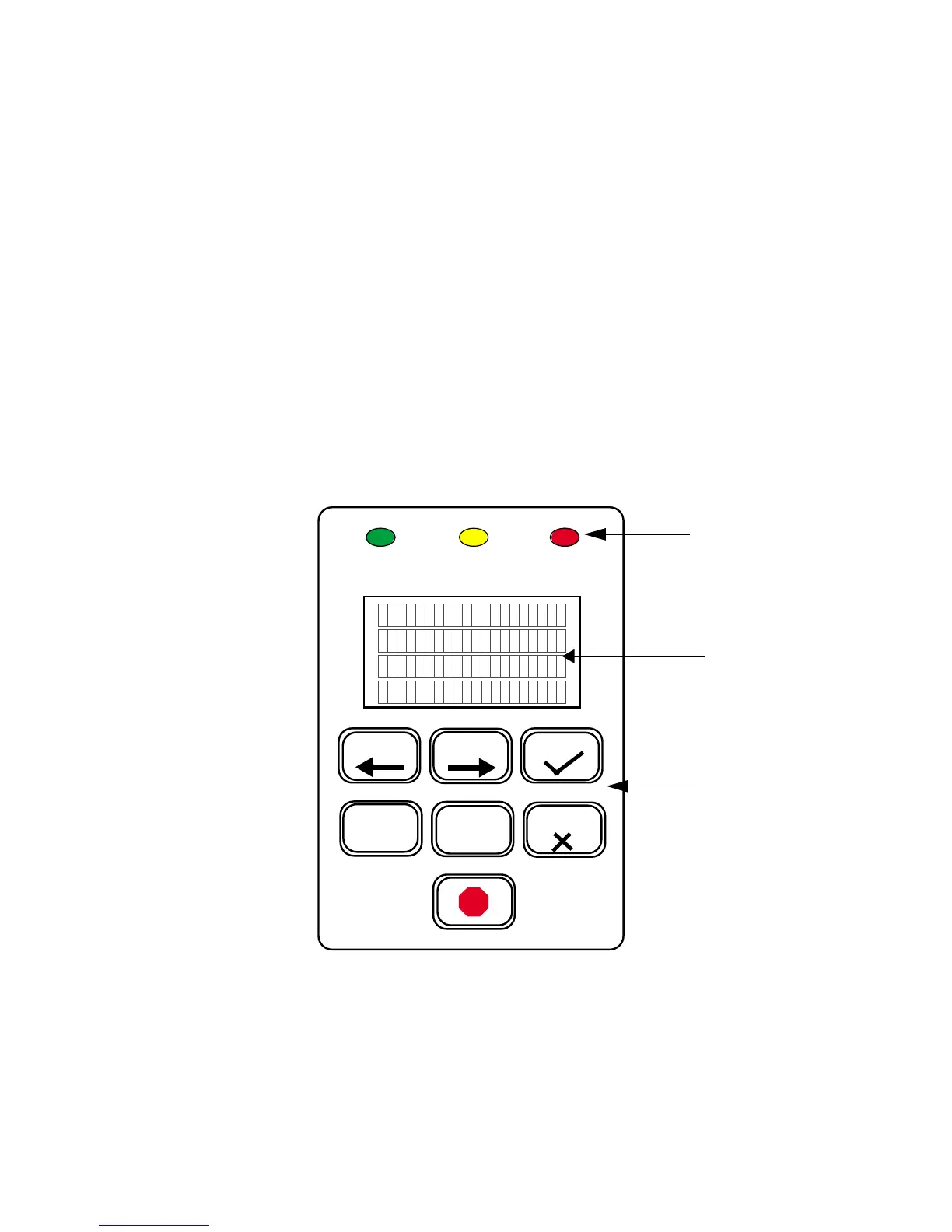
Access menus from the system control panel. Enter the menu
sub-system by pressing
MENU
from the
ONLINE
state.
Figure 2-4 Control Panel
PREV NEXT
MENU
SELECT
LCD
OK
CANCEL
KEYPAD
EXPOSE ERRORATTENTION
LEDS



 To Next Page