AG45134 Rev. 3 4 - 9
Step 3. Exercise the PREV and NEXT buttons as required until the plate
out all the way of the machine.
Step 4. Press the OK button. This turns off the blinking error light and
clears the the error message from the display.
Step 5. Resume normal operation.
Moving the System
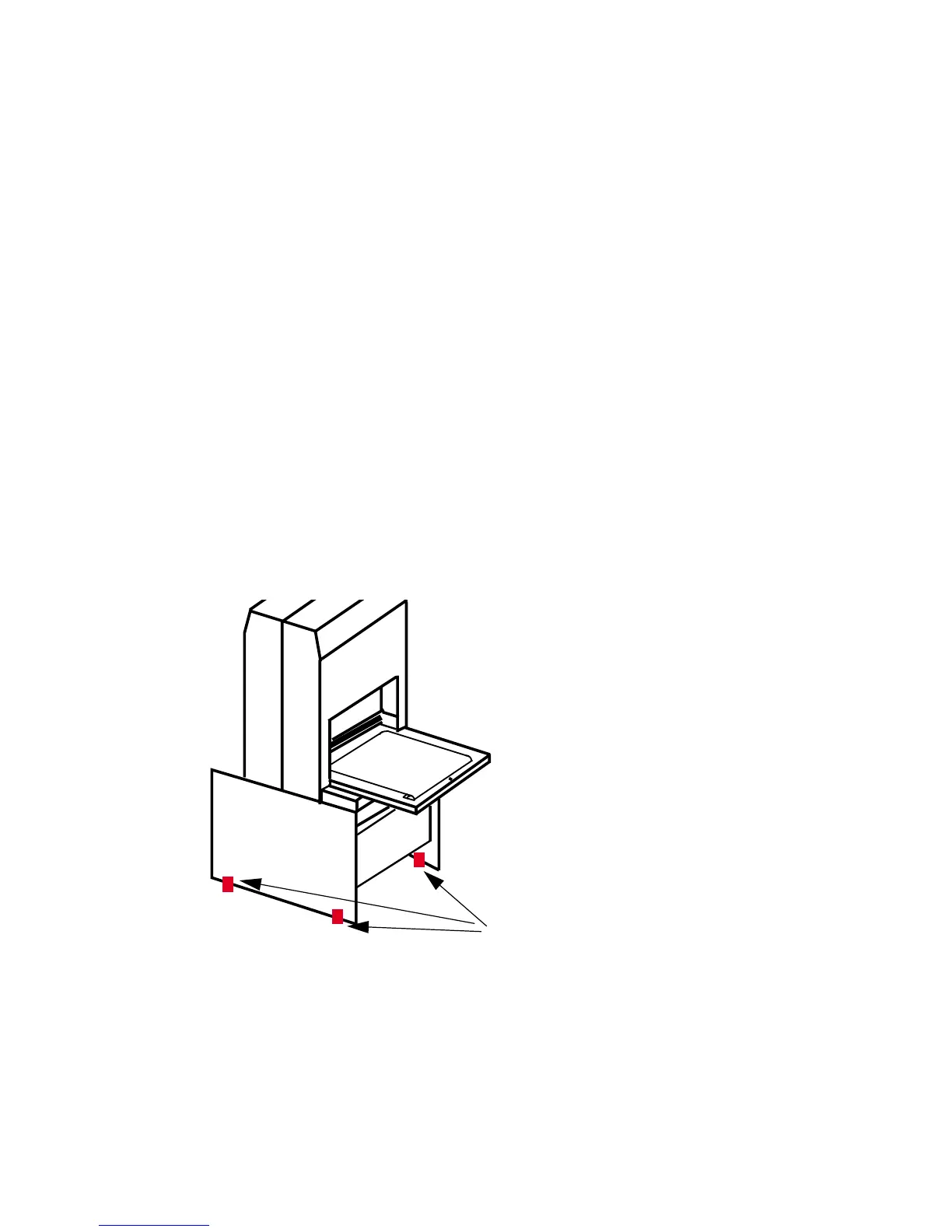
When installing or moving the system, you must level the system at
its new location as explained below. See Figure 4-6 for the location
of the leveling feet in the pedestal.
Step 1. Unplug the power cable from the (wall) outlet. Leaving one end of
the cable plugged into the Mako CTP, gently coil the power cable
and store it on the shelf in the pedestal.
Step 2. Disconnect the SCSI cable from the PC attached to the Mako
CTP. Leaving the SCSI cable connected to the Mako CTP, gen-
tly coil the power cable and store it on the shelf in the pedestal.
Figure 4-6 Levelling Feet Location
Step 3. Retract all four levelling feet so the system rides on its wheels and
place the system in its new location.
LEVELING FEET
REAR VIEW



 To Next Page