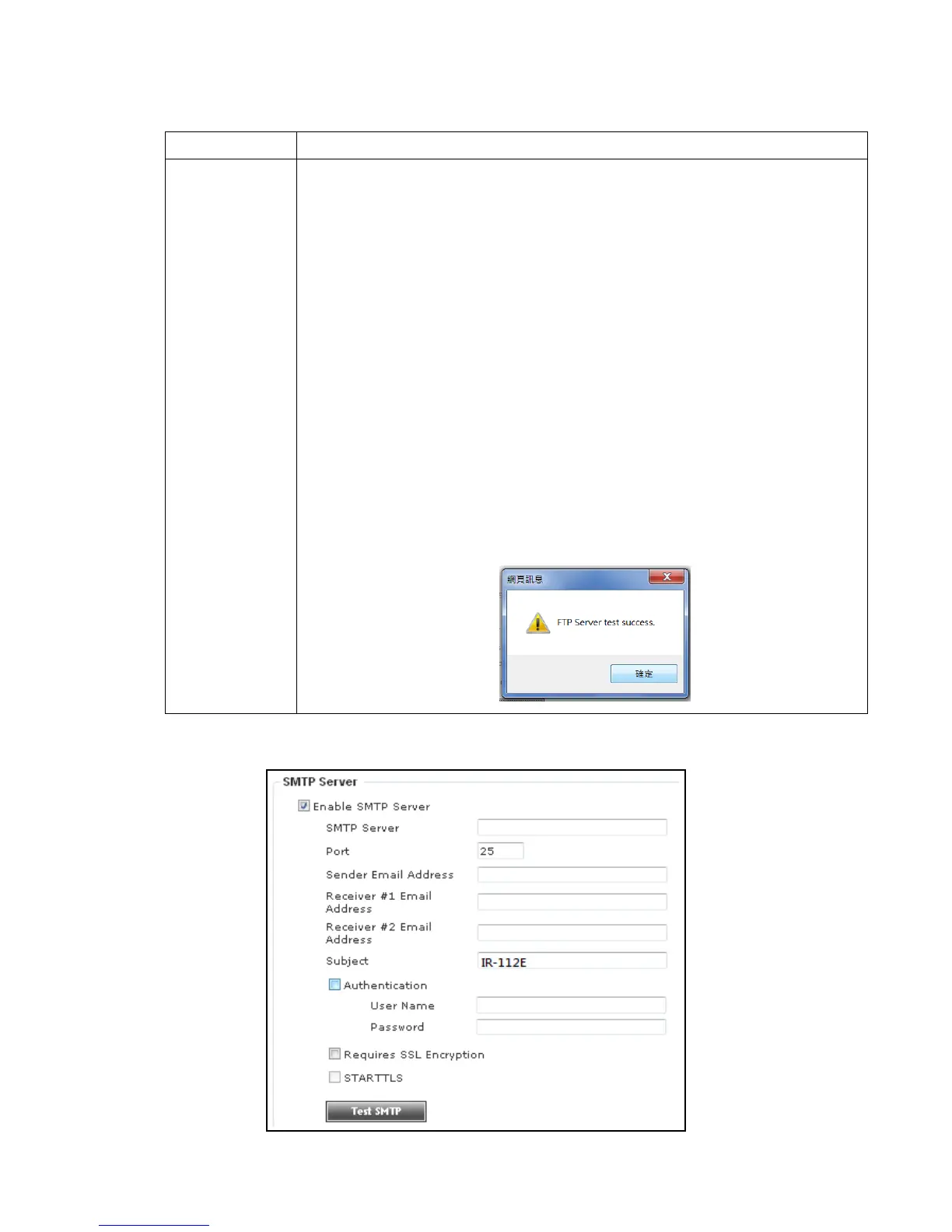
Check this box to enable FTP server upload.
- FTP Server: Input FTP server’s IP address or hostname.
- Port: Input FTP server’s port number. In most cases it should be
default value ‘21’.
- User Name: Input FTP server’s username.
- Password: Input FTP server’s password.
- File Path Name: Input the path where you want to save file on
FTP server, like ‘upload/record’. If you want to save file on this
FTP user’s home directory, you can leave this field blank.
- Enable Passive Mode: Check this box to force IP camera to
communicate with FTP server in passive mode (Some FTP
Server may only work when you check this box, while others
don’t).
- Test FTP: Click this button to test FTP server settings above
immediately.
-



 To Next Page