ADMINISTERING THE FIERY CONTROLLER 43
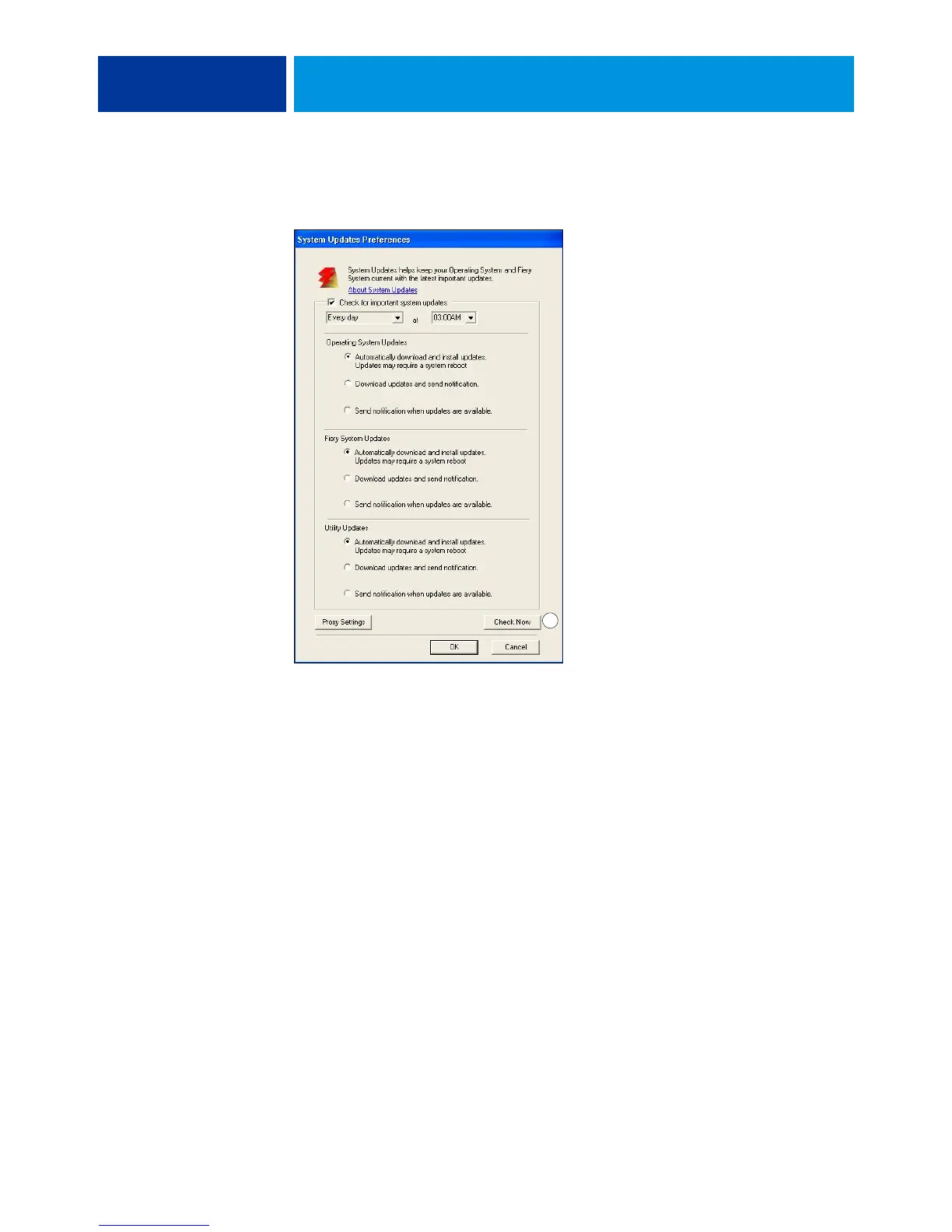
2 Select “Check for important system updates” (or “Enable System Updates” in Command
WorkStation or WebTools).
3 Specify how often the EX700i contacts the Update Server.
This feature sets a schedule for installing, downloading, and notification of updates.
1 Check Now button not
available when accessed
from WebTools or Command
WorkStation.
1



 To Next Page