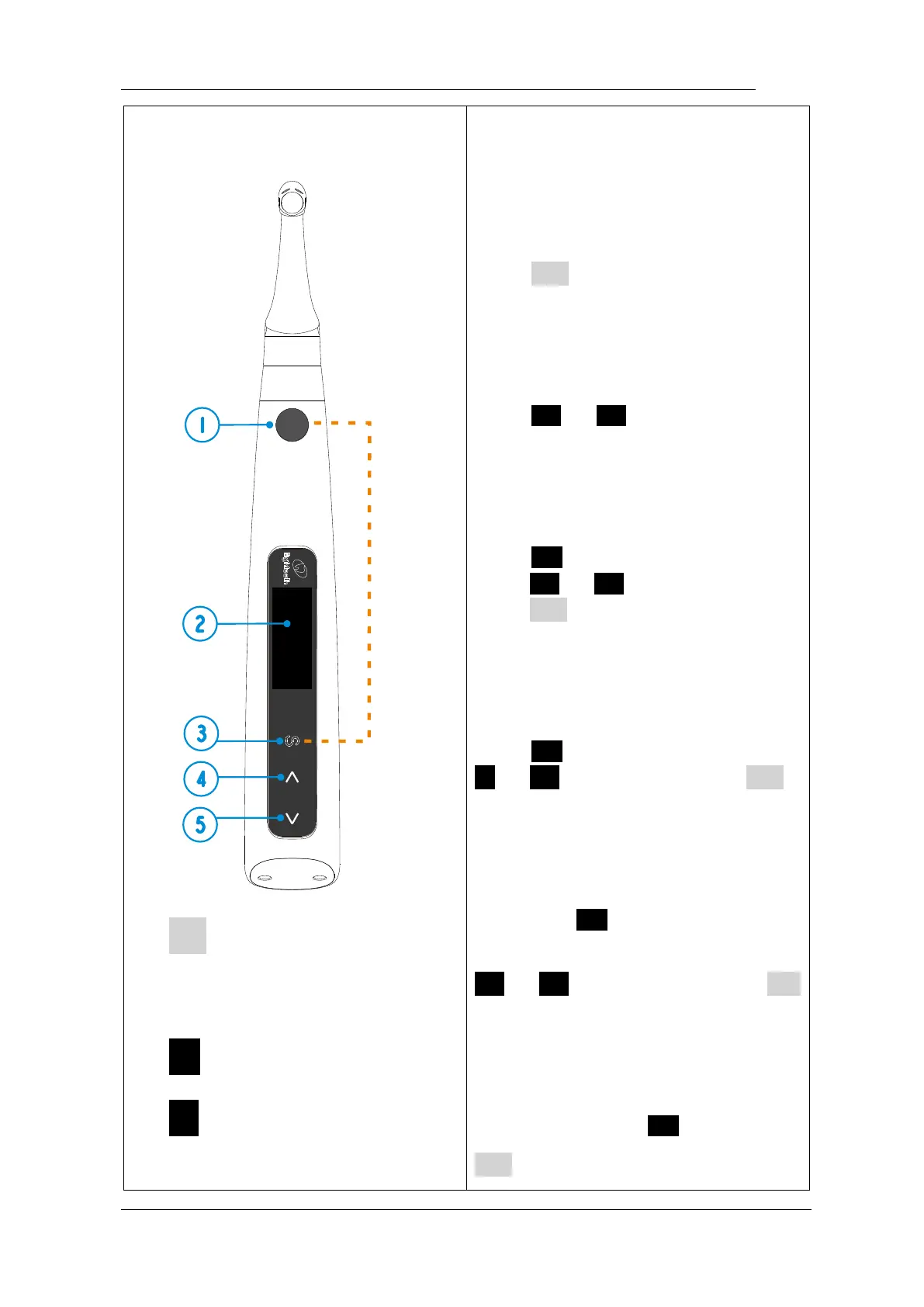
Turn Power On
Press ● more than 0.5 seconds to
turn on the instrument
Memory Change
Press < or > during standby
state
Operation mode Change
Press S once during standby state,
press < or > to change, then
press ● or wait 5 seconds to
confirm
Parameter Adjustment
Press S till target parameters, press
< or > to adjust, then press ●
or wait 5 seconds to confirm
Preset Program Selection
Long press S to entry preset
program during standby state, press
< or > to change, then press ●
to confirm
Turn Power Off
Holding down press S then press
●















 To Next Page