Page 25 / 59
6.Setting
6.1 Selecting memory
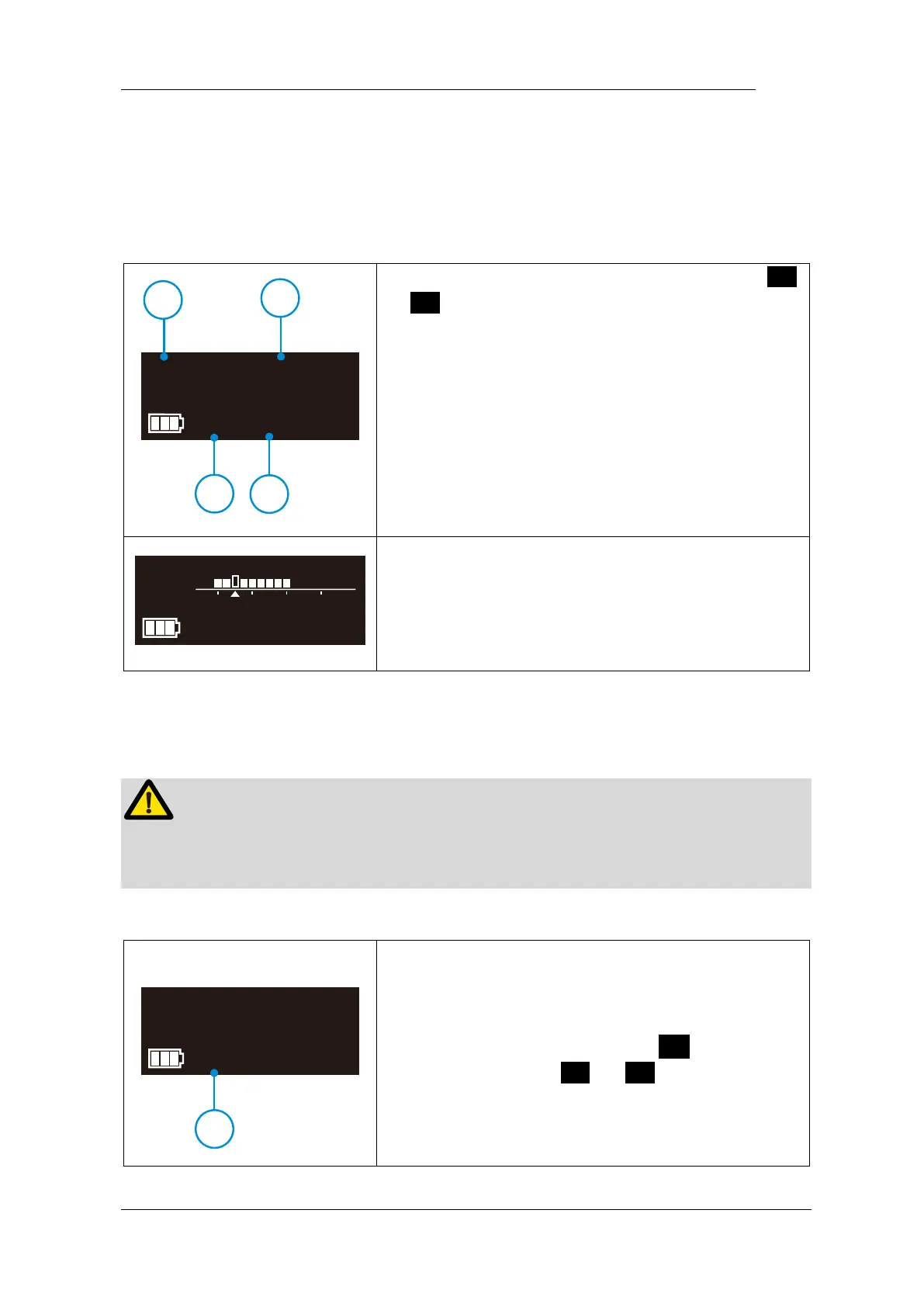
E-connect S has 11 memory programs, press <
or > to change during standby state, the
memory number (○,
1
) will change according.
M1-M10 is standard working memory for canal
shaping, every memory has its own speed (○,
2
),
mode (○,
3
) and torque (○,
4
), all this these
parameters can be changed (See chapter 6.2
Setting parameters).
M0 is special memory for stand-alone apex locator
function (See chapter 7.3 Apex operation and
not suitable condition).
All the parameters must be set according to files, make sure all the parameters are
expected before starting the motor, otherwise has risk of file broken.
Before start the motor, check the operation mode
(○,
1
) is correct, otherwise press S once during
standby state, press < or > to change.















 To Next Page