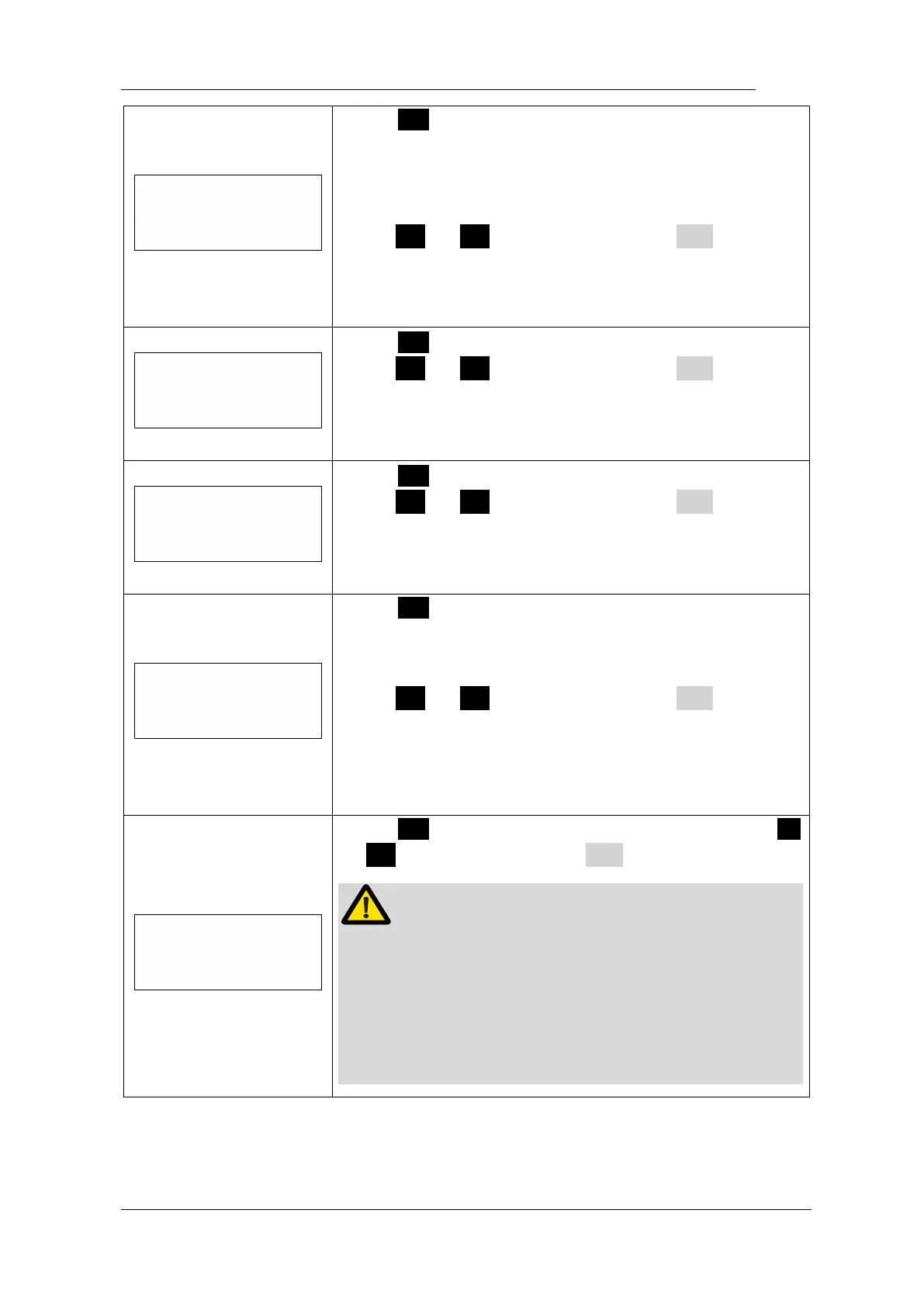
Aut o Ret urn t i me
5 Sec
Press S again, the “Auto Return time” can be
change, it means when setting parameters just like
speed and torque, the system will back to standby
interface if there is no operation in 5 seconds.
press < or > to adjust, then press ● to
confirm.
The “Auto Return time” can be set from 3-15 seconds.
Press S again, the “Beeper Volume” can be change,
press < or > to adjust, then press ● to
confirm.
The “Beeper Volume” can be set from 0-3.
Press S again, the “Habit hand” can be change,
press < or > to adjust, then press ● to
confirm.
The right hand and the left hand can be set.
Press S again, the “Start memory” can be change, it
means every time turn power on, which memory mode
will appear first.
press < or > to adjust, then press ● to
confirm.
M1 and Last (the memory mode number when you turn
power of ) can be set.
Press S again, entry “Calibration” function, press <
or > to select “ON”, press ● to start calibration.
Before calibrating, making sure the original contra
angle is installed, and do not install the file.
The torque will not correct if calibration without original
contra angle or any load on contra angle chuck, and
has risk of file broken.















 To Next Page