OPERATION
NP-eVENT-16_10-2018 15
Running the compressor
When the pressure of the air at the ‘Inlet’ port is reduced or if there is a
reduction of pressure in the air tank, the compressor is switched on and the
air tank is filled with compressed air. After the ‘switch-off’ pressure is
reached, the compressor is automatically switched off. Pressure of the output
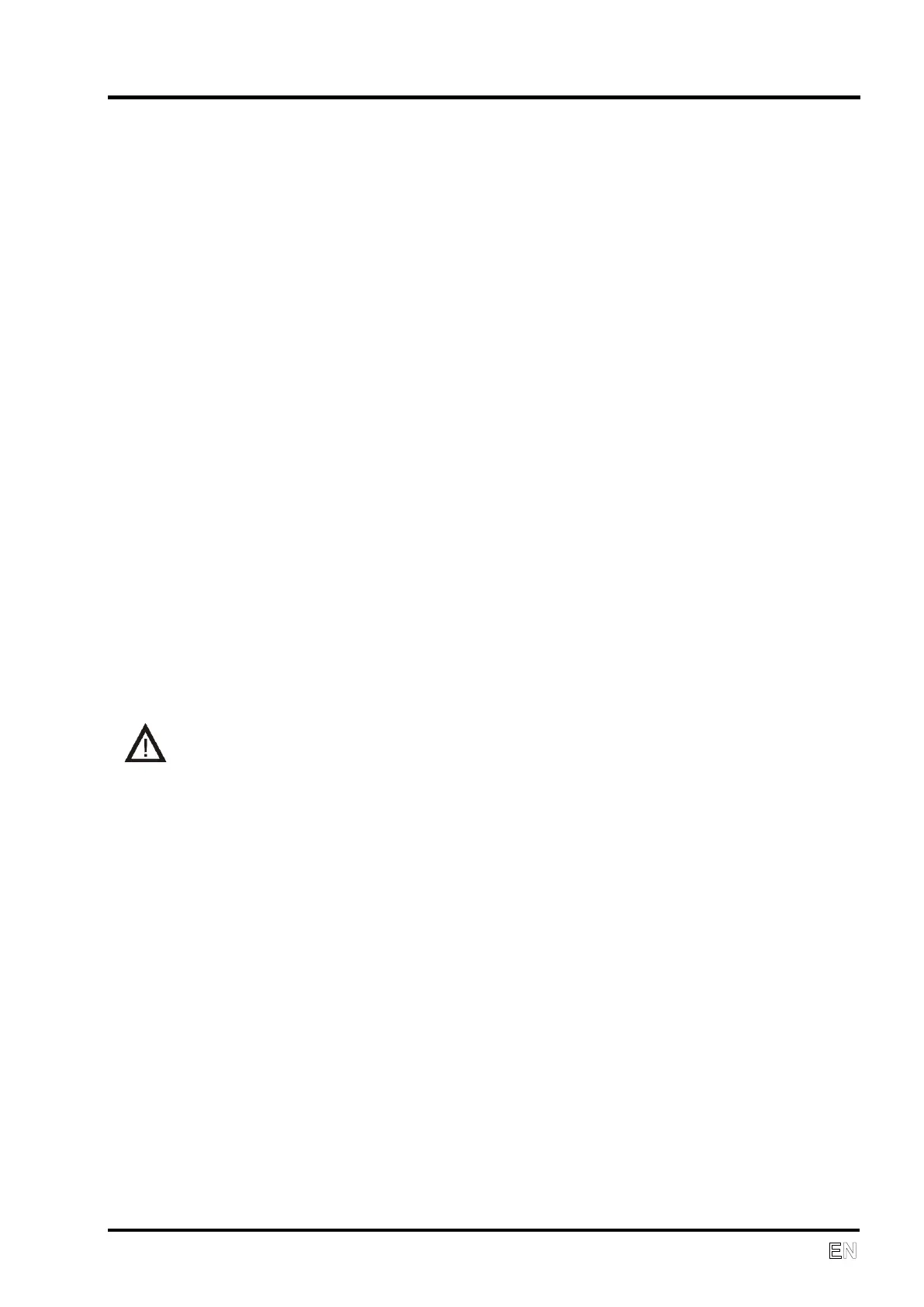
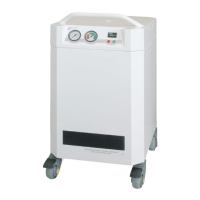
air from compressor is indicated on the pressure gauge (1).
During compressor operation, the pointer of the humidity indicator (2) should
be in the green zone. If equipment air consumption is higher than maximum
output, the pointer of indicator will move from the green zone and the air from
compressor will not reach the declared parameters (see Technical data).
The hour meter (5) indicates total running time of the compressor.
Cleaning the suction filter
At least once a week take out and clean the suction filter (12) located on the
front side. Wash the filter in warm soapy water, rinse thoroughly and allow it
to dry. Insert the clean filters so that the suction openings are completely
covered by the filters.
Cooling failure alarm
Problems with compressor cooling are signaled by the red indicator (3) and
the acoustic alarm.
If a cooling failure alarm is signaled, secure an alternate air pressure
source and disconnect the compressor.
Cleaning the compressor
The product can be cleaned using normal detergents. To clean the
compressor, use a detergent that contains no abrasives, chemical solvents
or other corrosive agents.


 To Next Page