ELAN HC6/HC12 INSTALLATION MANUAL
© ELAN 2010 | All rights reserved.
Page 35
Chapter 4: Operation
Power Switch
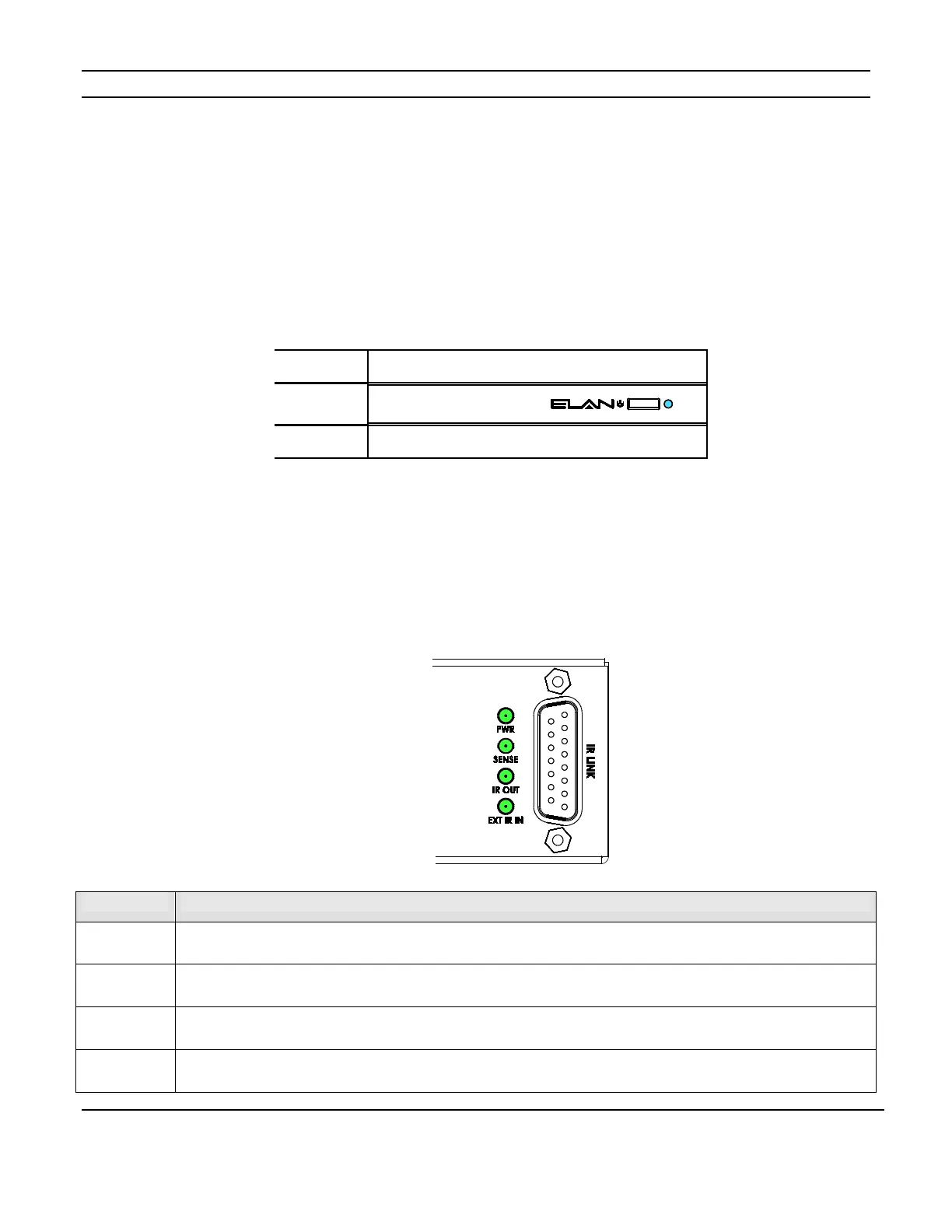
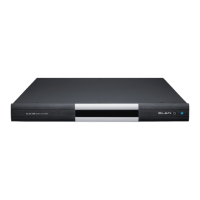
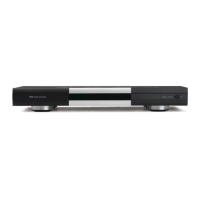
The power switch is located on the right side of the front of the unit. The front panel LED
illuminates blue when the unit has AC power and is switched on. (Fig. 4-1)
Figure 4-1: Power Switch and LED
Rear Panel LEDs
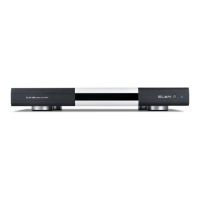
The HC6 and HC12 have 4 System Status LEDs on the rear panel that provide system
information. (Fig. 4-2)
Figure 4-2: System Status LEDs
Item Function
PWR
Illuminates when the unit has AC power.
SENSE
Illuminates when a connected sensor is active.
IR OUT
Illuminates when the System Controller is transmitting IR signals.
EXT IR IN
Illuminates when the System Controller is receiving IR signals.


 To Next Page