ELAN HC6/HC12 INSTALLATION MANUAL
© ELAN 2010 | All rights reserved.
Page 40
PPWM Precision Panel (Continued)
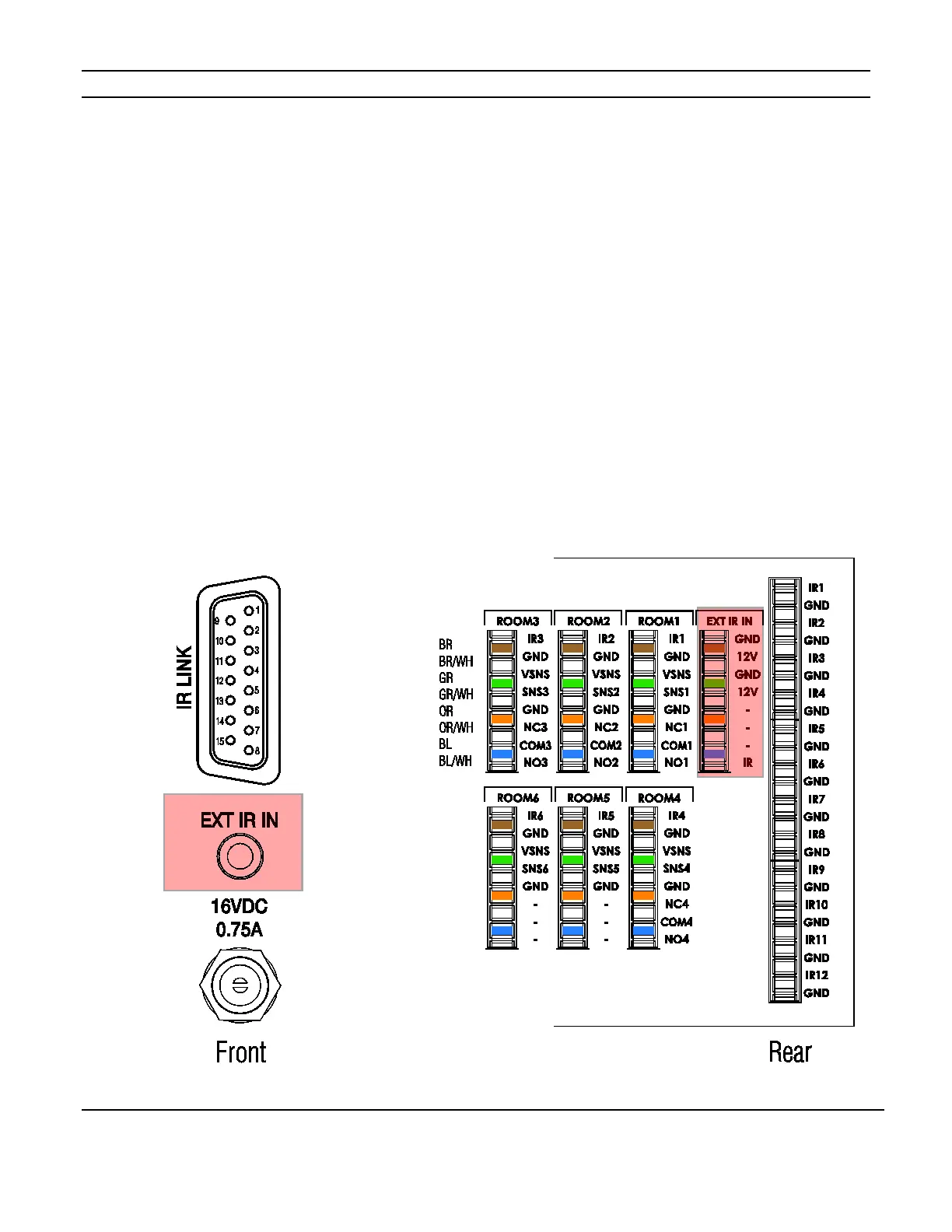
External IR In
This connection provides power, ground and IR signal path for one IR receiver located in a
zone and allows IR commands to be used to trigger Event Maps. The External IR In port
connects to the External IR In port of the System Controller using a stereo 3.5mm cable.
See Figure 5-3 below.
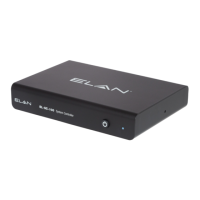
If additional External IR inputs are needed, for example, from TS2s connected to a PPVN,
use PPIS precision panels and GC-IREs as shown in Figure 3-10 on page 28 of this
manual. The GC-IREs receive IR signals from zone located TS2s connected to the PPVN
precision panel and convert those signals into RS-232 data. The HC6 and HC12 use this
RS-232 data to trigger Event Maps.
Figure 5-3: External IR In



 To Next Page