EasyManua.ls Logo

Elan HC12 - User Manual

Elan HC12
61 pages
Print Icon
To Next Page IconTo Next Page
Loading...
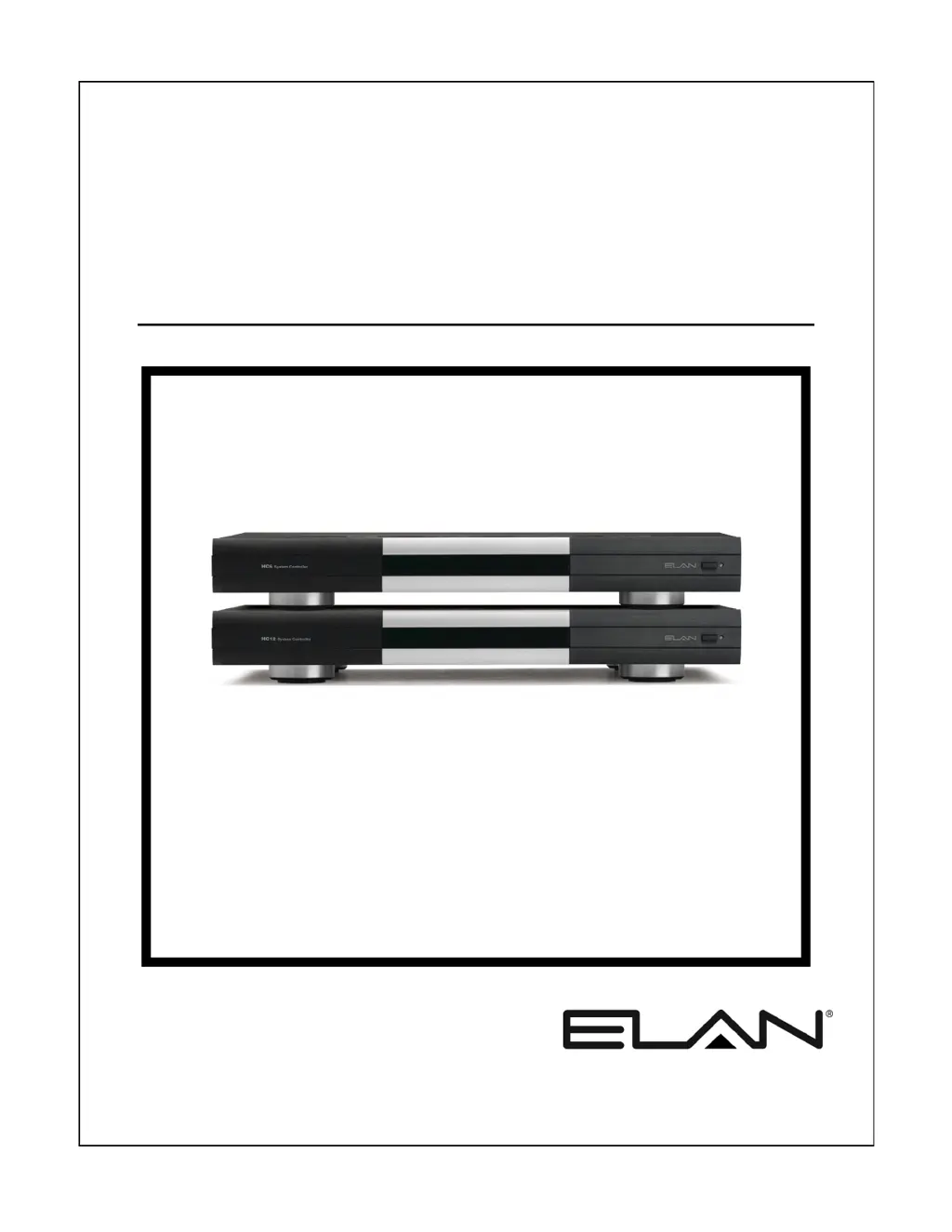
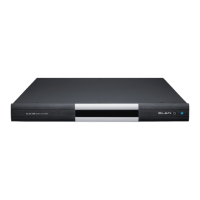
HC6/HC12
System Controller
INSTALLATION MANUAL

Table of Contents

Questions and Answers

  • J
    Jessica FowlerAug 22, 2025
    Why can't I access my Elan Controller system from outside the local network?
    • A
      Andrew SchwartzAug 22, 2025
      If your Elan Controller system functions properly on the local network but cannot be accessed externally, consider the following: * Verify that the System Name and Password are correct. * Ensure that the router's port forwarding settings are correctly configured. * Check for a working Internet connection and correct network settings and Ethernet connections if necessary. * Confirm DNS resolution by verifying DNS settings with your Internet Service Provider.
  • G
    gilbertjamesAug 25, 2025
    What to do if there is no On Screen Display (OSD) or Source Video on Elan HC12 Controller?
    • S
      Stephen LopezAug 25, 2025
      If you're experiencing a lack of On Screen Display (OSD) or Source Video with your Elan Controller, here's what you should check: * Inspect the video output cables for any faults and replace them if needed. * Ensure that the Component Video Out from the System Controller is properly connected to the monitor. * Verify that the correct monitor input is selected.
  • K
    Kathryn AndersonAug 26, 2025
    Why can't I access Elan Controller in g! ConnectPro even though it shows up?
    • S
      Shawn BrownAug 26, 2025
      If the Elan Controller appears in g! ConnectPro but remains inaccessible, consider these potential causes: * The password may not be entered or is incorrect. Ensure you are using the correct password. * A computer or network firewall might be blocking the connection. Try temporarily disabling the firewall or creating an exception in the firewall settings. * The computer and System Controller might be on different sub-nets. Correct the sub-net connections or programming to ensure they are aligned.
  • C
    cwestAug 27, 2025
    How to troubleshoot Elan Controller when IR controlled devices are not responding?
    • A
      Alicia RuizAug 27, 2025
      If IR controlled devices are not responding to the Elan Controller, try the following: * Check and correct the wiring, ensuring TIP is the IR Signal and SLEEVE is GND. * Verify the emitter's functionality and replace it if faulty. * Ensure the programming is correct. * Confirm that the IR emitter or cable is connected to the correct IR port. * Verify that the correct IR port is programmed. * Check if the IR device is functioning with its original remote or power the device. * Address any potential IR interference or flooding, especially from Plasma and LED TVs.
  • A
    Aaron CortezAug 29, 2025
    Why is there no audio output from the internal player on my Elan HC12?
    • K
      Kelly ButlerAug 29, 2025
      If you're not getting any audio from the internal player on your Elan Controller, here are a few things to investigate: * Check the RCA cables for any faults and correct or replace them as needed. * Make sure the correct Source Input is selected. * Verify that the Audio Out from the System Controller is connected to the correct Source Inputs. * Confirm that the Internal Player has a track selected and is playing. * If using a NAS device, troubleshoot the NAS device for any issues.
  • T
    Timothy HunterAug 31, 2025
    What causes relay controls to not work on Elan Controller?
    • D
      Dawn BennettAug 31, 2025
      If the relay controls are not functioning on your Elan Controller, consider these potential issues: * Check for faulty wiring and ensure the same color code is used for COM, NO, and NC terminations at both ends. * Verify that you are connected to the correct relay. * Ensure that the correct relay is programmed. * Confirm that the Event Map programming is correct. * If using a Sense Input Trigger, verify its operation and ensure you are using the correct sensor. * Check that the sensor is connected to the correct input. * Verify that the relay-controlled device is functioning and powered.
  • R
    Rachael BlackSep 4, 2025
    Why does Elan Controller show OSD but no Source Video?
    • M
      mary34Sep 4, 2025
      If your Elan Controller displays the OSD but no Source Video, the problem might be: * Faulty video input cables. Try verifying or replacing them. * The source device might not be functioning or powered. Check its operation and power it on if necessary. * The matrix switcher might not be functioning or powered. Verify its operation and power it on.
  • N
    Nicholas KnightSep 6, 2025
    What to do if Elan HC12 has feedback but no control of device?
    • D
      dennis26Sep 6, 2025
      If you are getting feedback from a device but have no control using the Elan Controller, check the following: * Inspect the wiring on the RECEIVE pins for faults and correct it, verifying the RECEIVE using Comm port LEDs. * Verify the serial cable length and shorten it if necessary. You could also use RS-232 to RS-485 adapters. * Ensure the correct driver is being used.
  • R
    Ronald ArcherSep 8, 2025
    Why are Event Maps or Conditionals not working properly on my Elan HC12?
    • R
      Rachael WhiteSep 8, 2025
      If Event Maps or Conditionals aren't functioning as expected on your Elan Controller, try these troubleshooting steps: * Check the wiring for any faults. * Ensure the sensor is connected to the correct Sense Input. * Verify that the Event Map or Conditional is programmed to the correct Sense Input. * Confirm that the sensor is being activated. * Make sure you are using the correct sensor for the application.
  • S
    Sharon MarksSep 10, 2025
    Why is the Source Video incorrect when OSD displays on Elan HC12?
    • P
      petersbrianSep 10, 2025
      If the OSD displays correctly, but the Source Video is incorrect on your Elan Controller, it could be due to: * The Source Video being connected to the incorrect input of the matrix switcher. Ensure it's connected to the correct input. * The incorrect Video output of the matrix switcher being connected to the Video Input of the System Controller. Verify that the correct output is connected.

Summary

Safety Information

Important Safety Information

Crucial safety guidelines, warnings, and precautions for operating the equipment.

HC6;HC12 Features

Key Features and Capabilities

Details the primary features, inputs, outputs, and functionalities of the HC6/HC12.

Chapter 3: HC6;HC12 Connections

RS-232 Connections

Explains the use and wiring of RS-232 ports for device integration and control.

RS-485 Connections

Details the RS-485 ports for connecting Full/Half Duplex RS-485 devices.

VIANet Connection

Explains the VIANet connection for communication between ELAN devices.

Ethernet Connections

Covers network connectivity for touchscreens, NAS, and internet access.

Chapter 4: Operation

Chapter 6: Troubleshooting

General Troubleshooting

Provides solutions for common power-up and general system issues.

Serial Device Troubleshooting

Offers troubleshooting steps for issues with serial device communication and feedback.

VIANet Troubleshooting

Troubleshoots common problems with VIANet communication and device control.

Relay Troubleshooting

Provides solutions for issues related to relay operation and programming.

IR Operation Troubleshooting

Guides on troubleshooting IR controlled devices and IR output issues.

Ethernet Troubleshooting

Offers troubleshooting for system controller visibility, access, and network connectivity.

Appendix A: Network Information

IP Configuration

Explains how to configure static IP addresses for the system controllers.

Port Forwarding

Details how to configure port forwarding on the router for remote access and service.

Specifications

Elan HC12 Specifications

General IconGeneral
BrandElan
ModelHC12
CategoryController
LanguageEnglish

Related product manuals