EasyManua.ls Logo

Elan HC12 - User Manual

Elan HC12
61 pages
Print Icon
To Next Page IconTo Next Page
Loading...
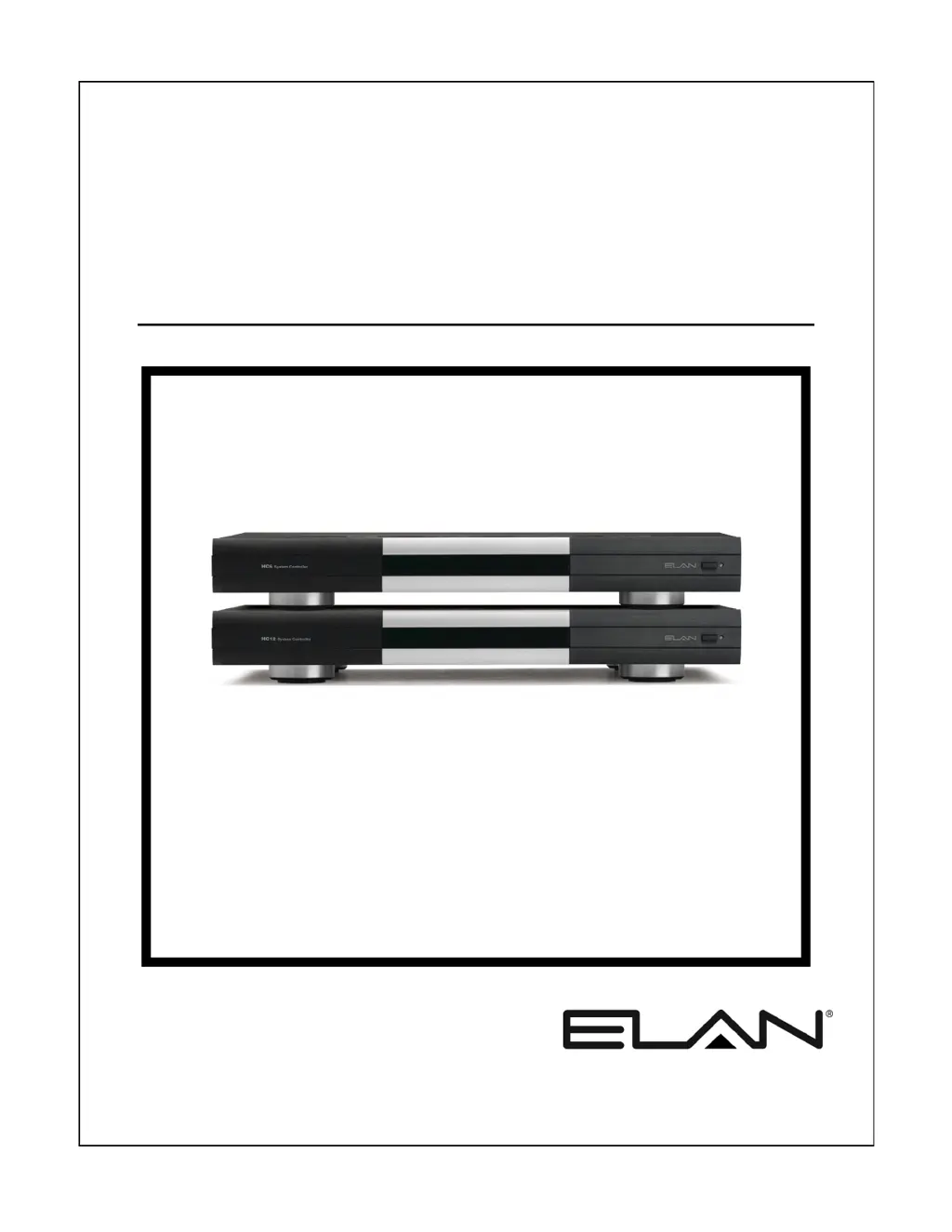
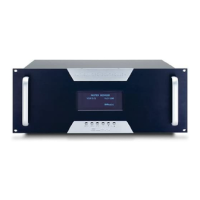
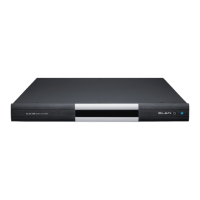
HC6/HC12
System Controller
INSTALLATION MANUAL

Table of Contents

Questions and Answers

  • H
    Heather RobertsonSep 12, 2025
    How to resolve no VIANet communication or control of VIANet device on Elan HC12 Controller?
    • T
      Taylor AustinSep 12, 2025
      If you're experiencing a lack of VIANet communication or control of a VIANet device with your Elan Controller, consider the following: * Verify the wiring and correct the pinout. * Ensure the Device VIANet Unit ID settings are correct. * Confirm that the device is powered on. * Check that the programmed VIANet commands are correct.
  • L
    Latoya CarterSep 13, 2025
    What causes the IR output from PPWM punch-downs to not work on Elan HC12?
    • D
      Donald EvansSep 13, 2025
      If the IR output from PPWM punch-downs is not working on your Elan Controller, here are some things to check: * Make sure the IR Link cable is connected. * Verify and correct the wiring or punch-downs. * Check and connect or verify the PPWM power supply.
  • A
    Amy BarkerSep 15, 2025
    Why is my Elan Controller system unable to connect to the World Wide Web?
    • M
      mclaughlinsamanthaSep 15, 2025
      If your Elan Controller system cannot connect to the internet, ensure that the Default Gateway and DNS Server information in the g! ConnectPro configuration software is correct.
  • S
    stephaniebrownSep 18, 2025
    How to troubleshoot an Elan Controller HC6/HC12 that will not power up?
    • M
      Mitchell ChenSep 18, 2025
      To troubleshoot an Elan HC6/HC12 Controller that will not power up: 1. Connect the power cable. 2. Turn the power on. 3. Reset the circuit breaker.
  • J
    Jill LittleNov 19, 2025
    How to fix Elan HC12 Controller not showing in g! ConnectPro?
    • C
      Cody MartinezNov 19, 2025
      If the Elan Controller isn't showing up in g! ConnectPro, there are several potential reasons: * The unit might not be powered or turned on, so verify the power and turn it on. * The Ethernet connection might not be properly connected. Ensure the Ethernet port is connected to a switch or router. * The computer and the System Controller could be on different networks; make sure they are connected to the same network. * The router or switch might not be functioning correctly or powered on; verify their functionality and power them on. * The computer's Wi-Fi connection might be faulty; try correcting the connection or use a hard-wired connection. * There might be an IP conflict with another device on the network. Correct the IP settings to avoid having the same IP address on mult...
  • S
    samanthaalvarezDec 3, 2025
    How do I fix no control of a serial device with my Elan HC12?

    Summary

    Safety Information

    Important Safety Information

    Crucial safety guidelines, warnings, and precautions for operating the equipment.

    HC6;HC12 Features

    Key Features and Capabilities

    Details the primary features, inputs, outputs, and functionalities of the HC6/HC12.

    Chapter 3: HC6;HC12 Connections

    RS-232 Connections

    Explains the use and wiring of RS-232 ports for device integration and control.

    RS-485 Connections

    Details the RS-485 ports for connecting Full/Half Duplex RS-485 devices.

    VIANet Connection

    Explains the VIANet connection for communication between ELAN devices.

    Ethernet Connections

    Covers network connectivity for touchscreens, NAS, and internet access.

    Chapter 4: Operation

    Chapter 6: Troubleshooting

    General Troubleshooting

    Provides solutions for common power-up and general system issues.

    Serial Device Troubleshooting

    Offers troubleshooting steps for issues with serial device communication and feedback.

    VIANet Troubleshooting

    Troubleshoots common problems with VIANet communication and device control.

    Relay Troubleshooting

    Provides solutions for issues related to relay operation and programming.

    IR Operation Troubleshooting

    Guides on troubleshooting IR controlled devices and IR output issues.

    Ethernet Troubleshooting

    Offers troubleshooting for system controller visibility, access, and network connectivity.

    Appendix A: Network Information

    IP Configuration

    Explains how to configure static IP addresses for the system controllers.

    Port Forwarding

    Details how to configure port forwarding on the router for remote access and service.

    Specifications

    Elan HC12 Specifications

    General IconGeneral
    BrandElan
    ModelHC12
    CategoryController
    LanguageEnglish

    Related product manuals