38 Installation Manual
Installing System / Battery
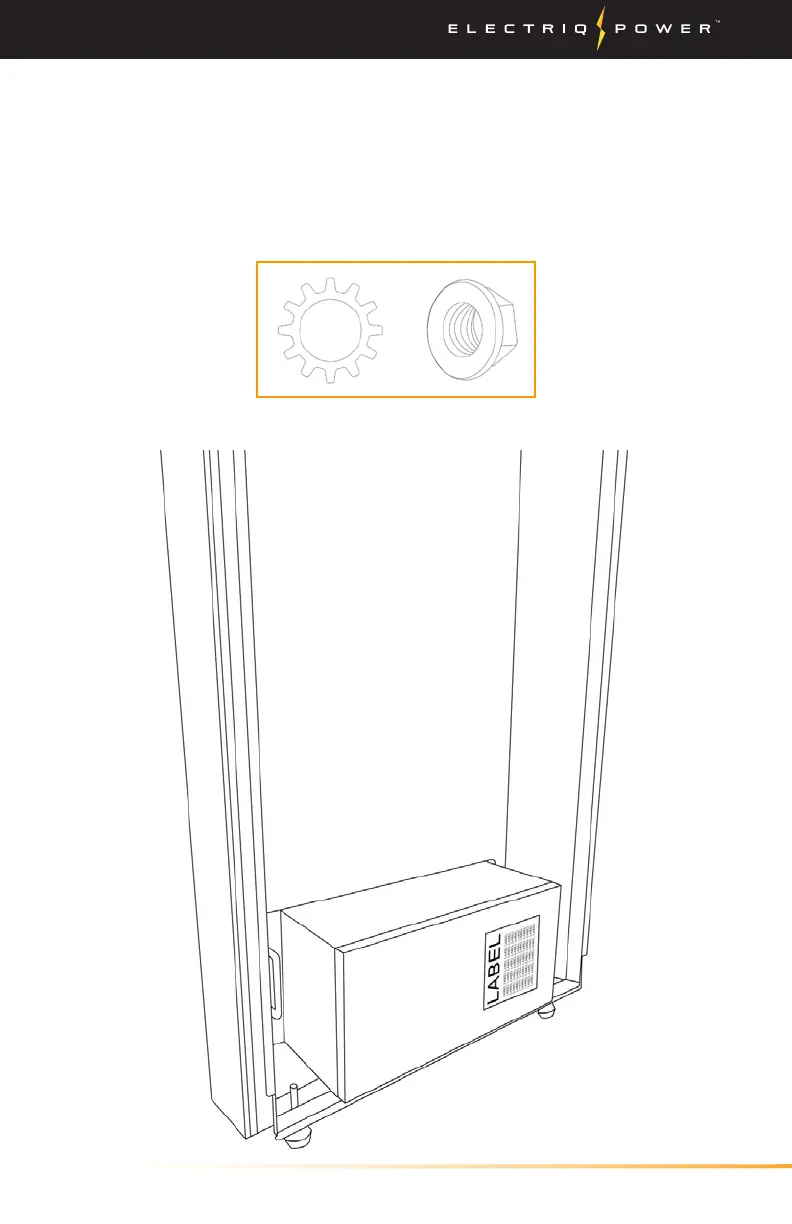
4. Place the first battery in the enclosure and ensure that the stickers
align with the BMS when orientated in the correct position (see
next page). Also, use the sticker on the back of the enclosure as a
guide.
*NOTE - USE INCLUDED TOOTH LOCK WASHERS (10mm)
WHEN SECURING THE BATTERIES AND BMS.


 To Next Page