13
CYCLE, SYSTEMS & COMPONENTS
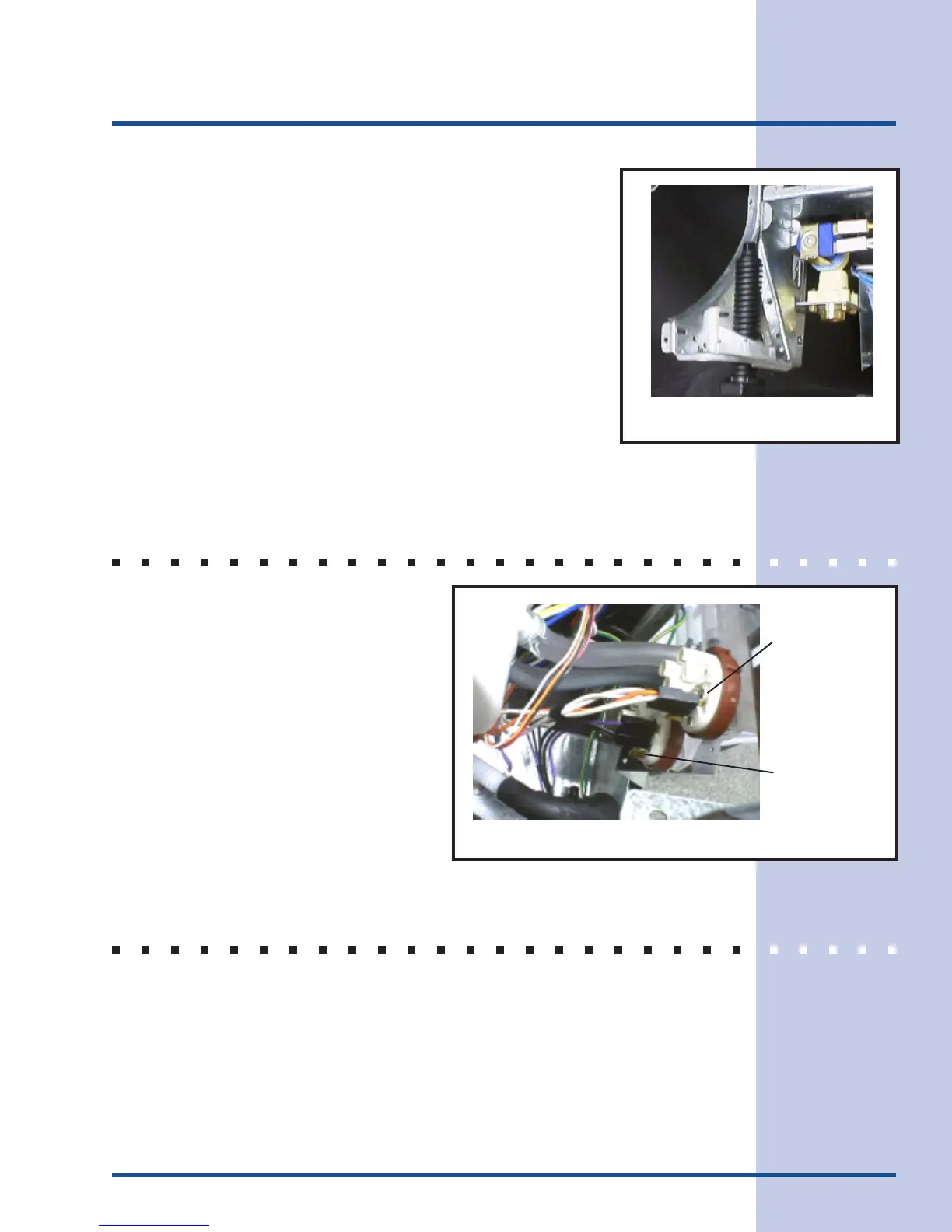
To Check Inlet water valve
1. Disconnect dishwasher from power supply.
2. To access electrical connections to valve, remove lower
front panel.
3. Using ohmmeter, check between P3-5 (yellow wire) and
P3-8 (white wire). The resistance reading of the solenoid
coil should be 1126 ohms.
PRESSURE SWITCH ASSEMBLY
The pressure switch assembly consists
of a low water level switch and a high
water level switch with common bracket.
This assembly is mounted to the right
side frame behind the junction box.
LOW WATER LEVEL SWITCH
The low water level switch is used to maintain the water level in the sump for the fill
cycle. The switch has a hose connecting it to the sump. As the water level in the
sump rises, air in the hose is compressed and forced against the diaphragm in the
switch. This compressed air causes the contact in the switch to close. When the
switch closes the first time, it starts the wash motor.
Figure 8
Figure 9
High Pressure
Switch
Low Pressure
Switch



 To Next Page