14
CYCLE, SYSTEMS & COMPONENTS
Checking Low Water Level Switch
1. Disconnect power to dishwasher.
2. Gain access to electronic control and check
between P3-9 (orange wire) and P3-8 (white
wire). This should be an open contact.
3. These wires are connected to center terminal
# 1 and terminal to the right of center # 3.
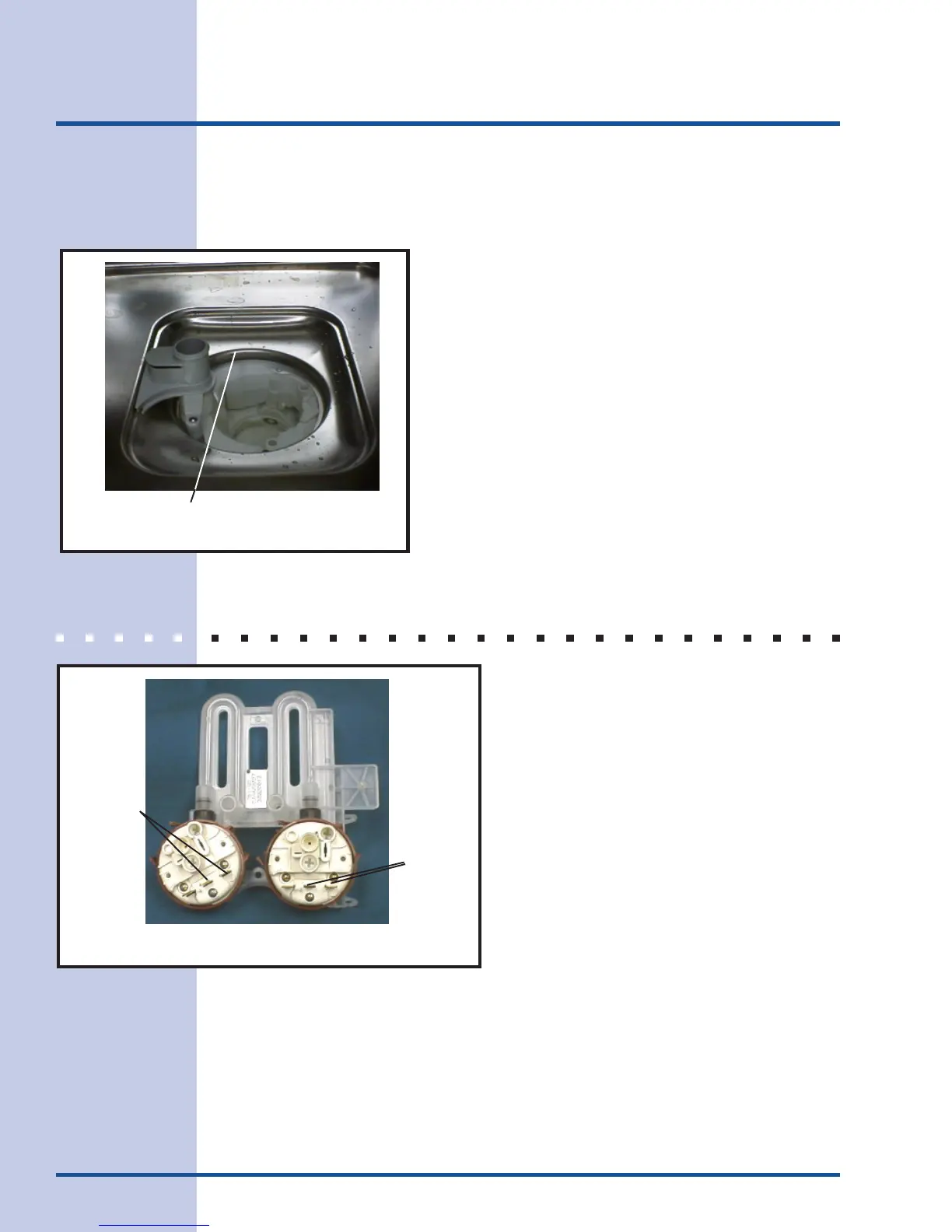
4. Add water to sump to close switch. (See
Figure 10)
HIGH WATER LEVEL SWITCH
The high water level switch is a back up, or
safety, for the low water level switch. The
high water level switch is placed in series
with the drain pump. If the low water level
switch fails to close, the drain pump starts
automatically. The high water level switch is
an open switch. It is connected to the sump
by a separate hose.
Check
between
these two
termials
High Water
Level
Low Water
Level
Check
between
these two
termials
Figure 11
Figure 10
Low Water Level Switch will close at this level.



 To Next Page