22
SERVICE & DISASSEMBLY
CONTROL
1. Disconnect dishwasher from power supply.
2. Remove outer door panel (see Service and Disassembly section labeled
Door Panel).
3. Lay outer door panel face down on a protective surface.
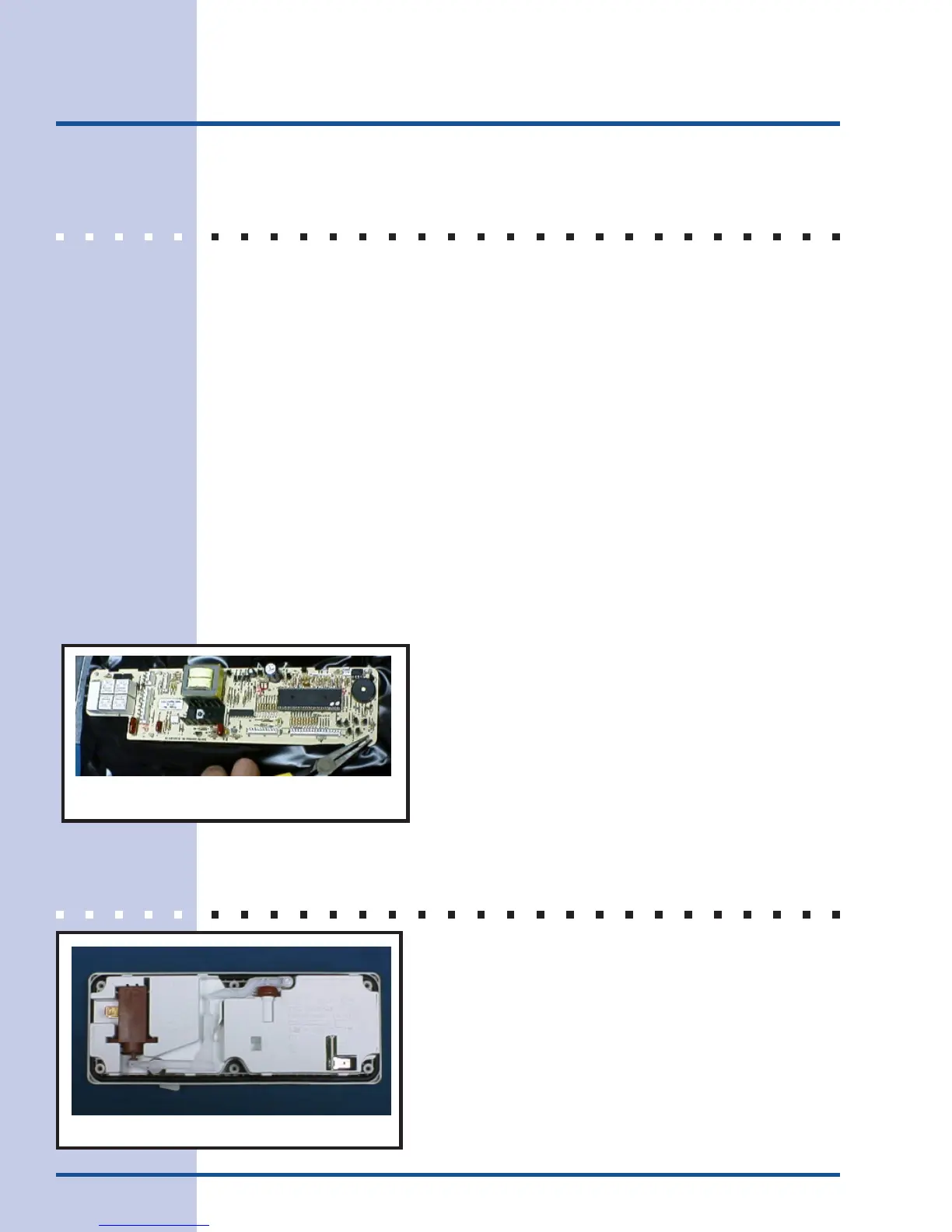
4. Compress plastic retainers with a pair of pliers to release the electronic
control from carrier panel (Figure 23).
5. Lift control from mount.
6. With the control removed, pull protective shield back to free ribbon from
keypad assembly.
7. Remove two screws holding outer door reinforcement to outer door panel.
8. These screws also hold the door handle in place.
9. Do not drop door handle.
10. Remove this reinforcement to gain access to keypad assembly.
11. To install parts, reverse procedure.
DISPENSER
1. Disconnect dishwasher from power supply.
2. Remove outer door panel (see previous section for
detailed instructions).
3. Remove six screws securing dispenser assembly
to inner door panel. Retainer brackets on the top
and bottom may also need to be removed.
Pliers on mount
Figure 23
Figure 24



 To Next Page