Operation and Maintenance
UFM Series 6
Q.Sonic-plus
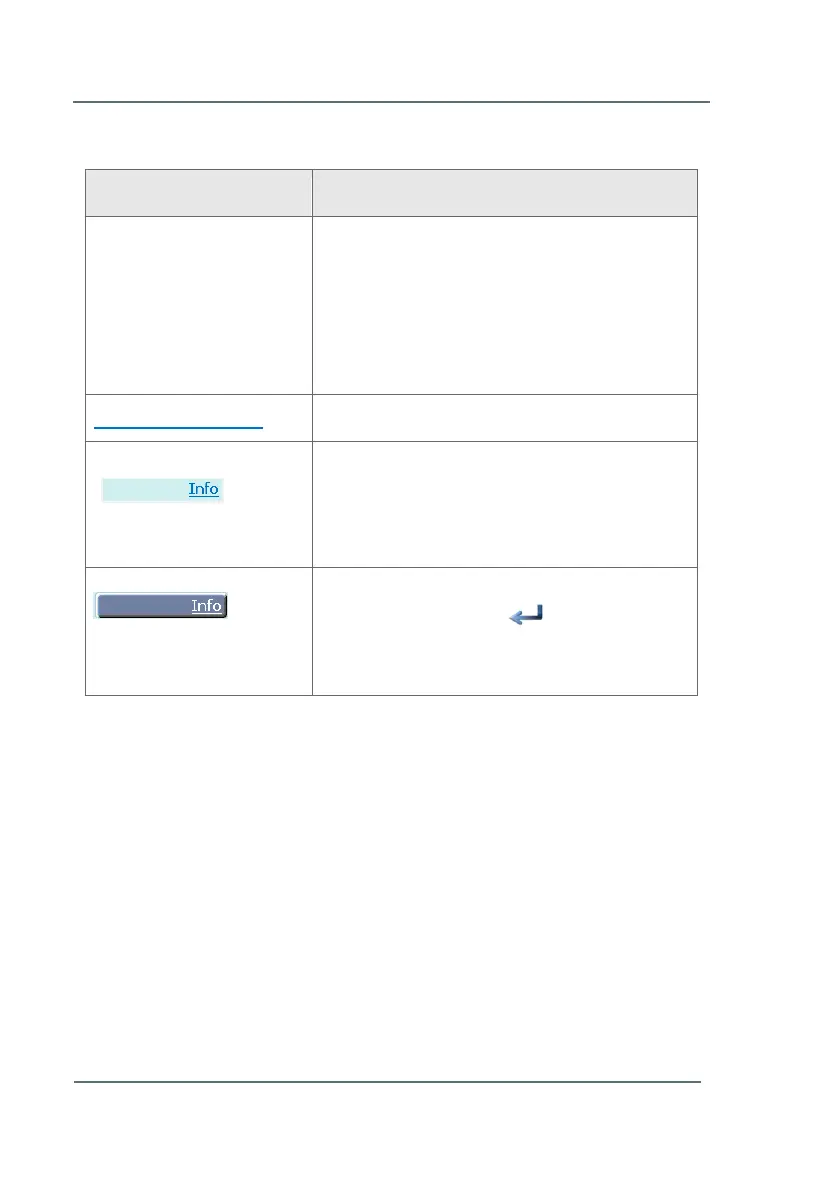
2.1.2 Character Formats
See Chapter 5 System
Description (p.18)
References to additional information are
marked with an arrow. If the arrow refers to
information within the document, these
references are formatted as hyperlinks in blue
font. You can go directly to the corresponding
section by clicking on the blue text.
Links (Hyperlink). Click to open in a browser.
Seen on the meter screen itself; this shows a
hyperlink within the meter software. You must
highlight the hyperlink before it will open the
next screen.
The hyperlink (shown above) has been
highlighted. Press the button on the
touch screen (or PC) to open the new
window. Ex: Open the Info section.
Table 1: Character formats



 To Next Page