UFM Series 6
Q.Sonic-plus
Operation and Maintenance
7.4 Home Screen
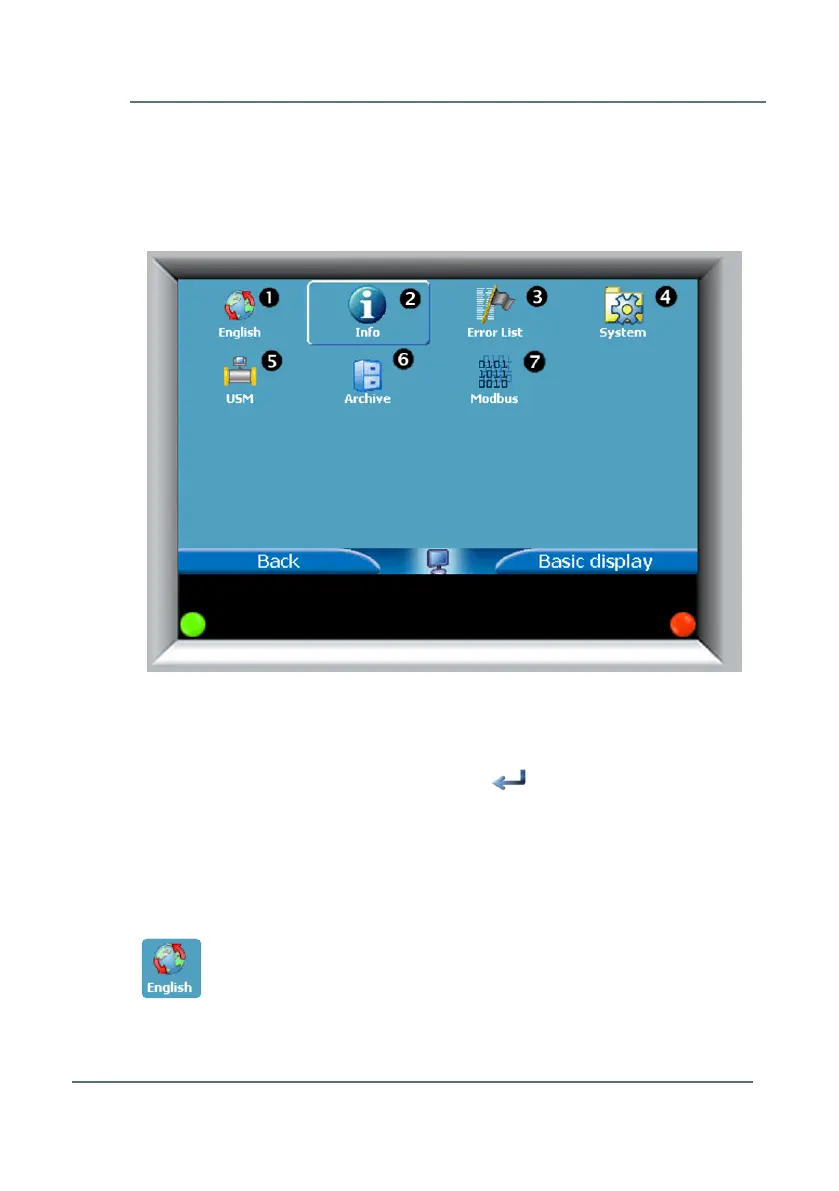
Pressing the Home button from the Basic Display (as seen in Figure 7-3)
will bring you to a screen as depicted below in Figure 7-4.
Touch the screen in one of the 7 touch areas to activate the arrows. Use the
arrow buttons on the left and right to navigate and highlight a particular
option on the screen. Press the bent arrow in the middle of the screen
to select and open a menu. When connected with the front panel through
Ethernet, you can click in one of the 7 touch areas, navigate by clicking on
the arrows, and click the bent arrow to select the option you desire.
Below is an overview of the available options:
Language Selection
Standard language setting is English. Select Deutsch for German language
setting.
Figure 7-4: Home Screen and Menu



 To Next Page