UFM Series 6
Q.Sonic-plus
Operation and Maintenance
10 User Rights / Login
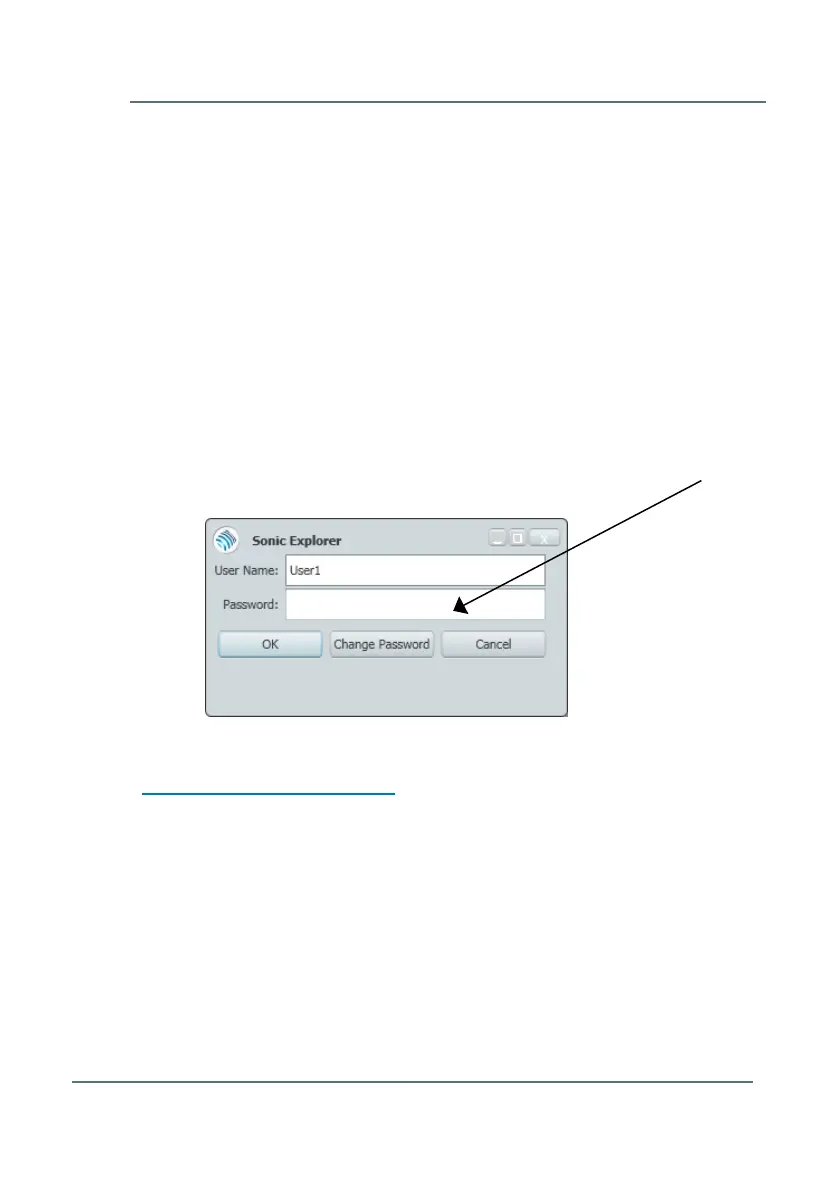
From software version 2.8 onwards user rights are implemented in the
Ultrasonic Flow Meter Series 6. Access to the device with the software
package SonicExplorer is only granted after login with a password.
By default there are three user profiles available:
Admin can modify all parameters
User1 can modify non-fiscal parameters
User2 cannot modify parameters – read access only
User1 and User2 do not have a default password set. Just leave “Password”
blank and click “OK”.
To request an administrator password please contact Elster at:
Aftersales.Essen@elster.com



 To Next Page