UFM Series 6
Q.Sonic-plus
Operation and Maintenance
The meter should be protected from undesired changes in the
software.
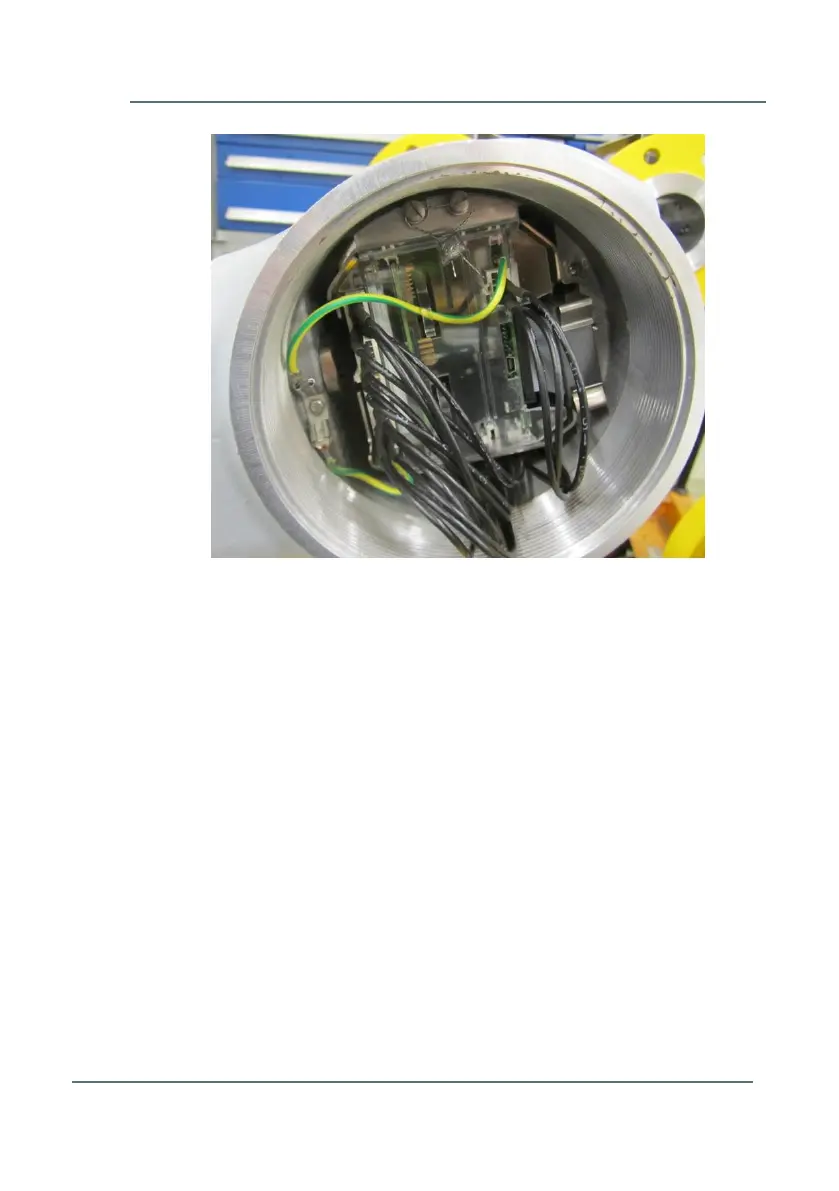
1. Therefore a hardware switch is placed on the main board. This
hardware switch can be reached through an opening in the
back panel. The hole in the back panel is protected with a
plastic cap (see Figure 5-12).
If both pins on the switch are up, the meter is sealed and the
parameter settings of the meter are locked from editing.
If both pins on the switch are down, the meter is unsealed and
parameter settings can be altered using the software program
SonicExplorer. Sealing of the switch itself should be done with
the screw socket on the protective cap.
Figure 5-11: Example of a PCB sealing bracket



 To Next Page