Chapter 3 43
External Module Disassembly Process
IMPORTANT:The outside housing and color may vary from the mass produced model.
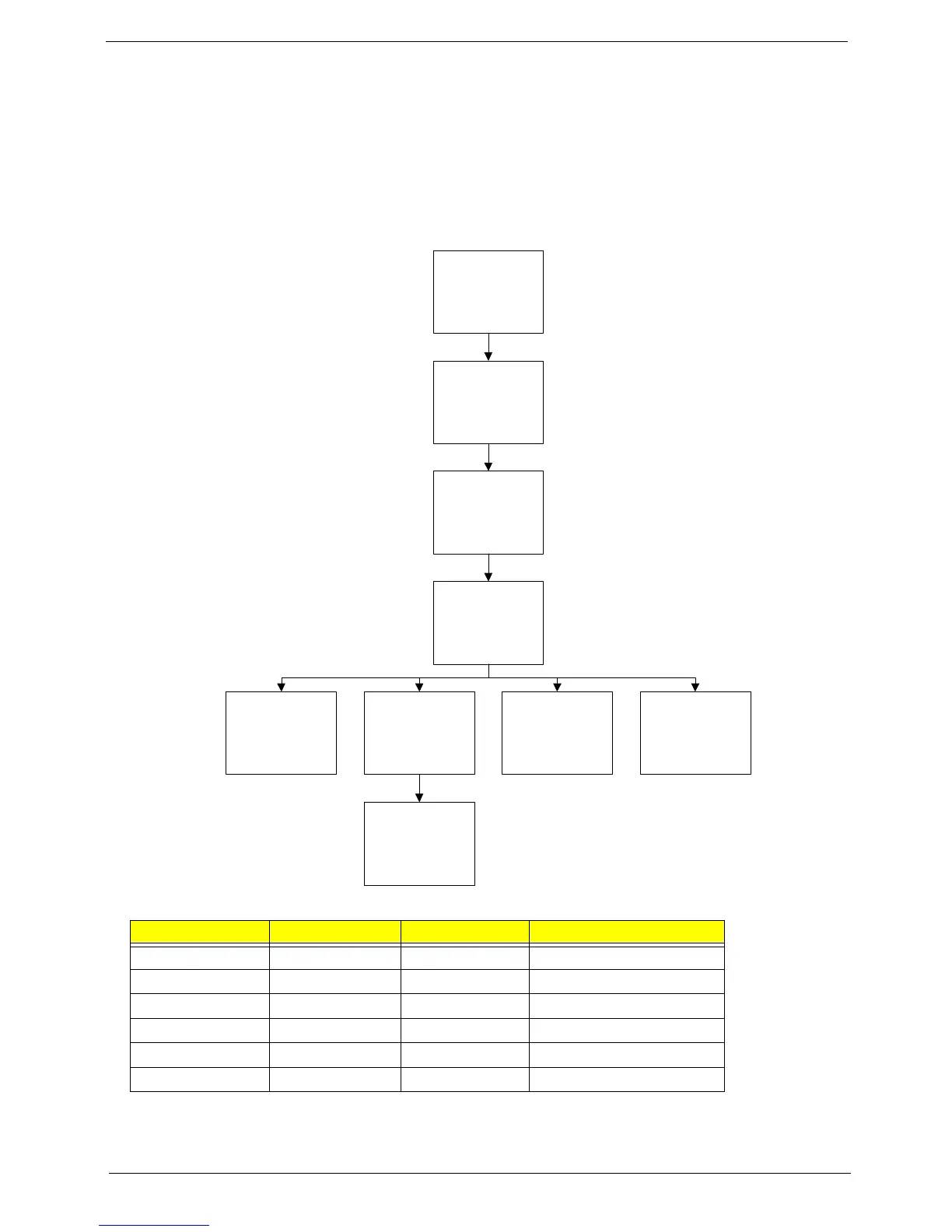
External Modules Disassembly Flowchart
The flowchart below gives you a graphic representation on the entire disassembly sequence and instructs you
on the components that need to be removed during servicing. For example, if you want to remove the main
board, you must first remove the keyboard, then disassemble the inside assembly frame in that order.
Screw List
Step Screw Quantity Part No.
Memory Cover M2.5*8 2 86.AT902.001
WLAN Cover M2.5*8 1 86.AT902.001
WLAN Module M2*L3 2 86.AT902.003
HDD Carrier M3*3 4 86.AT902.006
ODD Module M2.5*5 1 86.AT902.002
ODD Bracket M2*L3 3 86.AT902.003
Disconnect power
and signal cables
from system
Remove
Battery
Turn off system
and peripherals
power
Remove
DIMMs
Remove
WLAN
Remove
HDD
Remove
ODD
Remove
Lower Covers
Remove
Antenna














 To Next Page