Chapter 3 77
Removing the LCD Bezel
1. See “Removing the LCD Module” on page 60.
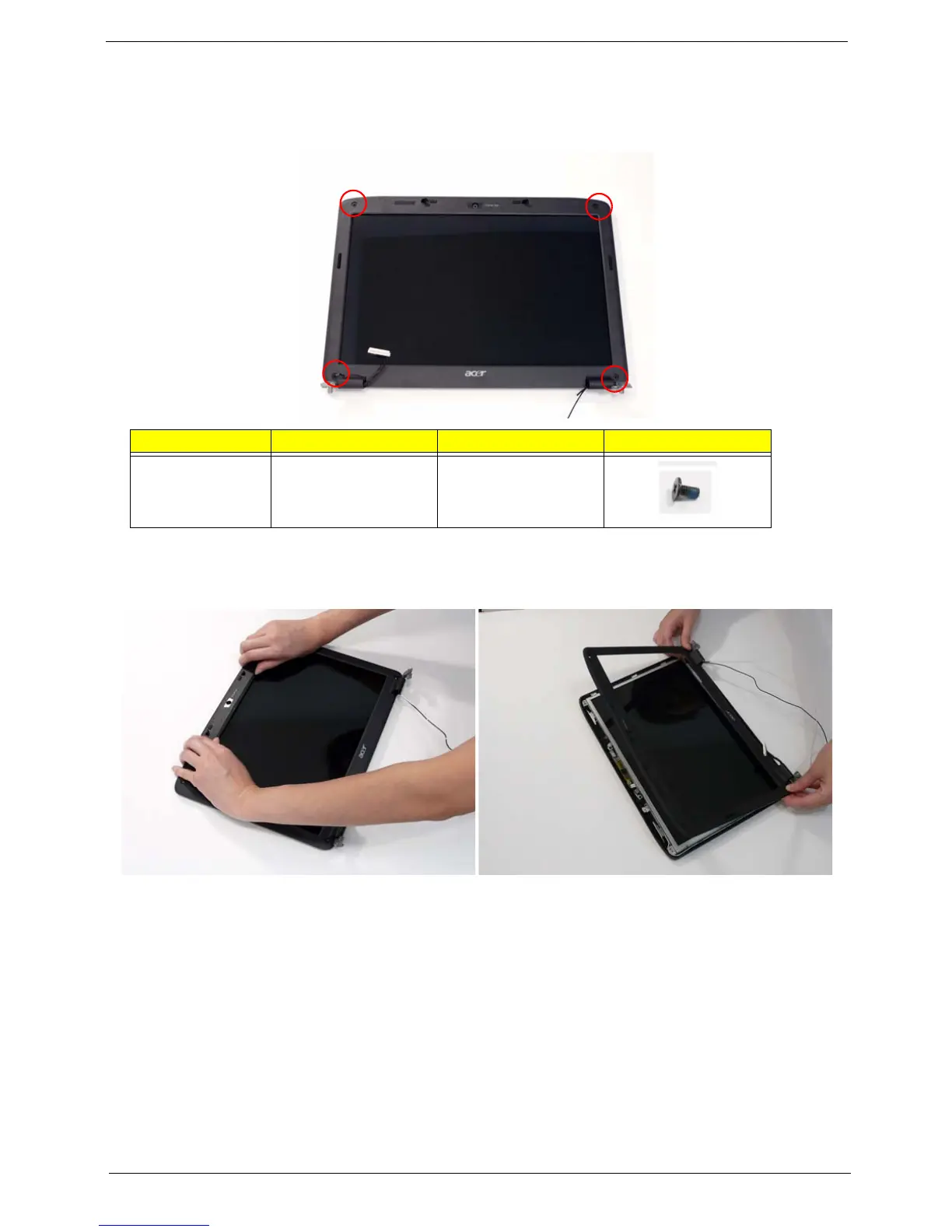
2. Remove the two upper and two lower bezel screw caps and screws.
3. Starting from the upper inside edge of the bezel, pry the bezel upwards and away from the panel. Move along
the sides until all sides of the bezel are removed.
NOTE: If necessary, use a plastic pry to lift up the outside edges of the bezel.
Step Size Quantity Screw Type
LCD Bezel M2.5*5 4














 To Next Page