Emerson FB1200 Flow Computer Instruction Manual
D301782X012
March 2019
Installation 31
2.10.3 Notes on Battery Life
Battery life varies based on numerous factors including temperature, communication usage, and
various load options. To achieve the maximum battery life noted in the product data sheet requires
that you:
▪
Limit use of the display, backlight, and FBxWifi options.
▪
Limit communication activity.
▪
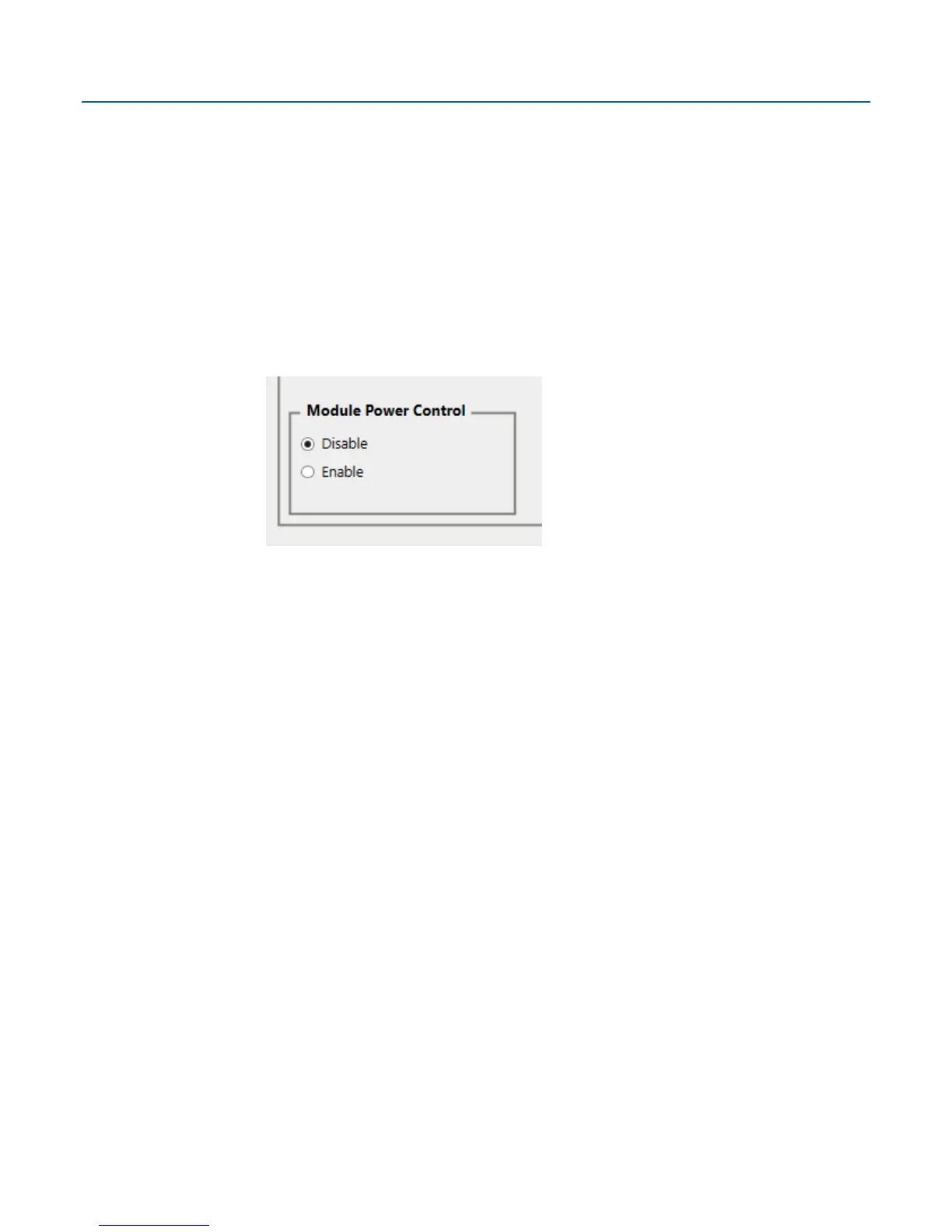
Disable power to all I/O (except for the MV or static pressure sensor, or RTD). To do this, click
Configure > I/O Setup > I/O Configuration > Properties and select Disable for each I/O
module.
See the product data sheet FB1200 Flow Computer (D301790X012) for information on the
additional power load of various options.
2.11 Connecting Power
Power can come from an external DC supply, or a lead acid battery pack with a solar panel. See
Section 2.12.4 for information on solar power connections.
Power connections are made through conduit fittings to the terminal plate. Remove the rear end
cap for access to the terminal plate.

















 To Next Page