Emerson FB1200 Flow Computer Instruction Manual
D301782X012
March 2019
86 Service and Troubleshooting
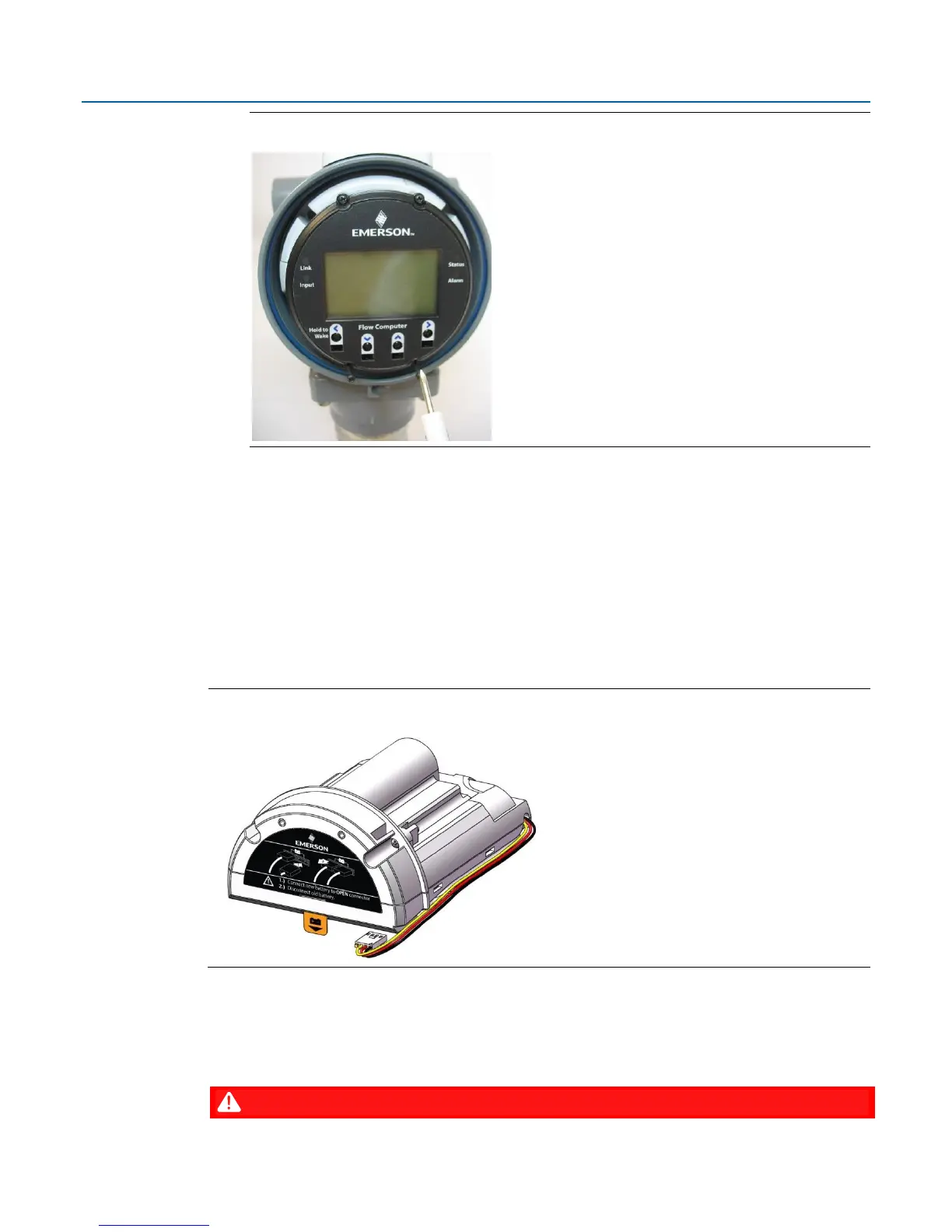
Figure 5-3: Captive Fastening Screws
4.
Grasp the HMI module and remove it by gently pulling it straight out.
5.
To replace the HMI module, line up the printed circuit board (PCB) with the slot on the back
and gently press it back on. Tighten the four captive fastening screws.
6.
Replace the front end cap. Screw the end cap clockwise (eight full turns) until it is tightly
sealed to the enclosure. Replace the retaining clamp, if applicable (see Section 2.6.1).
5.5. Replacing the Main Battery Pack
Periodically you must replace the main battery pack. FBxConnect provides a battery life indicator to
show the number of days in use.
Figure 5-4: Main Battery Pack
The device provides two battery connectors, enabling you to hot-swap the battery pack in a non-
hazardous location. Slide out the first battery pack (leaving it connected), attach the new battery to
the second (available) connector (so both batteries are connected), and then disconnect the old
battery pack.

















 To Next Page