Reference Manual
00809-0100-4716, Rev JA
May 2008
Rosemount 3095 MultiVariable
3-6
HART
a. For AMS Snap-On users:
1. Click on the Windows “Start” button.
2. Click on “All Programs.”
3. Click on the “AMS” folder.
4. Click on the “AMS System” icon.
b. For EA Stand-Alone users:
1. Click on the Windows “Start” button.
2. Click on “All Programs.”
3. Click on the “MV Engineering Assistant” folder.
4. Click on the “MV Engineering Assistant” icon.
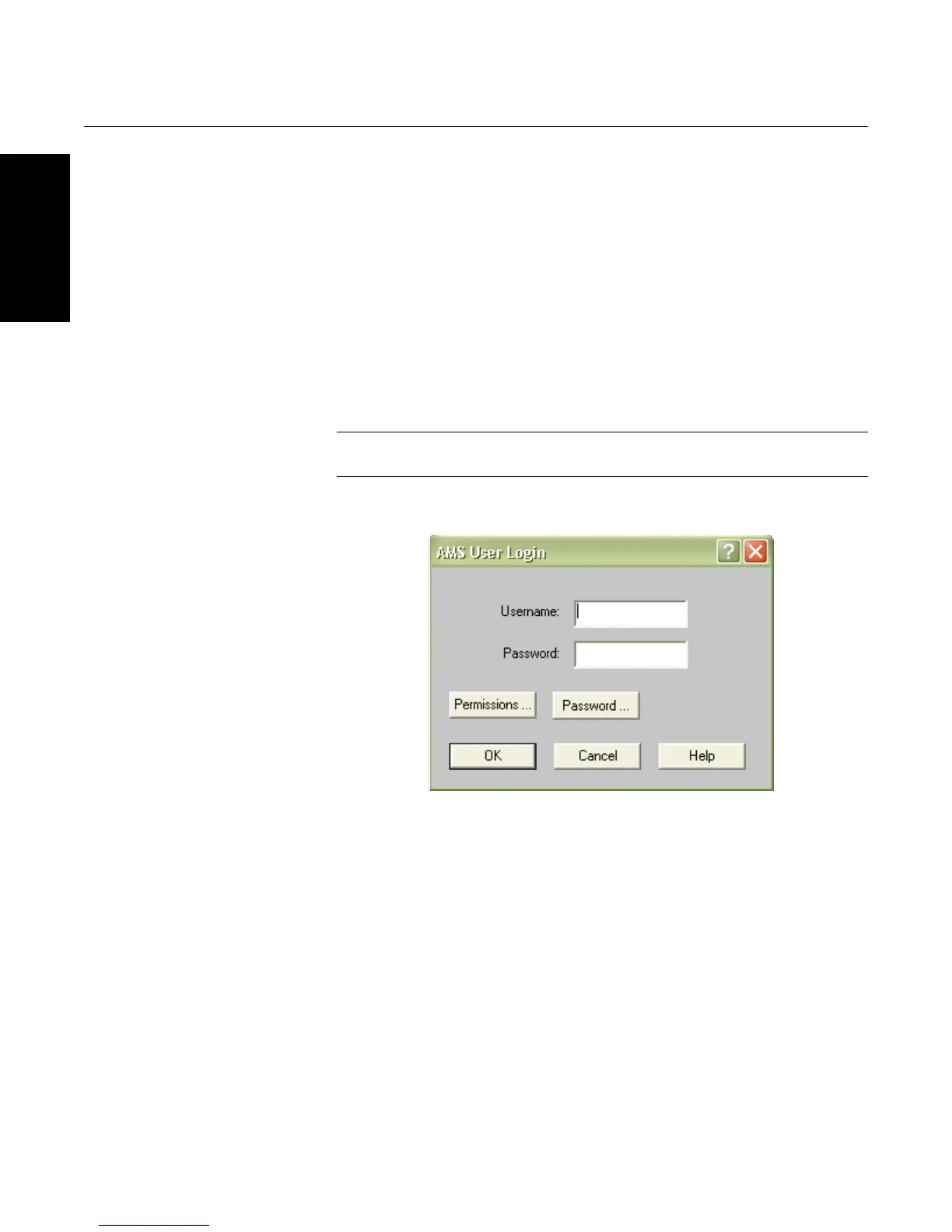
5. Enter username and password and click “OK” to log on to the
software (see Figure 3-4). Once you are logged on, you will be taken
to the default “Device Connection View,” which shows all devices
which are currently online (see Figure 3-5).
NOTE
The default username is “admin” (lowercase) with a blank password.
Figure 3-4. Software Login.









 To Next Page