Reference Manual
00809-0100-4716, Rev JA
May 2008
3-11
Rosemount 3095 MultiVariable
HART
Status…
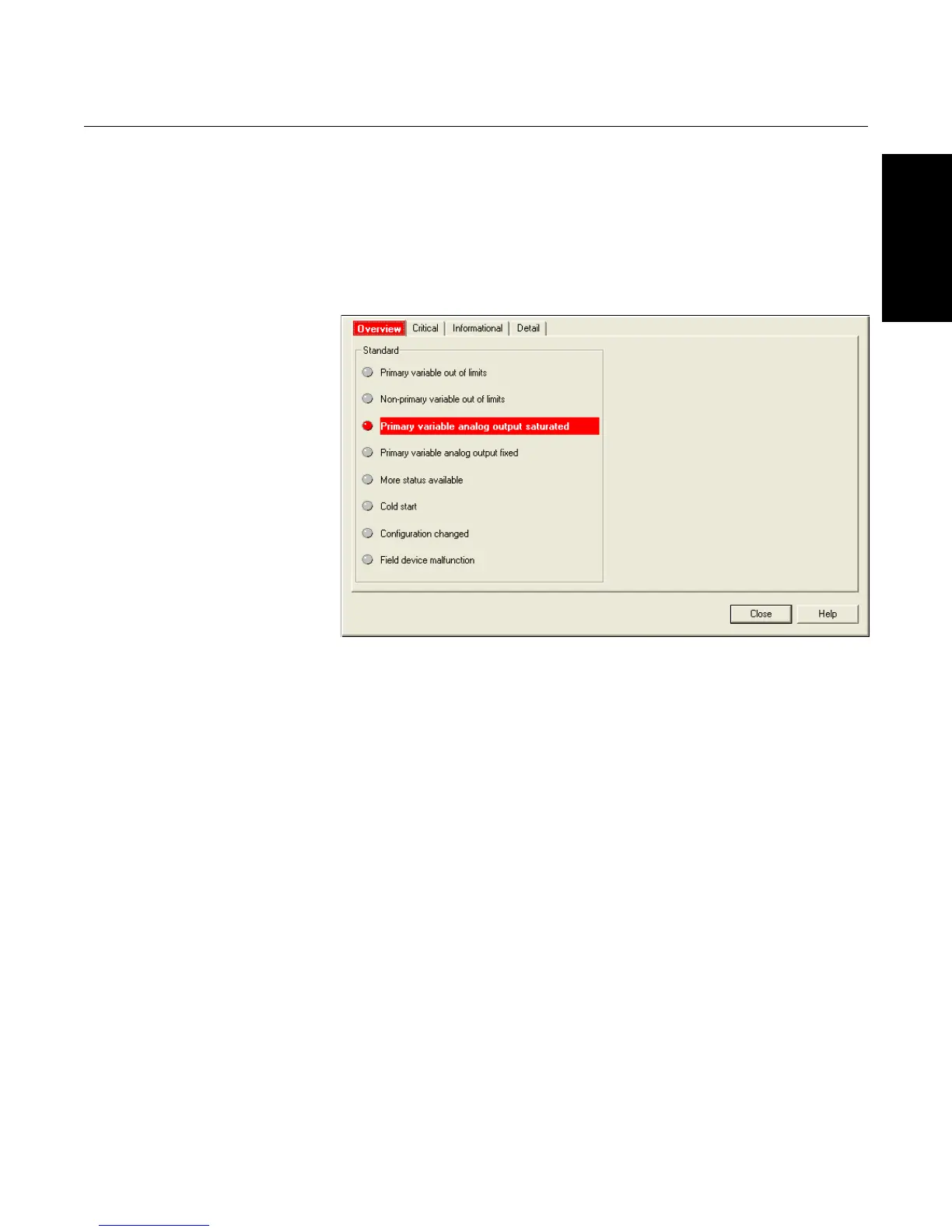
The “Status…” link displays a list of the transmitter errors, alarms, and
failures. If a status flag is triggered, it is highlighted in red.
1. Right-click on the transmitter icon.
2. Select “Status…” from the pop-up menu.
Figure 3-9. Transmitter Status
screen
Scan Device
The “Scan Device” function synchronizes the transmitter with the host system,
updating all parameters, readings, etc.
1. Right-click on the transmitter icon.
2. Select “Scan Device” from the menu.
Diagnostics and Tests
The “Loop Test” application, found under the “Diagnostics and Tests” link,
verifies the 4-20mA output of the 3095. The user can manually set the
transmitter output current and then verify the actual loop current using an
Amp meter.











 To Next Page