Log
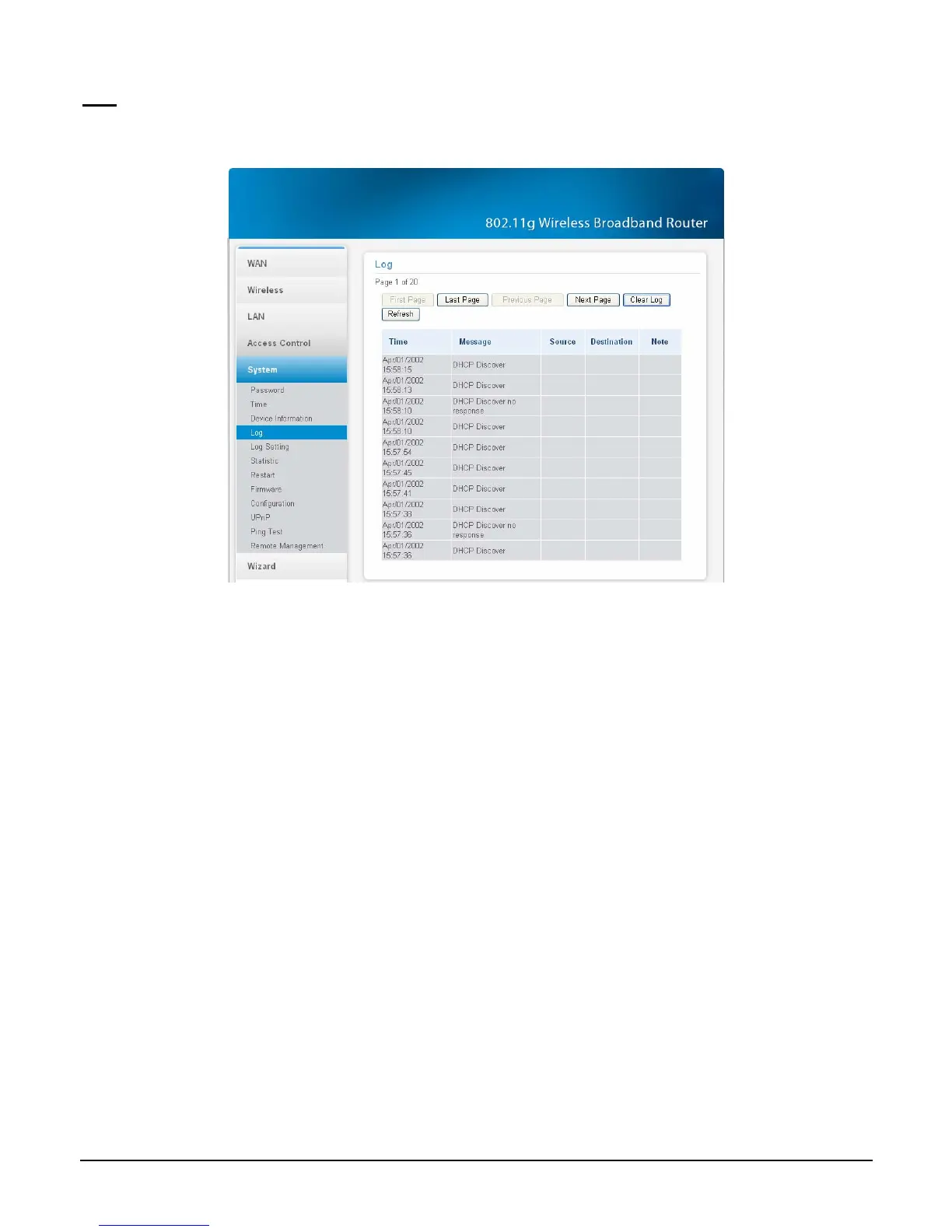
This function enables users to view a running log of Router system statistics, events, and
activities. The log displays up to 200 entries. Older entries are overwritten by new entries.
Figure 62.
The Log screen commands are as follows:
Click “First Page” to view the first page of the log
Click “Last Page” to view the final page of the log
Click “Previous Page” to view the page just before the current page
Click “Next Page” to view the page just after the current page
Click “Clear Log” to delete the contents of the log and begin a new log
Click “Refresh” to renew log statistics
47



 To Next Page