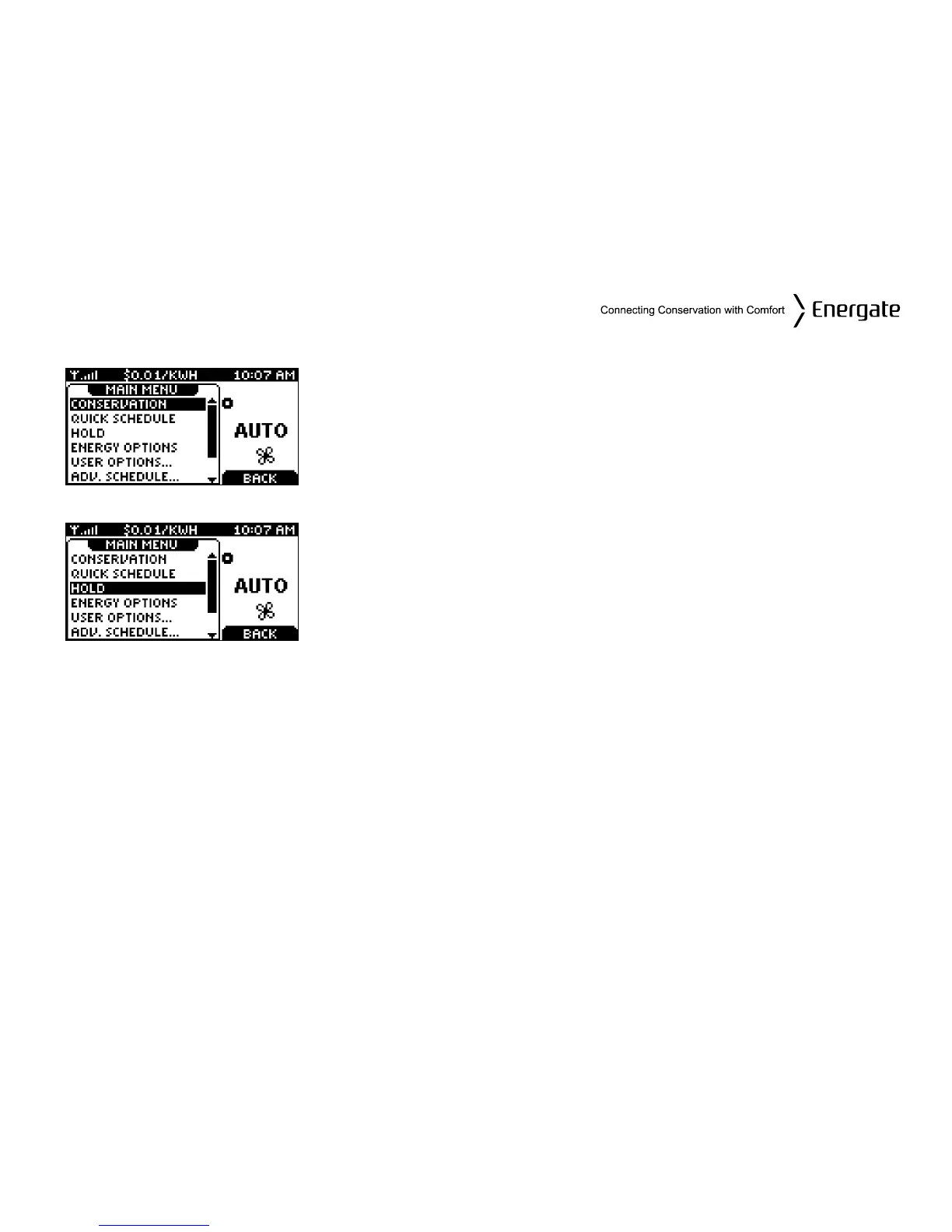
Main Menu
From the Home Screen, pressing the MENU / SELECT button once
(if the screen is active) or twice (if it is in the idle mode), the MAIN
MENU appears as it is shown on the left.
Using the SCROLL buttons, you can scroll to the desired menu
item, as shown in the two screen shots on the left.
Press the MENU / SELECT button to select the desired menu item.
Page 17



 To Next Page