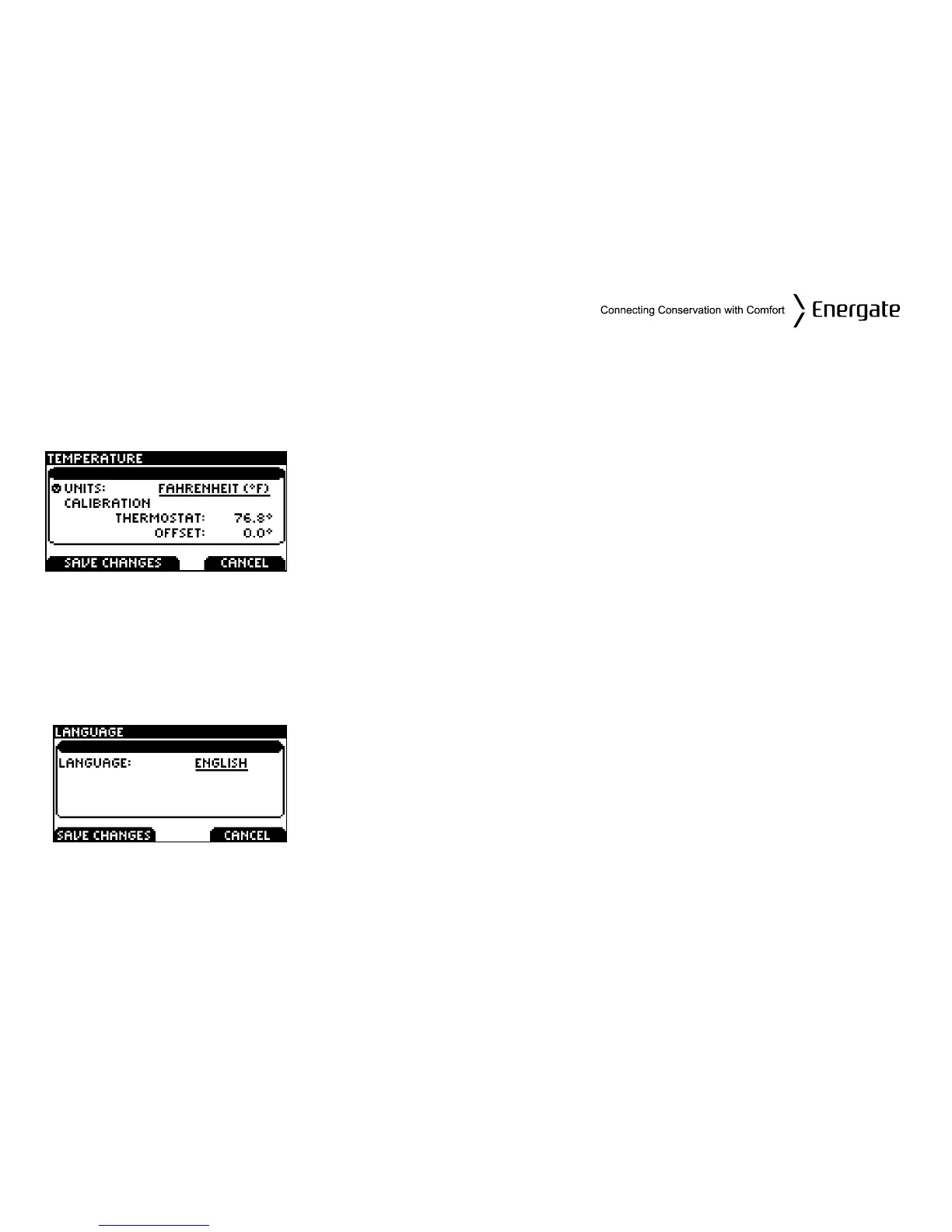
Temperature Units and Calibration
The display can be set to display Fahrenheit (°F) or Celsius (°C) scales. Also if you measure the
temperature yourself and believe the thermostat’s displayed temperature is off slightly you can
easily calibrate the thermostat’s display by up to +/- 5.4°F (+/- 3°C) by following these steps.
From the USER OPTIONS menu select TEMPERATURE.
Change the UNITS by pressing MENU / SELECT on the UNITS
line, then SCROLL between FAHRENHEIT (°F) and CELSIUS
(°C).
To calibrate the thermostat, select the OFFSET line. Press MENU
/ SELECT, then SCROLL to change the offset.
Press SAVE CHANGES to accept the new settings, then press
EXIT to return to the USER OPTIONS menu.
Languages
The thermostat can be set to English or Spanish through the LANGUAGE screen.
To change from ENGLISH to SPANISH SCROLL to the ESPAÑOL
choice (underlined).
Press SAVE CHANGES to save.
Page 38



 To Next Page