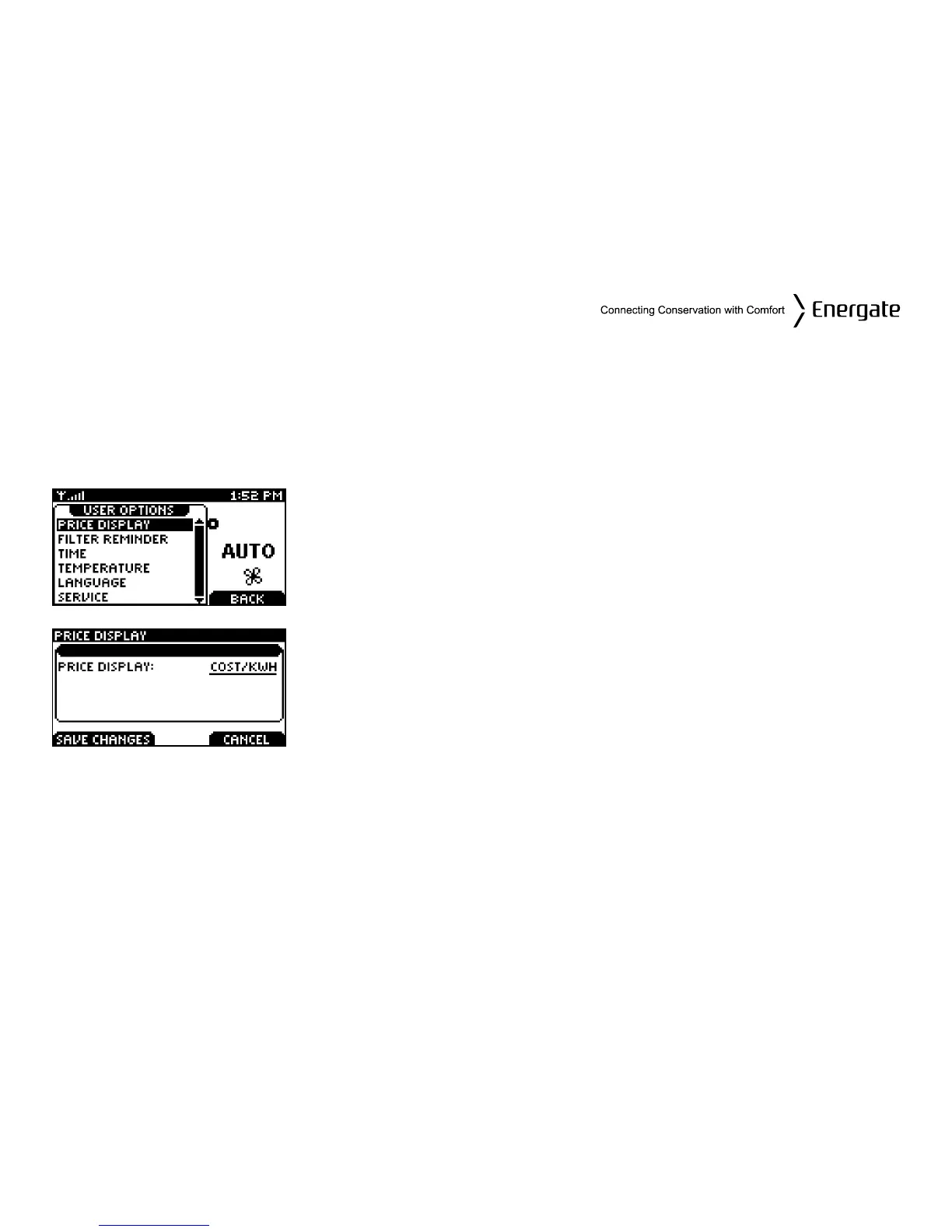
User Options
The USER OPTIONS menu allows you to set up the configurations of the price display, date and
time, temperature and language. It also allows you to remind yourself when you have to change the
filter of your equipment and also to save service information that you may need in future.
Price Display Options
From the Main Menu, SELECT the User Options menu item. You
will be directed to the USER OPTIONS menu as shown on the left.
The Price Display menu item defines which type of price
information will be displayed in the Title Bar on the Home screen
when there is a Price Information Event in effect. The options are:
COST/KWH and TIER NAME. SCROLL to change between both
options.
Please note that not all utilities provide price information over the
communications link so you may not see the price information
displayed in the Title bar.
Page 36



 To Next Page