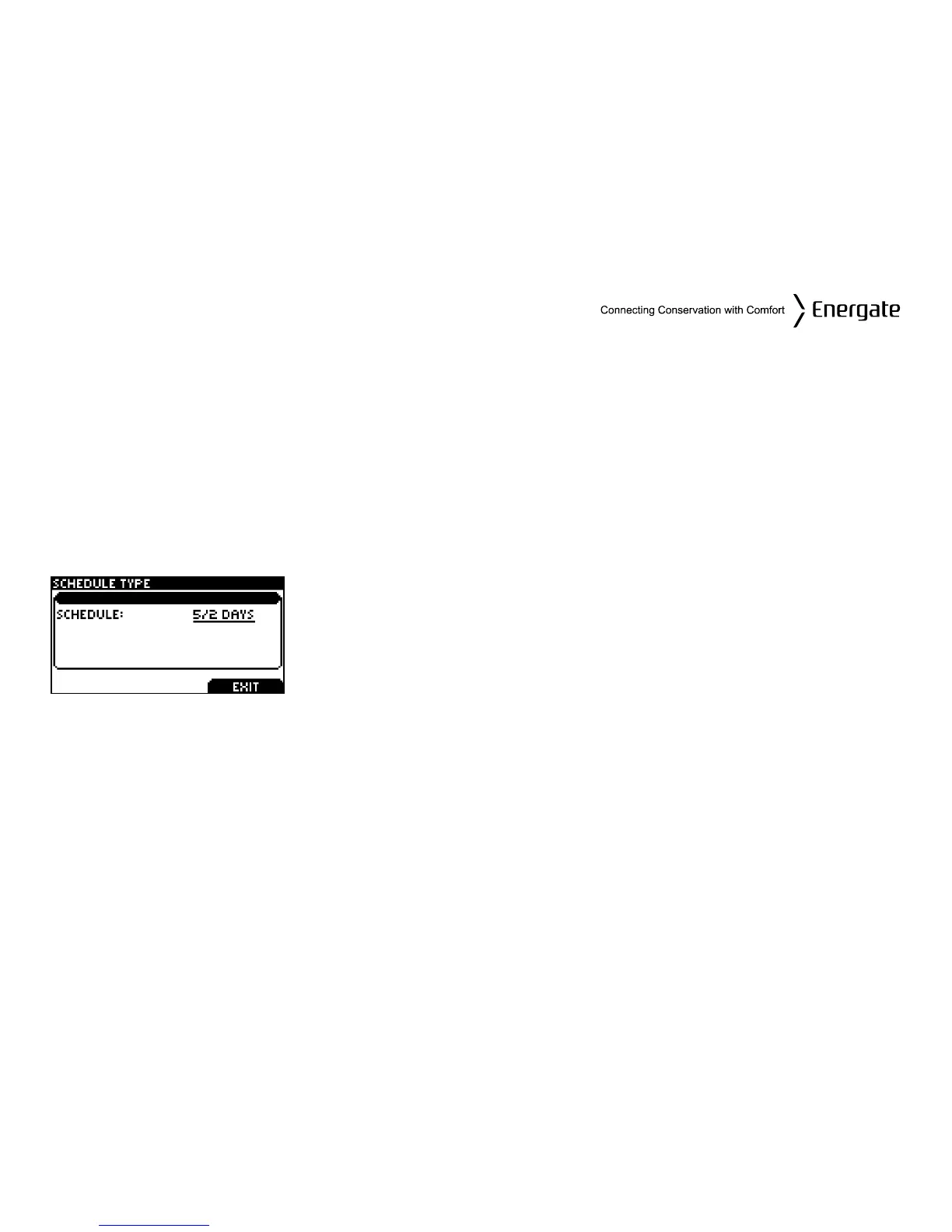
Schedule Type
The SCHEDULE TYPE screen allows you to choose among three different weekly schedule types.
These are:
5/2 DAYS Mon. – Fri. schedule is the same. Sat. & Sun. schedule is the same
7 DAYS Every day of the week has an individual schedule.
5/1/1 DAYS
Mon. – Fri. schedule is the same. Sat. has an individual schedule, and Sun. has
an individual schedule.
By pressing the MENU / SELECT button, while in the ADV.
SCHEDULE menu you get access to the Schedule Type screen.
Use the SCROLL buttons to change the weekly schedule type.
Press the LEFT TAB to SAVE CHANGES.
Page 20



 To Next Page